2.3 Tune Analyze Live 2 INSTALLING THE SOFTWARE
2.2.4 Loading and saving tunes
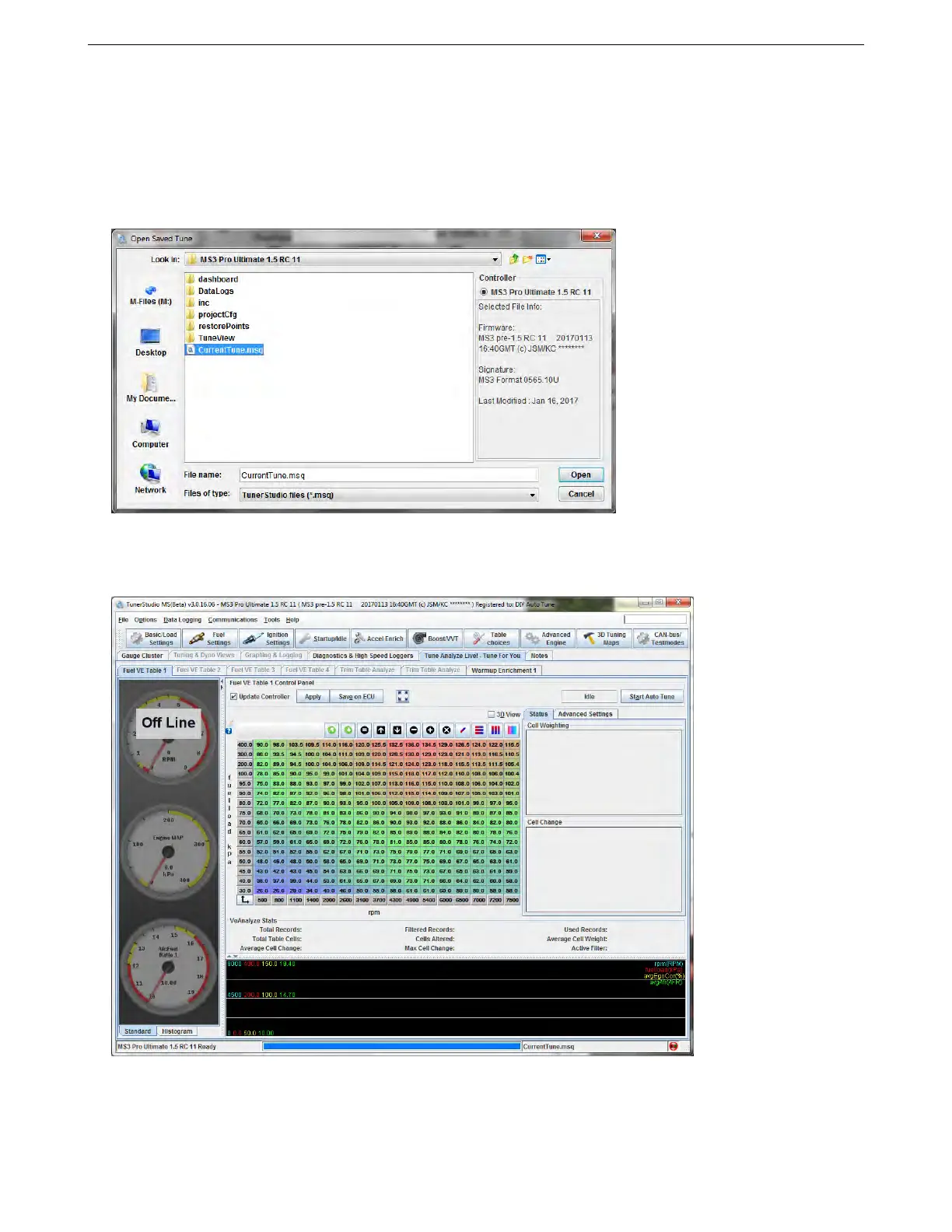
The File -> Save Tune As command will fetch the tune from the ECU and save it to a file. If you have just connected
to an MS3Pro and do not have a copy of the tune, we strongly recommend saving a copy as soon as you connect.
This will allow you to revert to the original tune if you run into difficulties after tuning.
The File -> Load Tune (MSQ) command will load a tune from a file into the ECU if you have the ECU connected
and TunerStudio online. If you open a tune without the ECU connected, TunerStudio will display the tune so you
can edit it.
2.3 Tune Analyze Live
TunerStudio’s Tune Analyze Live functions will become available once you enter the registration code.
The Tune Analyze Live function requires a wideband O2 sensor installed and connected to the MS3Pro. It can
tune several different tables:
• VE (fueling) tables, including secondary and switched tables
AMP EFI MS3Pro manual version 1.202, firmware 1.5.0, 4/21/2017 Page 20



 To Next Page