8.5 Communication issues 8 TROUBLESHOOTING AND DATA LOGGING
Noise issues on the same ignition type. More noise filtering can reduce this problem.
8.4.8 Engine logger
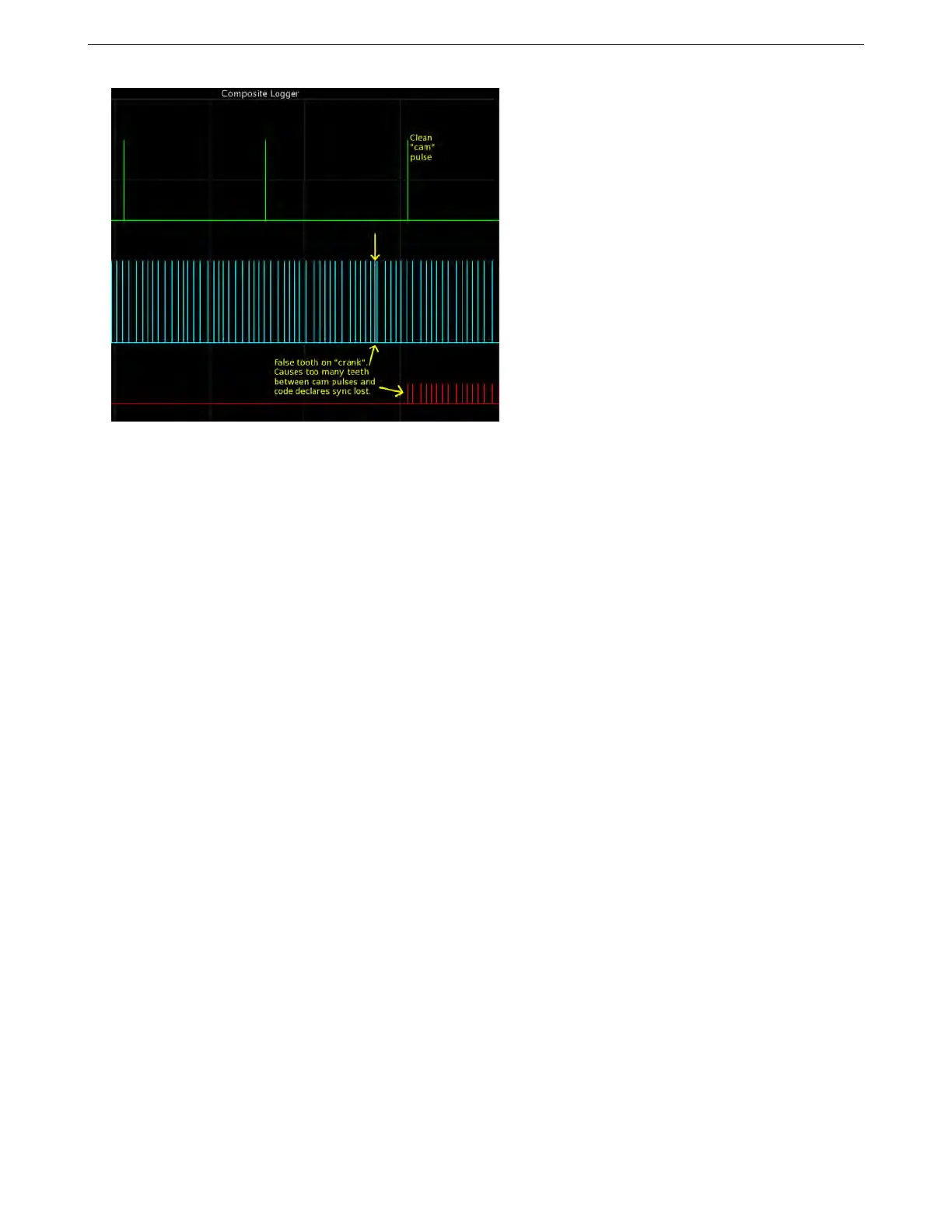
While the tooth, trigger, and composite logs deal primarily with engine inputs, the engine logger provides high
speed information about engine outputs. This records the crank signal like a composite log, but also records the
status of the processor pins used to drive ignition and injector outputs. The engine logger can be used to detect
abnormal behavior on fuel and ignition outputs, such as an unexpected spark output.
Tip: You can run the engine logger, as well as other high speed logs, at the same time as a data log. Capturing
both logs simultaneously will let you verify that your logs recorded whatever problem you are trying to examine
with the conventional data log, then let you take a closer look at the inputs and outputs in the high speed log. You
can also look back to the standard data log to see if anything unusual, such as a temperature spike, may have
triggered the unexpected input or output behavior.
8.5 Communication issues
If the internal main power fuse is blown, the MS3Pro will not communicate - see section 3.5.1 for how to replace
the fuse. A good way to check if this may be an issue without opening the case is to check if you have 5 volts on
the VREF wire with the MS3Pro powered up. If either internal fuse is blown, you will see 0 volts on this wire.
Most other reported user problems are actually a computer setup problem, so follow these steps to get your
settings right. The MS3Pro package comes with a serial (RS232) and a USB cable; you may use either one to
connect, but not (currently) both at one time. If your tuning computer has a built in RS232 port, that should “just
work.” The USB port will work correctly with most versions of Windows, but sometimes you will need to set up
driver software. Note that the MS3Pro cannot be powered through the laptop; it needs to have 12 volt power
through its wiring harness before it will communicate. The USB connection will still show up on a computer, but it
will not be able to send or receive data to or from the MS3Pro.
8.5.1 USB driver software
The MS3Pro USB connection uses an FTDI chipset with a Virtual COM Port (VCP) driver.
8.5.1.1 Windows drivers You may download the driver from this page on the FTDI website:
FTDI virtual COM port drivers
Having downloaded the driver, you should run it and the drivers should be installed. Then insert the USB cable
and when Windows asks for a driver, you should be able to follow the automatic install process. Having installed
the drivers, proceed with Device manager. There are several ways to do this, and you may have a preferred way. If
you don’t know how to do this, here are directions for getting into the Device Manager for XP and Vista / Windows
7.
AMP EFI MS3Pro manual version 1.202, firmware 1.5.0, 4/21/2017 Page 298



 To Next Page