7.7 Table Choices 7 ADDITIONAL ITEMS: BEYOND BASIC FUEL AND IGNITION CONTROL
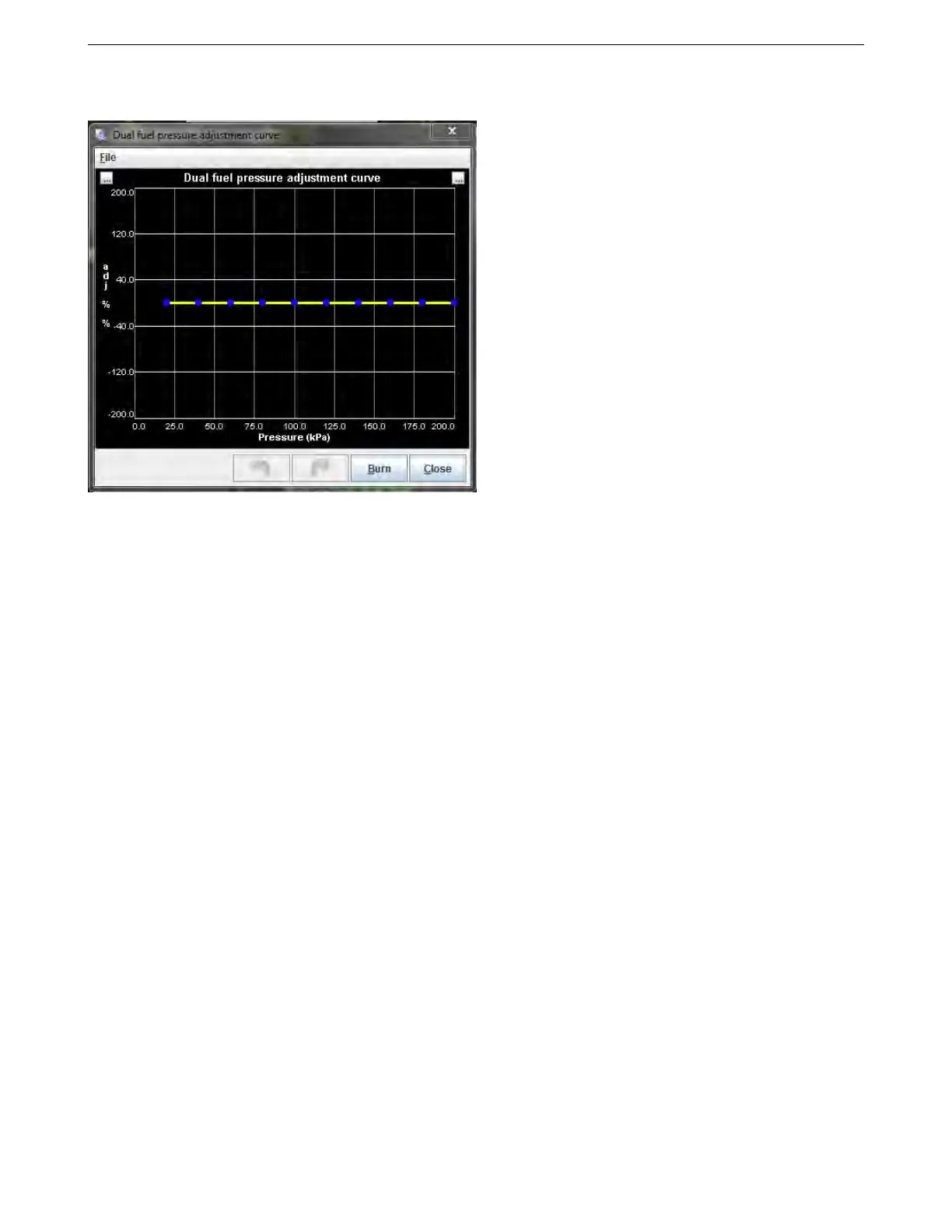
7.7.3 Pressure Adjustment
This screen is enabled for the secondary fuel in the dual fuel menu, and is intended for gaseous fuels, which
often can have the tank pressure drop below regulator set pressure. It allows adjusting the fuel amount in percent
as a function of fuel pressure.
7.7.4 Alt Injector Dead-time 2
If you are using a second set of injectors for dual fuel mode, this screen allows you to specify separate dead time
values for these. It works just like the primary dead time screen.
7.7.5 Alt Injector small pulsewidths 2
This works like the primary injector small pulse widths, but applies to a second set of injectors when dual fuel mode
is enabled.
7.7.6 Blend curve menus
The MS3Pro has six blend curves for blending multiple tables. Each curve has a specific function.
1. Blend curve 1 blends between a primary and secondary fuel algorithm (VE1 and VE2).
2. Blend curve 2 blends between a primary and secondary spark algorithm (Ignition 1 and Ignition 2).
3. Blend curve 3 blends between two fuel tables on the same algorithm (VE1 and VE3). If using a two way
blend, blends between VE2 and VE4 as well.
4. Blend curve 4 blends between two ignition tables on the same algorithm (Ignition 1 and Ignition 3). If using a
two way blend, blends between Ignition 2 and Ignition 4 as well.
5. Blend curve 5 blends between AFR tables 1 and 2.
6. Blend curve 6 blends between boost tables 1 and 2.
7. Blend curve 7 blends cranking pulse widths. Typically used for E85 flex fuel applications.
The curves all work in the same manner.
AMP EFI MS3Pro manual version 1.202, firmware 1.5.0, 4/21/2017 Page 227



 To Next Page