8.6 Loading or upgrading firmware 8 TROUBLESHOOTING AND DATA LOGGING
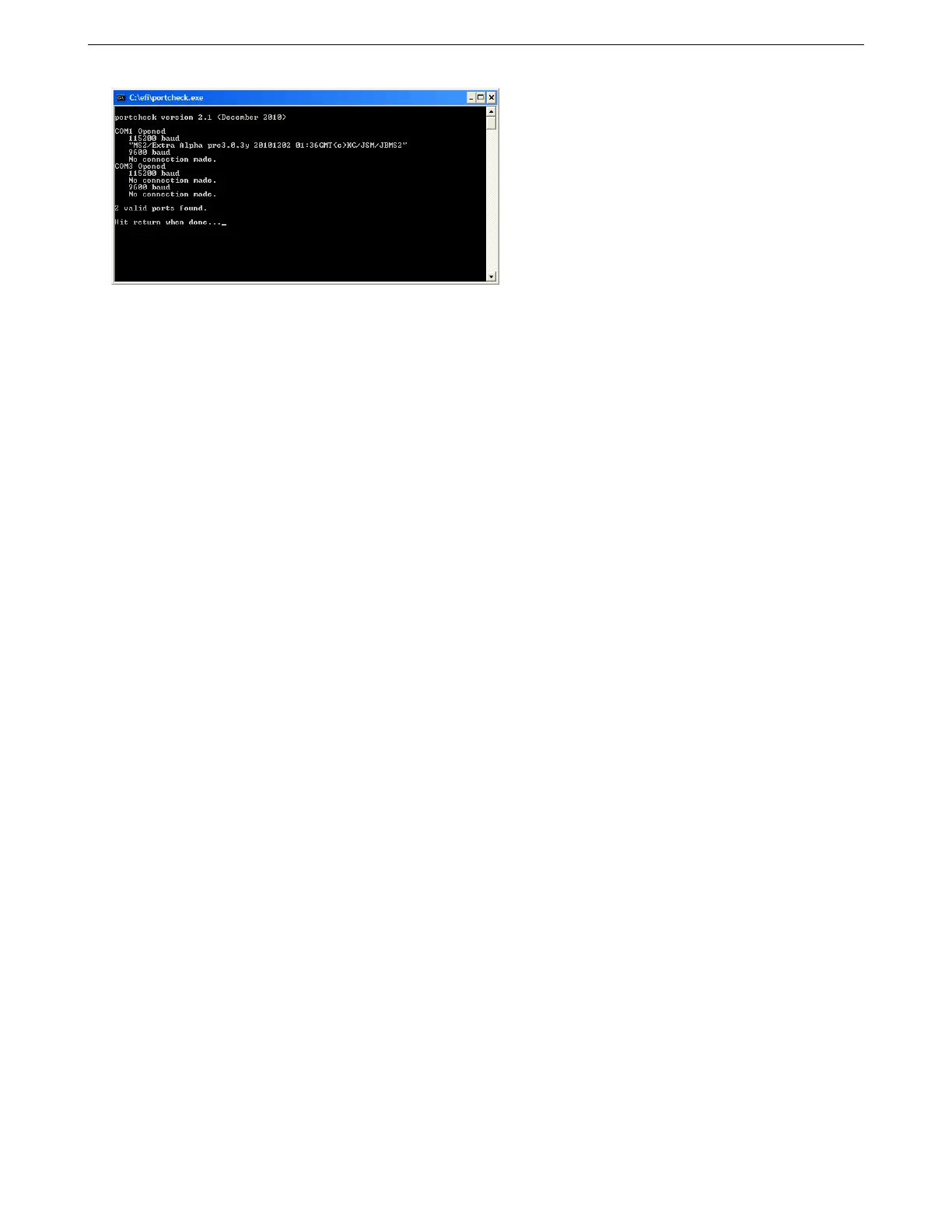
Note that to run Port Check, you will want any other programs that use the serial connection, like TunerStudio,
closed. Sometimes it will report ’“S”ing “S”’ on a port at both speeds. This usually happens if it’s trying to check a
mouse port or other port that sends back any character it receives instead of sending new information.
8.5.2.2 Loading firmware One other way to test an MS3Pro that is not communicating and does not pass the
port check program is to try reloading firmware. It is possible to corrupt the firmware in such a way that it does
not respond to normal communications, but still responds to a command to load firmware. In such a case, loading
firmware can reset the MS3Pro’s settings. If the MS3Pro has power and ground, and is putting out a 5 volt signal
on VREF, but does not respond to other communications tests, try this.
8.6 Loading or upgrading firmware
MS3Pros ship with the latest firmware on them, but we anticipate upgraded firmware being available. The firmware
can also be reloaded if it has somehow been accidentally erased or loaded with settings that appear to have
“bricked” the MS3Pro. The MS3Pro must be powered up when loading firmware, and you need to close any other
programs that could use serial communication, such as TunerStudio (if using the external firmware loader), Palm
HotSync, or modem software. The firmware loader installs with the CD.
While the firmware loader utility has an option for preserving sensor calibration and tune data, this option will
not work if the existing tune is corrupted or if the firmware being loaded is too different from the existing firmware.
You will want to save a back-up copy of the tune before loading firmware. The flip side of this is that if you load
firmware without commanding the MS3Pro to preserve the current tune, loading the firmware will serve as a “hard
reset” - it will wipe out all settings currently in the MS3Pro and restore them to factory defaults.
If the firmware crashes due to an error such as an impossible configuration that does not have a suitable error
handling (one example on previous codes was setting a trigger wheel with two base teeth and two missing teeth,
making a zero tooth trigger wheel), using the boot jumper will cause the firmware to look for a firmware update
before checking any settings. This can often enable loading firmware to an MS3Pro when nothing else seems to
work. To use the boot jumper, open the MS3Pro case and insert a paper clip across the two holes marked Boot (if
there is nothing in the holes) or short the two pins in the boot jumper with an alligator clip or pull off jumper (if your
MS3Pro has a two pin header installed at this location).
8.6.1 TunerStudio firmware loader
TunerStudio has a firmware loader built in, accessible under Tools -> Update / Install Firmware.
AMP EFI MS3Pro manual version 1.202, firmware 1.5.0, 4/21/2017 Page 301



 To Next Page