8.6 Loading or upgrading firmware 8 TROUBLESHOOTING AND DATA LOGGING
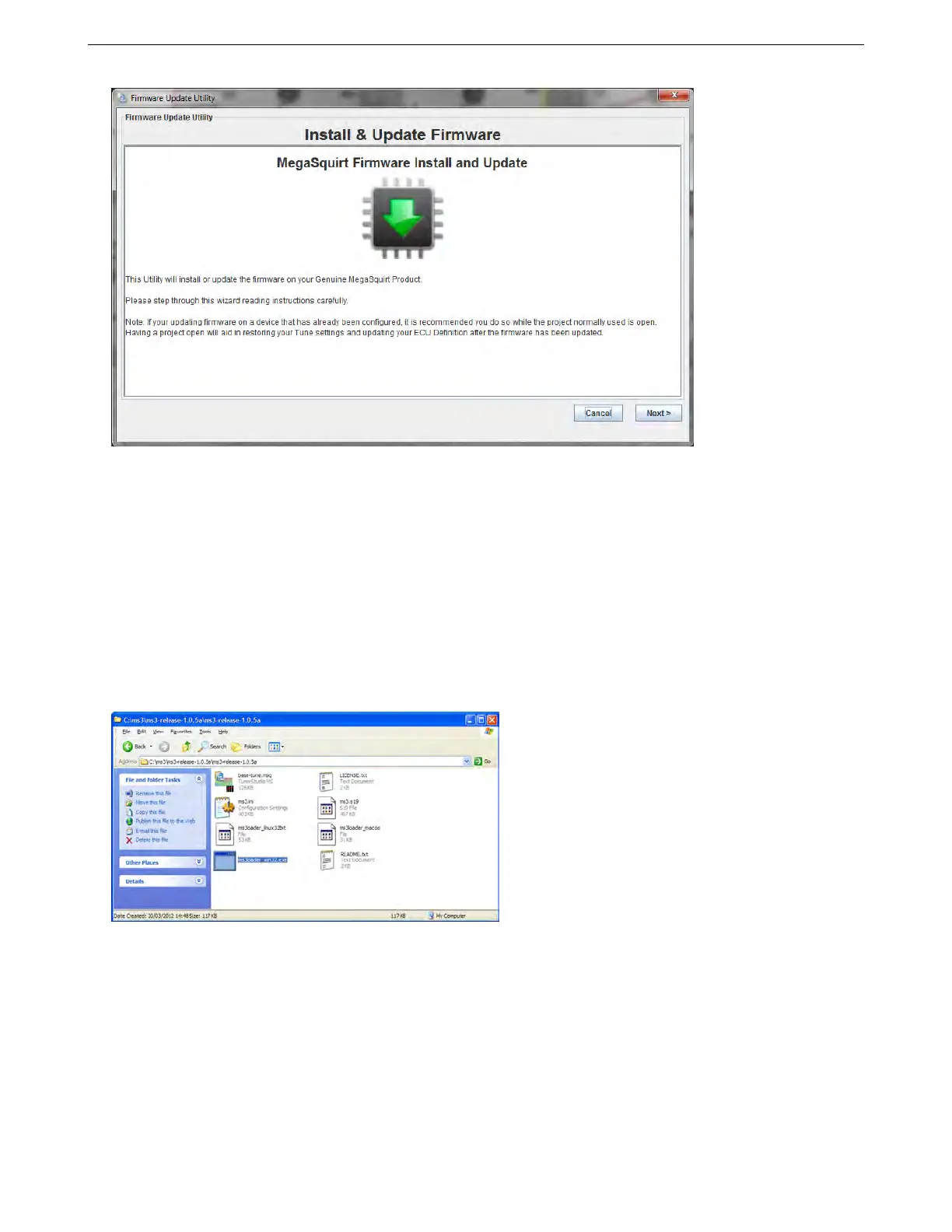
Following the onscreen prompts will allow you to load firmware to your MS3Pro. Note that in some cases
TunerStudio can load firmware even if it is otherwise unable to communicate with the MS3Pro by any other means.
The first step is that TunerStudio will prompt you to back up your project. This is optional, but it will make sure
you have a backup of your tune before you reload firmware.
Once you have saved a backup or declined to back up the project, TunerStudio will search for your MS3Pro.
Once you select a connection method, TunerStudio will reload the firmware. Once this is complete, TunerStudio
can reload the project settings. If you have changed the firmware, TunerStudio will attempt to adapt the tune for
the new firmware, but it may produce warning messages or errors. Check the settings mentioned in the warning
messages; these parameters may need to be set manually.
8.6.2 Windows firmware loader
This download utility is text based. Browse to the directory where you extracted the zip and double-click on
ms3loader_win32.exe Example:
The firmware loading program will launch. Follow the onscreen prompts. Note that when it prompts you for the
file to load, you will want to use the file named ms3pro.s19.
AMP EFI MS3Pro manual version 1.202, firmware 1.5.0, 4/21/2017 Page 302



 To Next Page