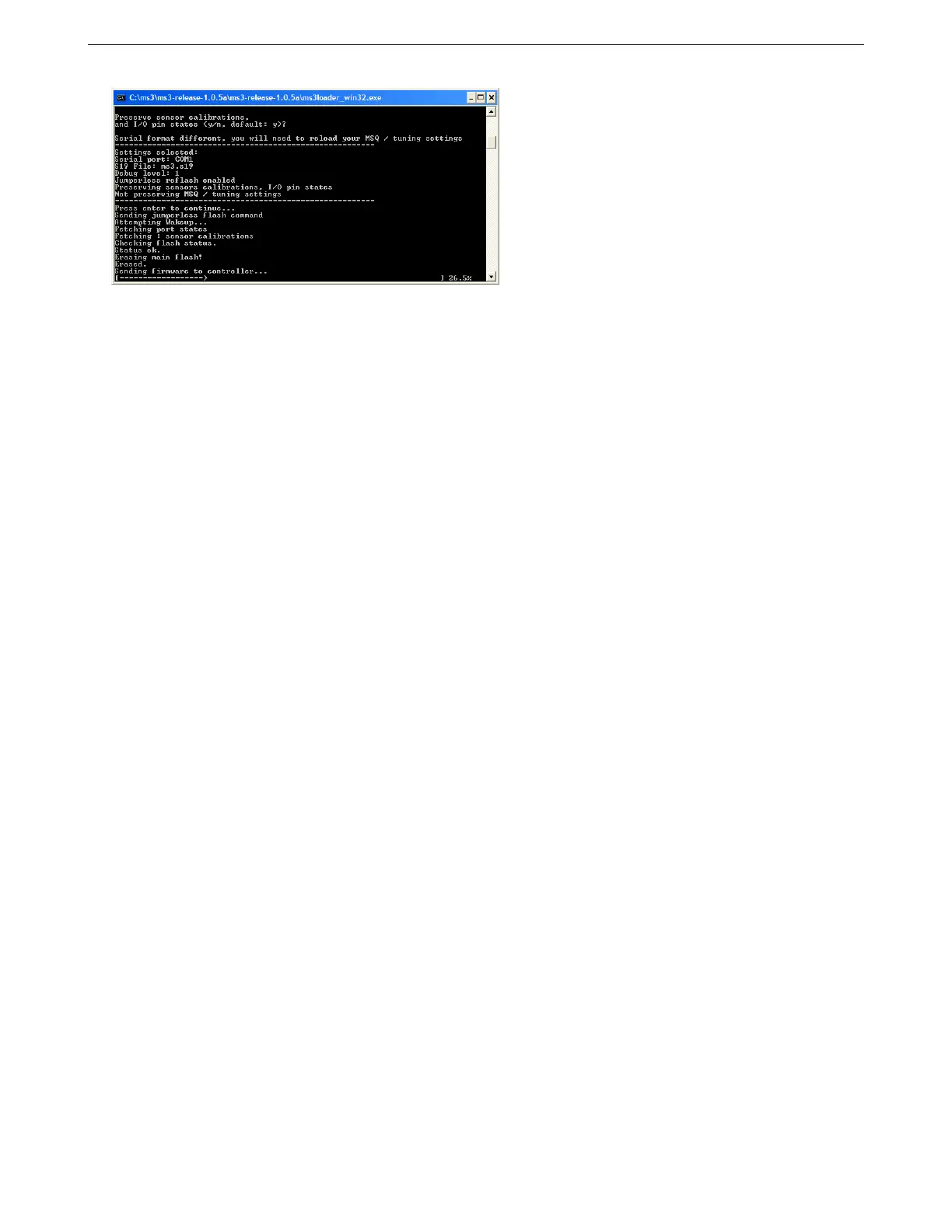
8.6 Loading or upgrading firmware 8 TROUBLESHOOTING AND DATA LOGGING
If this takes long than ~45 seconds then you likely need to adjust the port settings of your USB-serial adapter
to reduce the latency setting.
8.6.3 Linux firmware loader
It is assumed you’ll be using the command line here.
1. Create a directory for MS3. e.g. mkdir ms3
2. A 32bit compiled command-line firmware loader for Linux is included in firmware zip.
3. Fetch the latest s19 and ini files in a zip from the Code file area and save into the ms3 directory. Extract the
zip.
4. cd to the correct directory and key in the following: ./ms3loader_linux32bit
The program runs the same as the windows version, so see above for an example of typical output. Typically, you
only need to check you serial comm port. You can usually just press Enter on the other selection. When loading
code for the first time be sure to answer "Y" to the First time loading question. If this takes long than ~45 seconds
then you likely need to adjust the port settings of your USB-serial adapter to reduce the latency setting. For the
FTDI built in device, try the following.
echo 1 > /sys/bus/usb-serial/devices/ttyUSB0/latency
If you get a permissions problem trying to run the file, you likely need to make it executable (e.g. chmod a+x
ms3loader_linux32bit or through your graphical interface.)
AMP EFI MS3Pro manual version 1.202, firmware 1.5.0, 4/21/2017 Page 305



 To Previous Page