Chapter 5 Working with Images in the Browser 129
II
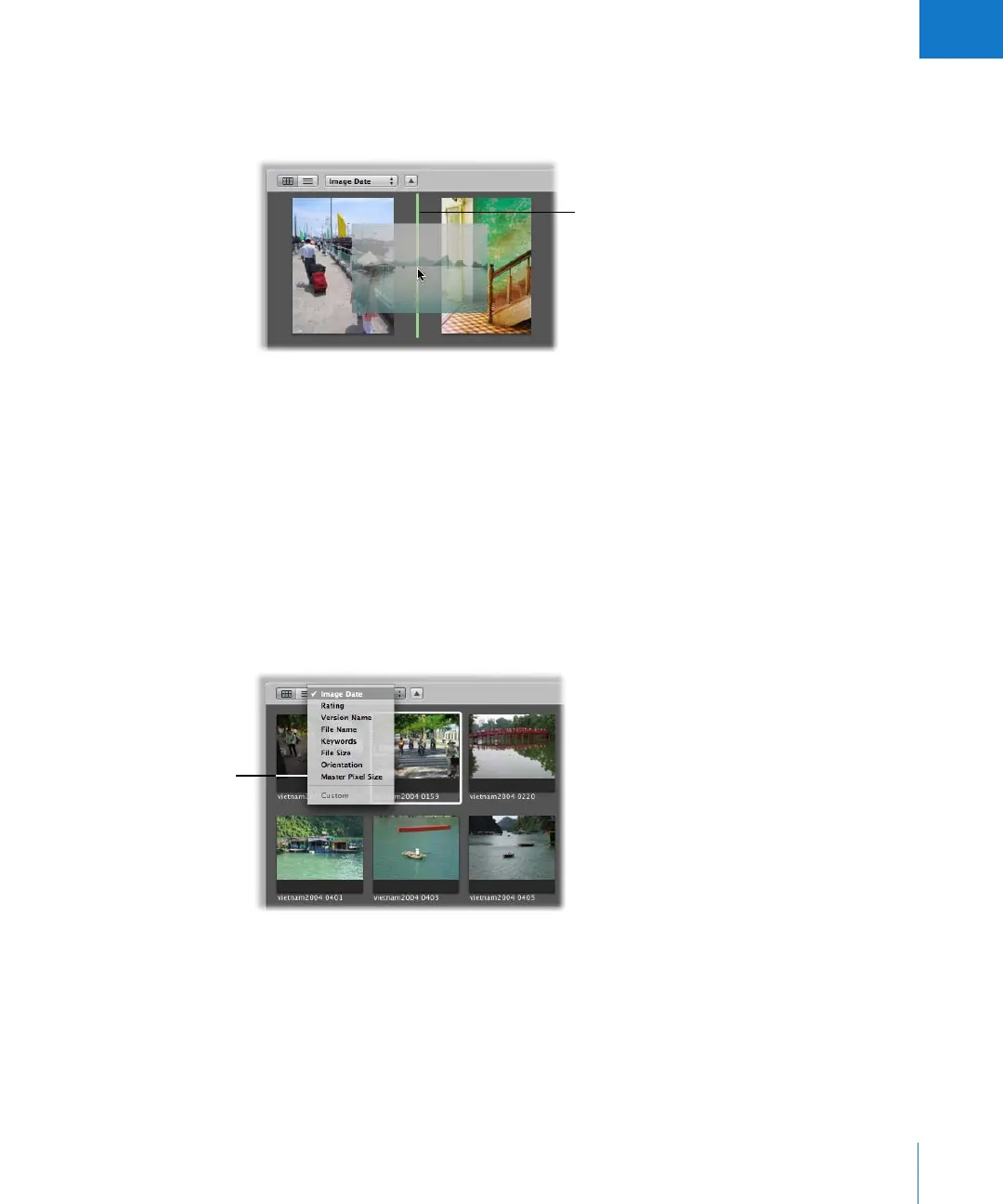
To rearrange images in the Browser:
m Drag the images you want to a new location; when the green bar appears, release the
mouse button.
To restore a custom arrangement of your images in the Browser:
m Choose Custom from the Sorting pop-up menu.
Aperture remembers the last time you moved images and restores that arrangement.
Sorting Images in Grid View
You can change the order of images in the Browser based on image properties such
as filename, file size, date, rating, and more. For example, when displaying images by
filename, Aperture places the images in alphabetical order according to filename.
You might also order the images by date or time. You choose the grid view sort
property from the Sorting pop-up menu.
To change the displayed order of images in the Browser:
m Choose a sort property from the Sorting pop-up menu.
As you drag an image to
a new location, a green
bar marks where the
image will be placed.
Choose the sort property
you want here.





 To Next Page