Chapter 11 Working with Metadata 235
II
Working with Metadata Views
You can create your own combinations of metadata to display with your images, called
metadata views. (In previous versions of Aperture, metadata views were called
metadata sets.) You can modify the metadata views that come with Aperture.
Using the Metadata Inspector, you can:
 Create new metadata views
 Modify existing metadata views
 Arrange the order of metadata views in pop-up menus
 Rename metadata views
 Duplicate metadata views
 Delete metadata views
You can also apply combinations of metadata to your images by recording metadata in
a view and saving it as a metadata preset. For more information about creating and
using metadata presets, see “Working with Metadata Presets” on page 238.
Creating New Metadata Views
You can create new metadata views that display different combinations of metadata.
You can also add new kinds of metadata to your metadata views in addition to the
metadata categories that Aperture provides.
To create a new metadata view:
1 To show the Metadata Inspector, choose Window > Show Metadata (or press
Control-D).
2 Choose New View from the Metadata Action pop-up menu.
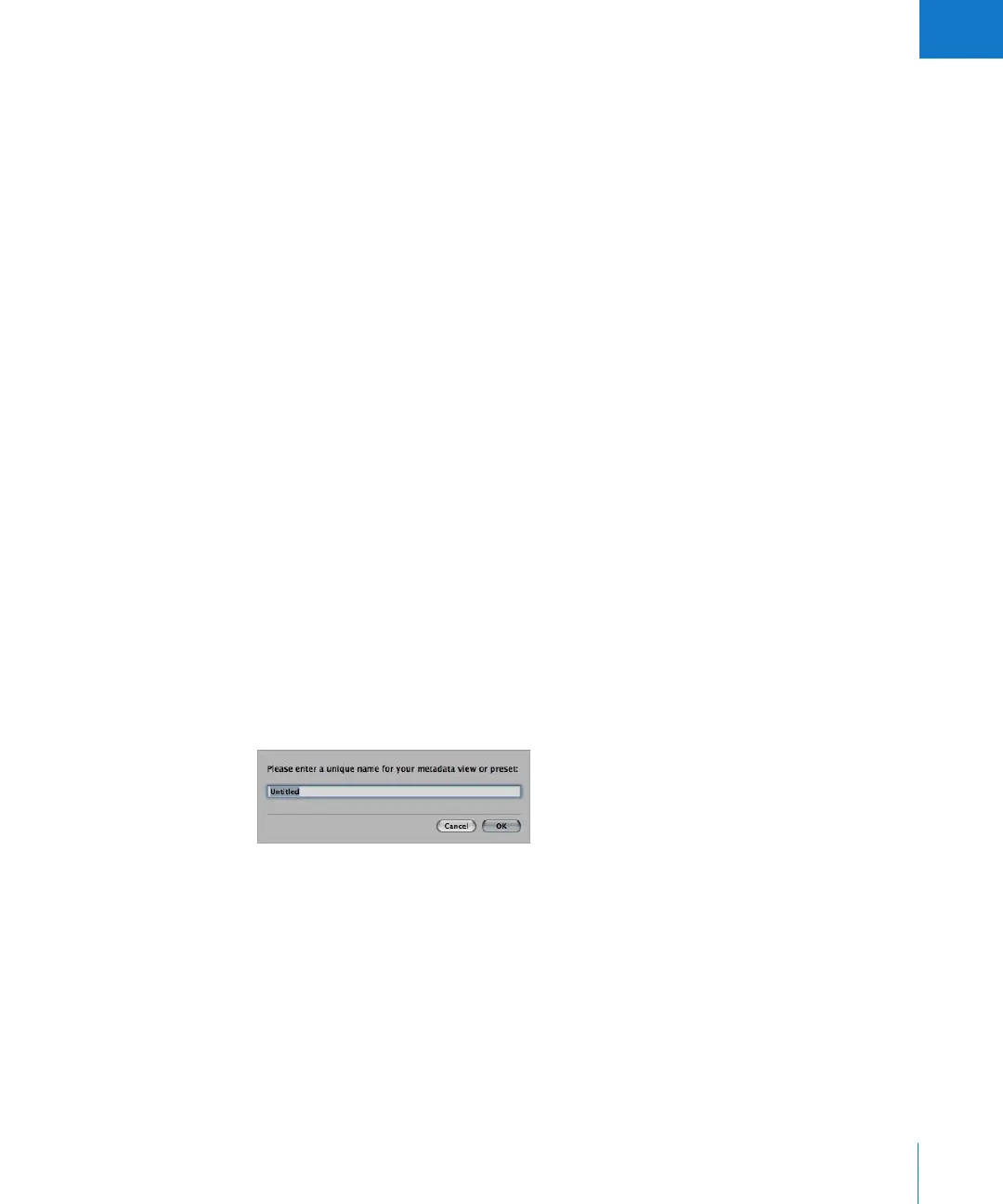
3 In the dialog that appears, enter a name for the new metadata view, then click OK.
The Metadata Inspector changes to display an empty area to which you can now add
categories of metadata.





 To Next Page