334 Part III Distribution and Backup
An Overview of Creating Webpages
Web delivery is convenient when time won’t allow office visits or delivery of prints to
clients. Photographers around the world currently benefit from web distribution of
their works, providing clients with online access to galleries of their best images.
Building a web portfolio for prospective clients can extend the reach of your
photography business and reputation globally.
Using Aperture, you can create two types of webpages—web galleries and web
journals. Both are based on themes, or page designs, are easily editable, and can be
posted to the web.
Web Gallery
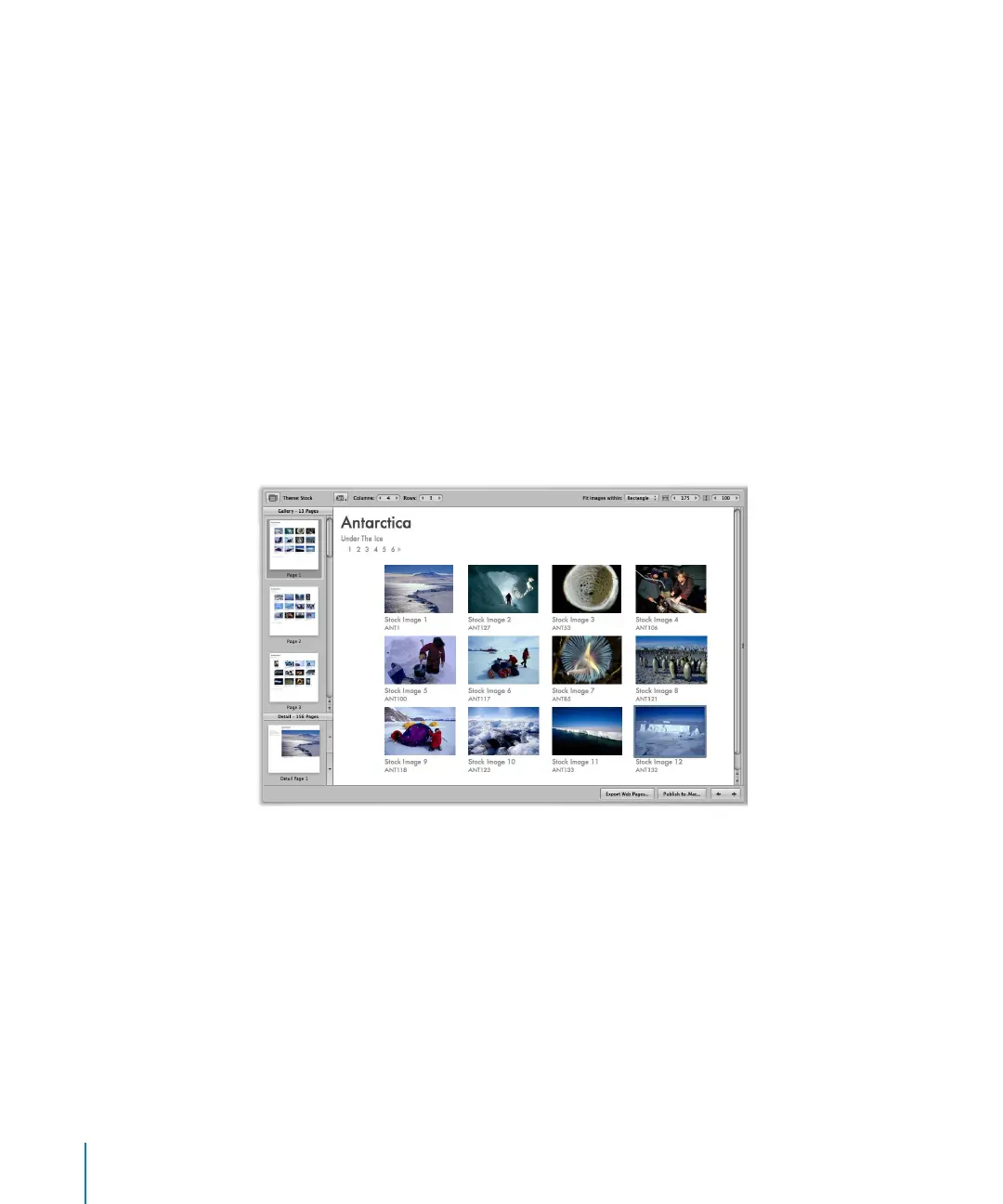
Web gallery pages are designed to display images without your having to lay out pages
by hand. Aperture automatically creates the appropriate number of webpages and
populates them with the selected images. You can then adjust the pages to make the
images appear as you want them. You can also choose the metadata information that
appears next to each image, such as captions, names, and ratings.





 To Next Page