16 Part I Interface and Acquisition
A First Look at Aperture
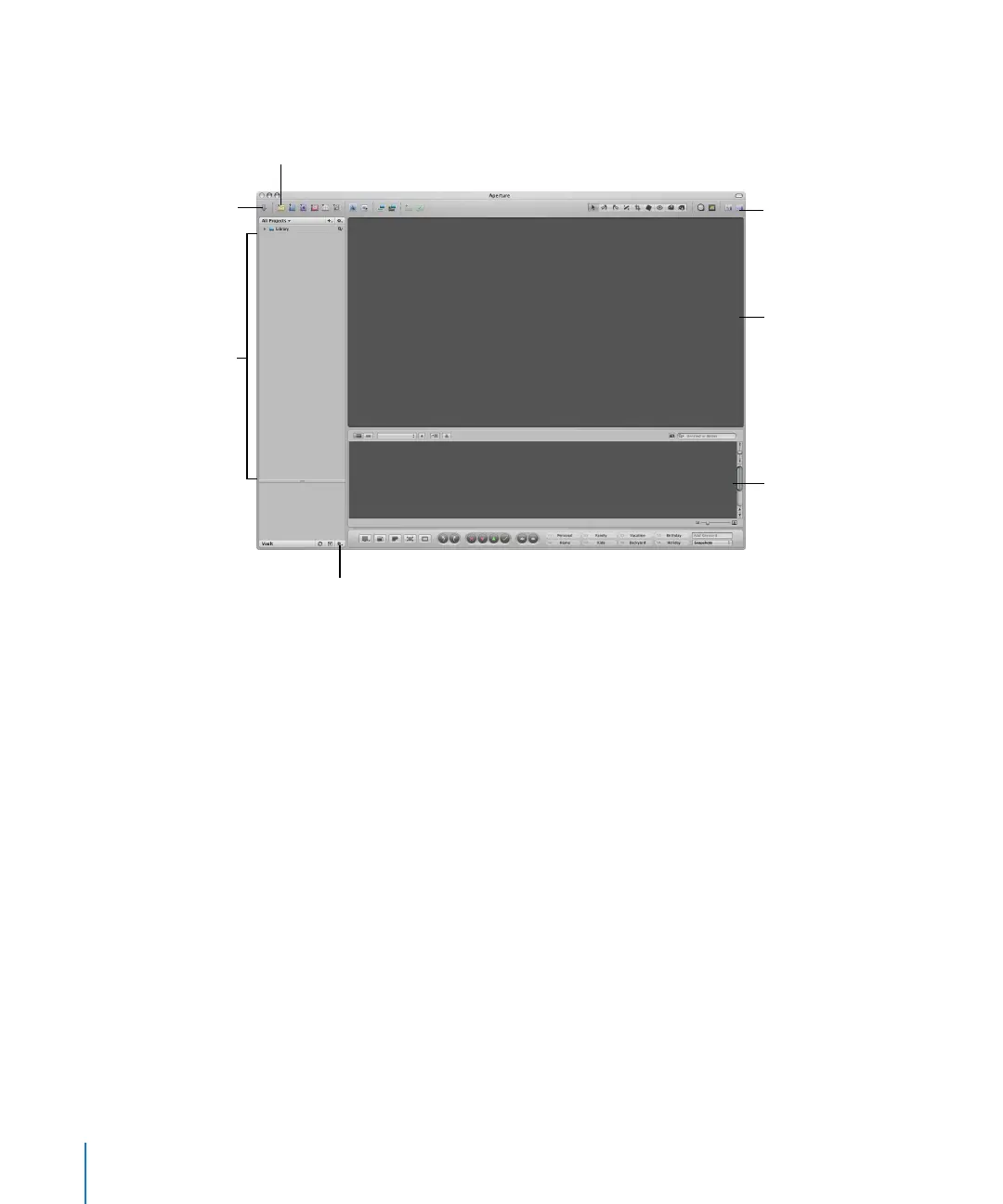
When you first open Aperture, you see the following areas:
Note: Because you can customize the toolbar, adding and deleting the buttons you
want, your toolbar may appear different from the one pictured in this manual. For more
information about changing the toolbar, see “Customizing the Toolbar” on page 65.
Click here to open the
Import panel.
Your projects appear
here.
To create a project to hold your
imported images, click here.
Browser
Viewer
Click here to open the Vaults panel.
You select a hard disk to use for
backing up images here.
Toolbar





 To Next Page