Chapter 18 Creating Webpages 343
III
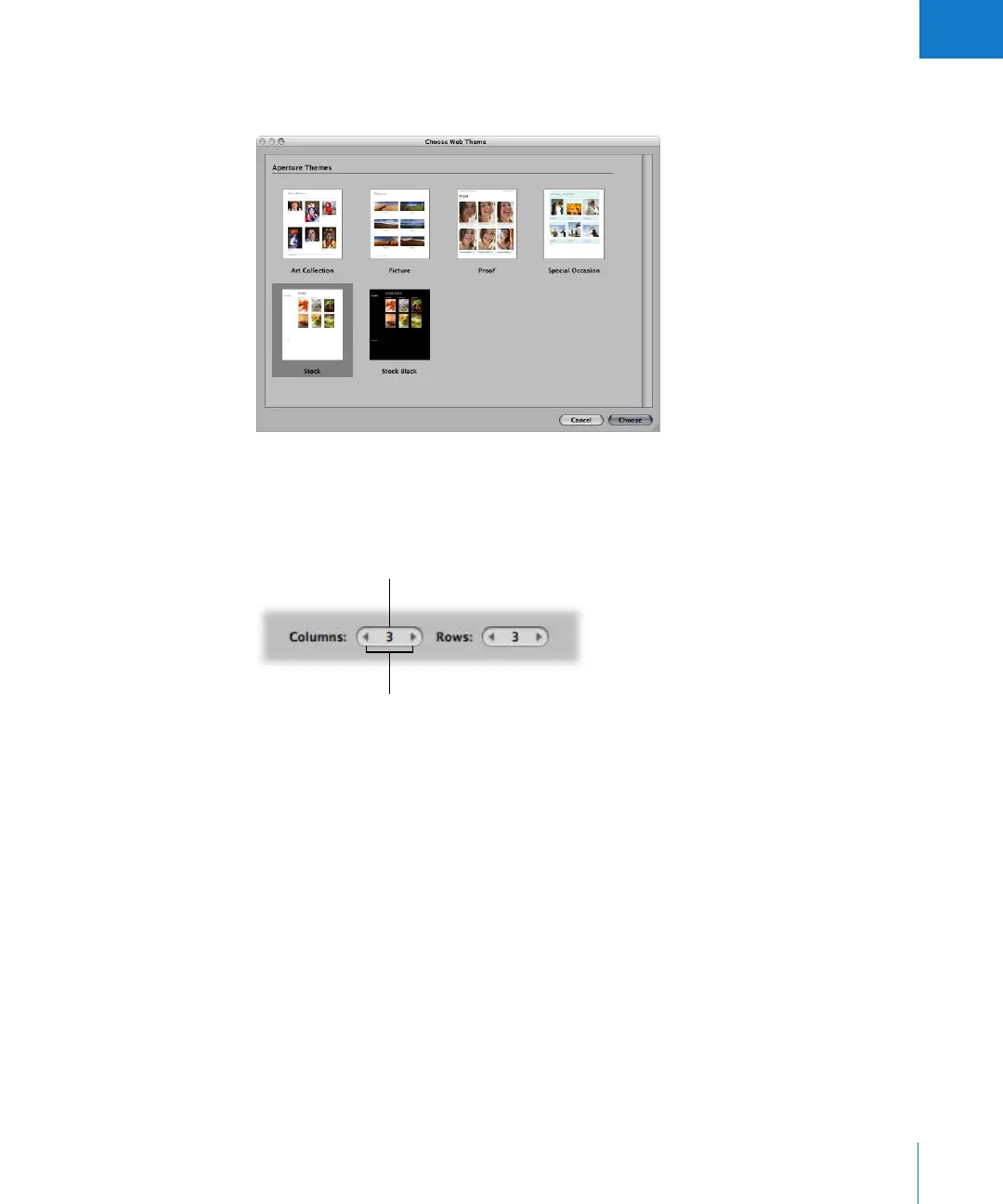
To choose a theme for your web gallery or web journal pages:
1 Click the Site Theme button at the top-left corner of the Webpage Editor.
2 Select the theme you want to use, then click Choose.
Changing the Number of Images on Webpages
After you’ve chosen a theme, you can modify how many images appear on each page.
Note: When a web journal is open in the Webpage Editor, only the Columns value
slider is available. You can manually add as many rows of images to a page as you need.
To change the number of columns and rows of images on the page:
m Double-click in the number field of the Columns or Rows value slider and enter a new
number, or click the left or right arrow.
When you change the number of columns and rows, Aperture automatically updates
all your webpages to reflect the new settings.
Left and right arrows
Columns value slider





 To Next Page