202 Part II Photo Editing
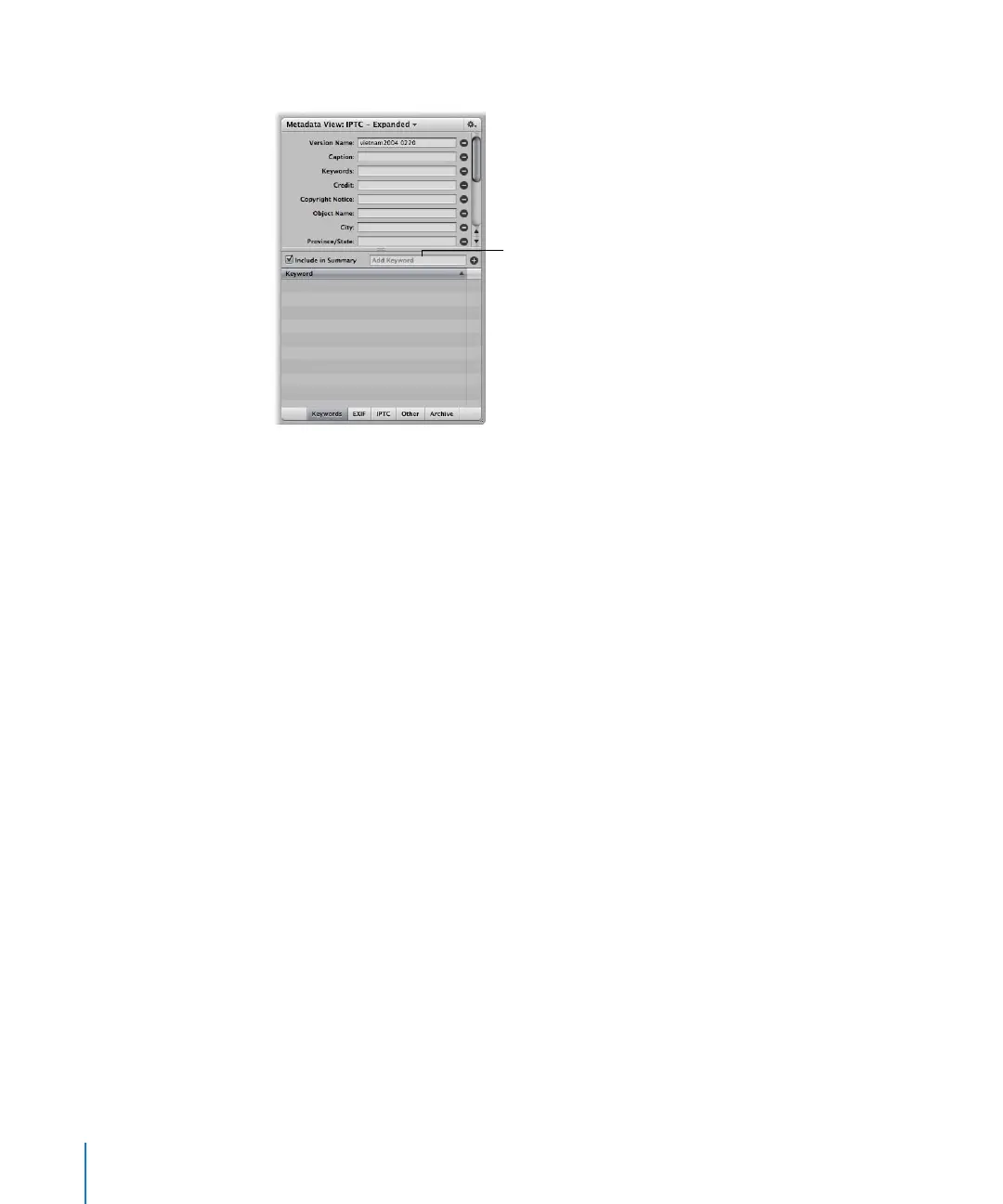
 Using the Metadata Inspector
Viewing Keywords Applied to Images
You can view the keywords applied to an image version in several areas:
 In overlays that appear on or below images in the Browser or Viewer
 In the Metadata Inspector
 In the Keywords column of the Browser, when the Browser is in list view
Displaying Keywords in the Viewer and Browser
You can turn on the display of image keywords in the Browser and Viewer. Your
keywords are displayed in overlays that appear across the bottom of the image or
below the image.
Add keywords here.





 To Next Page