26 Part I Interface and Acquisition
Finding and Displaying Images with the Query HUD
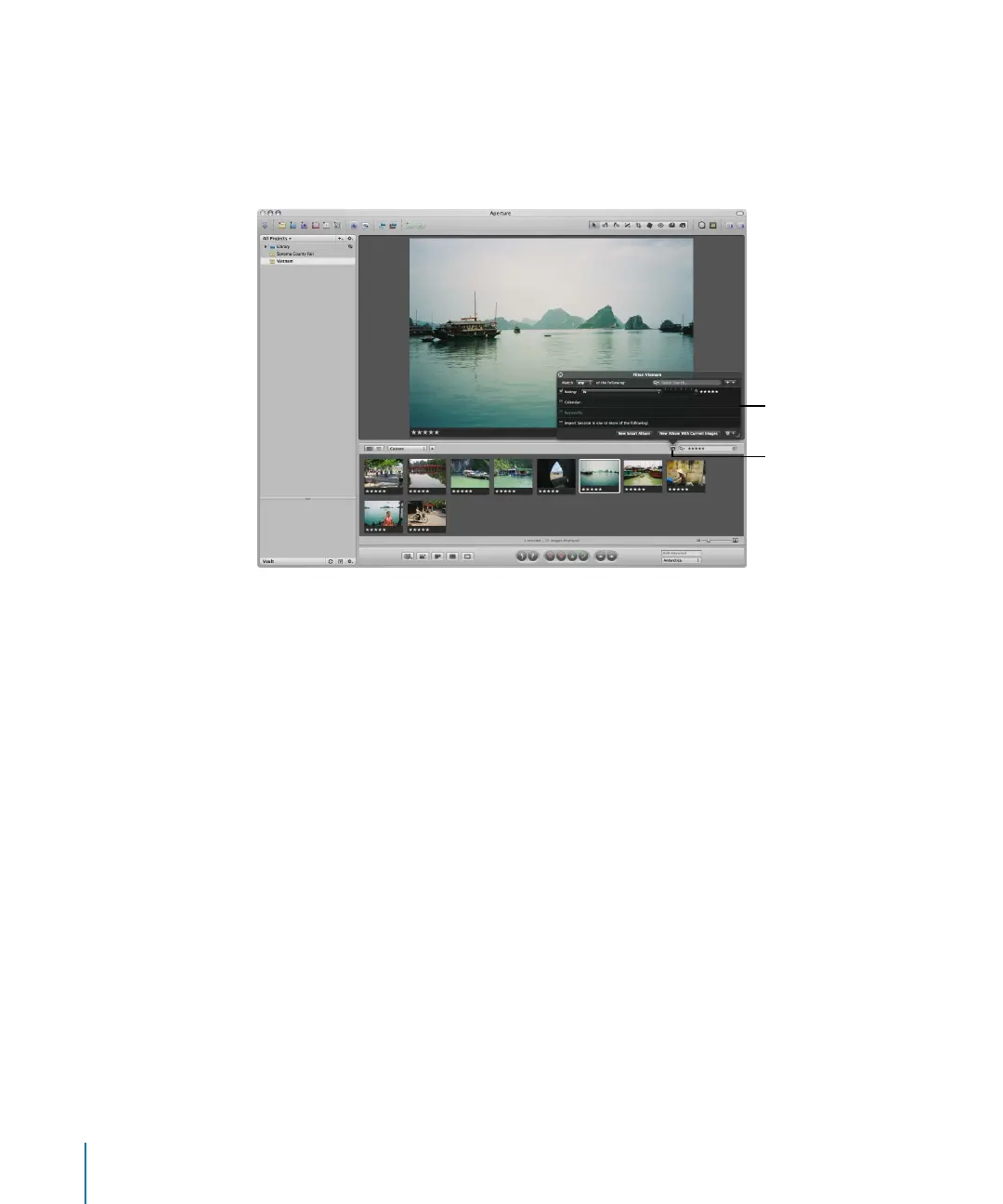
You can use the Query HUD to search for and display only certain photos in a project
or album. Click the Query HUD button beside the search field in the Browser and the
Query HUD appears. In the Query HUD, you can specify criteria for the photos you
want to work with.
You can enter any search criteria you want to display specific images. You can also
display images based on rating, date when shot, keywords, or import group. After you
specify the search criteria, Aperture displays only those images that match the criteria
and hides the rest. For more information about searching for images, see “Searching for
and Displaying Images” on page 247.
The Query HUD is set
to show images rated
five stars.
Click the Query HUD
button to open the
Query HUD.





 To Next Page