Chapter 13 Grouping Images with Smart Albums 271
II
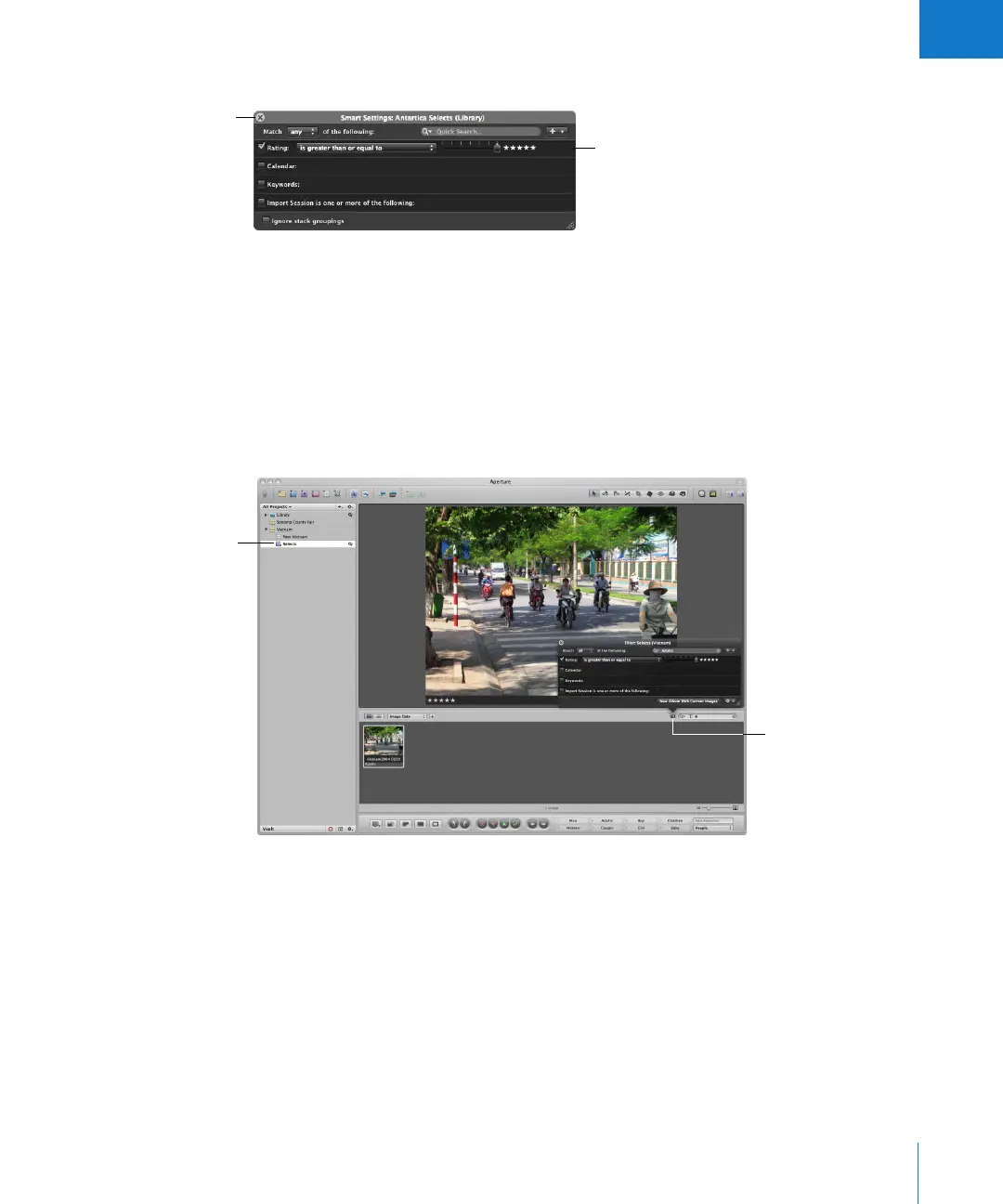
4 In the Query HUD, specify the search criteria you want.
For more information about using the Query HUD and specifying search criteria, see
Chapter 12, “Searching for and Displaying Images,” on page 247.
5 Click the Query HUD’s close button.
Searching Within a Smart Album
After creating a Smart Album, you can search for specific images within the contents of
the Smart Album.
To search within the contents of a Smart Album:
1 Show the Query HUD by clicking the Query HUD button in the Browser.
2 When the Query HUD appears, specify secondary search criteria to show specific
images within the Smart Album.
To see the entire contents of the Smart Album again, delete the criteria in the Query HUD.
Specify the search criteria
for images you want in
the Smart Album.
Close button
Show the Browser’s
Query HUD and specify
search criteria.
Select the Smart Album
you want to search within.





 To Next Page