Appendix A Setting Up an Aperture System 417
IV
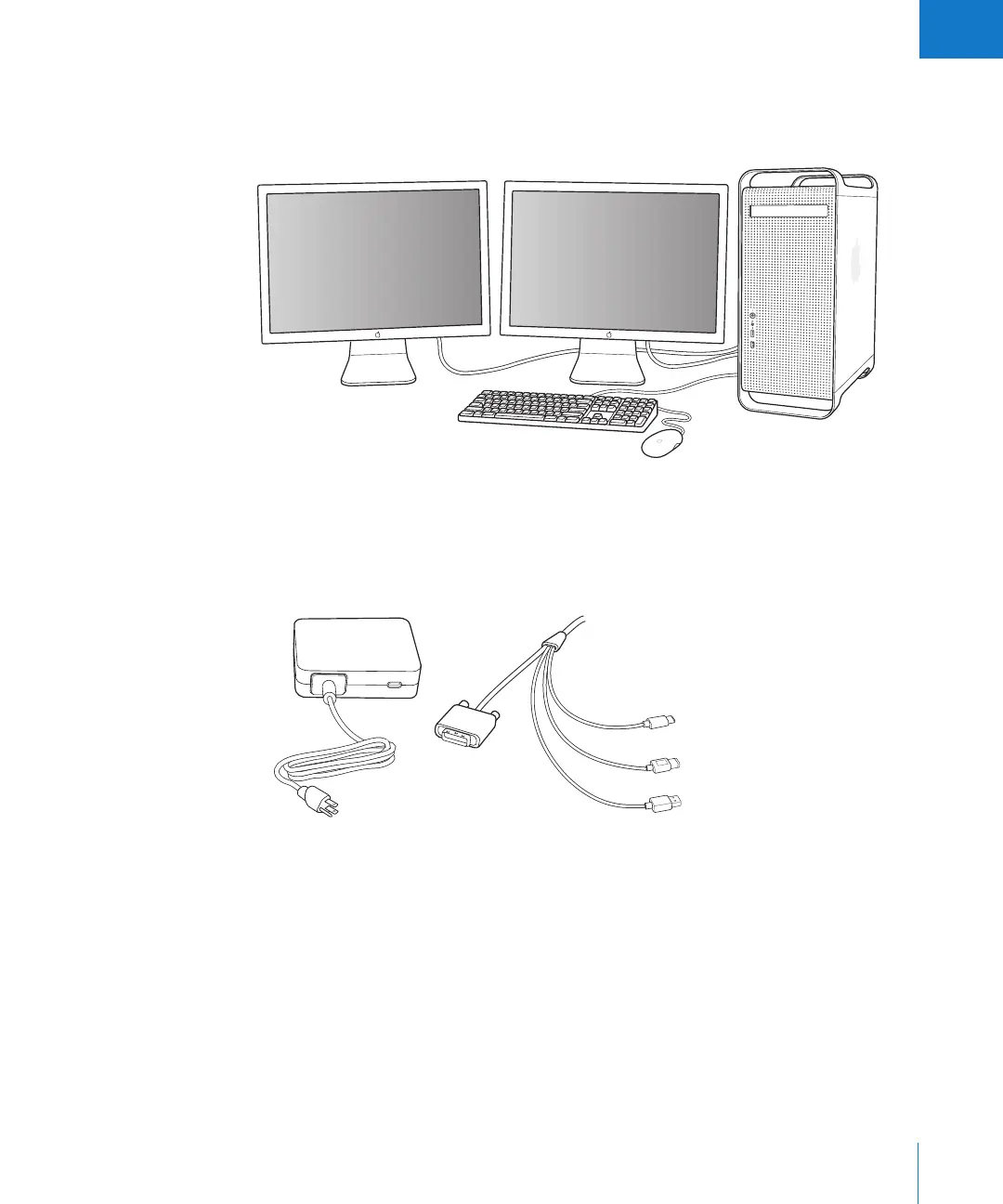
Setting Up Your System with Two Displays
Using more than one display gives you additional screen space to view and adjust
images, play slideshows, and present your full-size, full-color images.
For connecting a second display, you’ll need the following:
 Power adapter for the display
 Display cable to connect the display to the graphics card on your computer
Power adapter Apple Cinema Display cable connectors
DVI
USB
FireWire
DC power
£
d
H





 To Next Page