212 Part II Photo Editing
Removing Keywords from the Keywords HUD
After adding keywords to the keyword library of the Keywords HUD, you may decide
not to use certain keywords. If so, you can easily remove them.
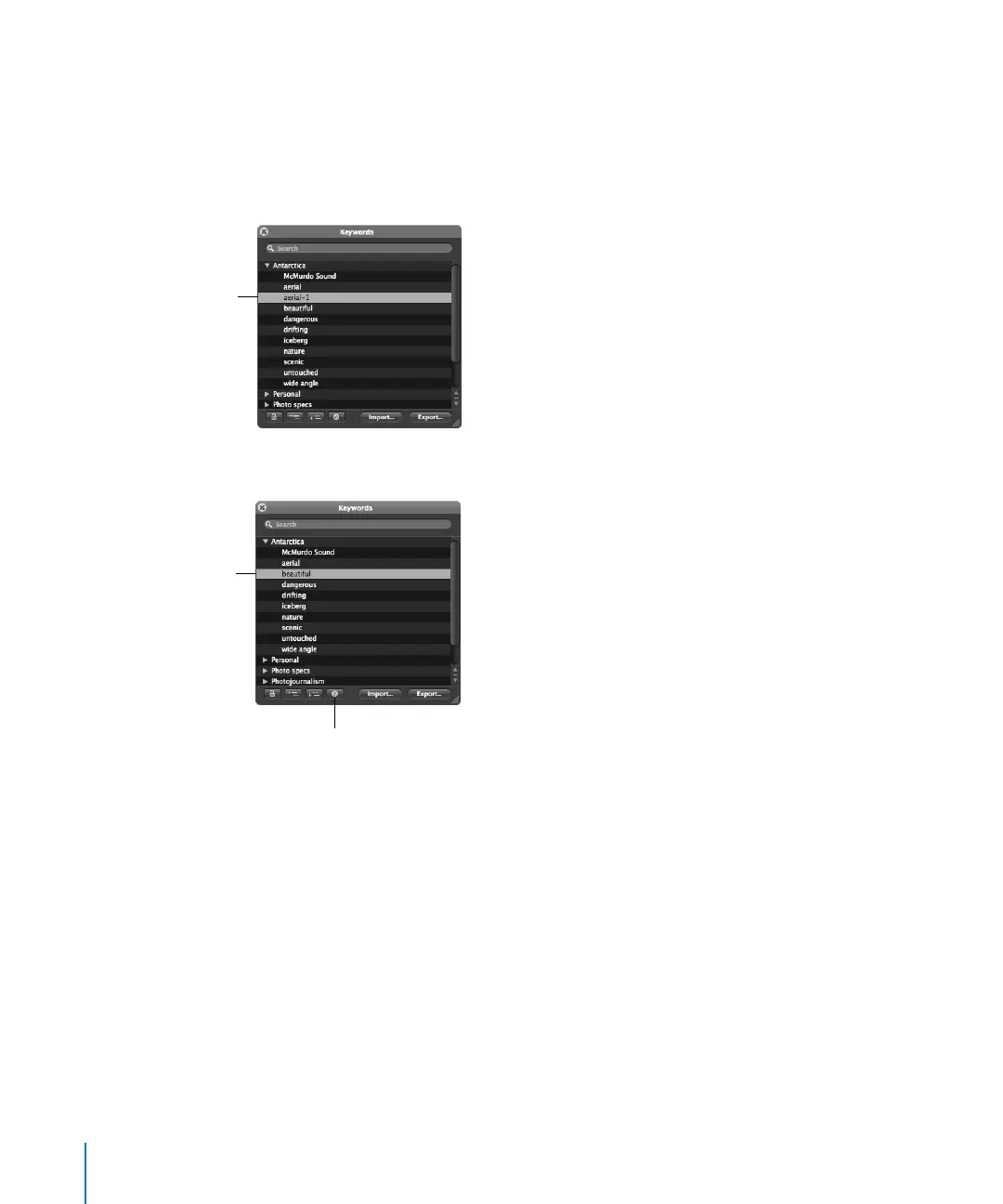
To remove a keyword or keyword group from the keyword library:
1 In the Keywords HUD, select the keyword or keyword group you want to remove.
2 Click the Remove Keyword button.
Important: Removing a keyword from the keyword library removes it from any images
to which it’s already assigned.
The selected keyword
is highlighted.
Click this button to
remove a keyword.
The selected keyword is
removed. The next
keyword in the list is
automatically selected.





 To Next Page