Chapter 19 Creating Books 389
III
Adding Text Boxes to a Page
When you want to add text to a page and need another text box, you can add one and
position it where you want.
To add a text box to a page:
1 In the Pages panel, select the page to which you want to add text.
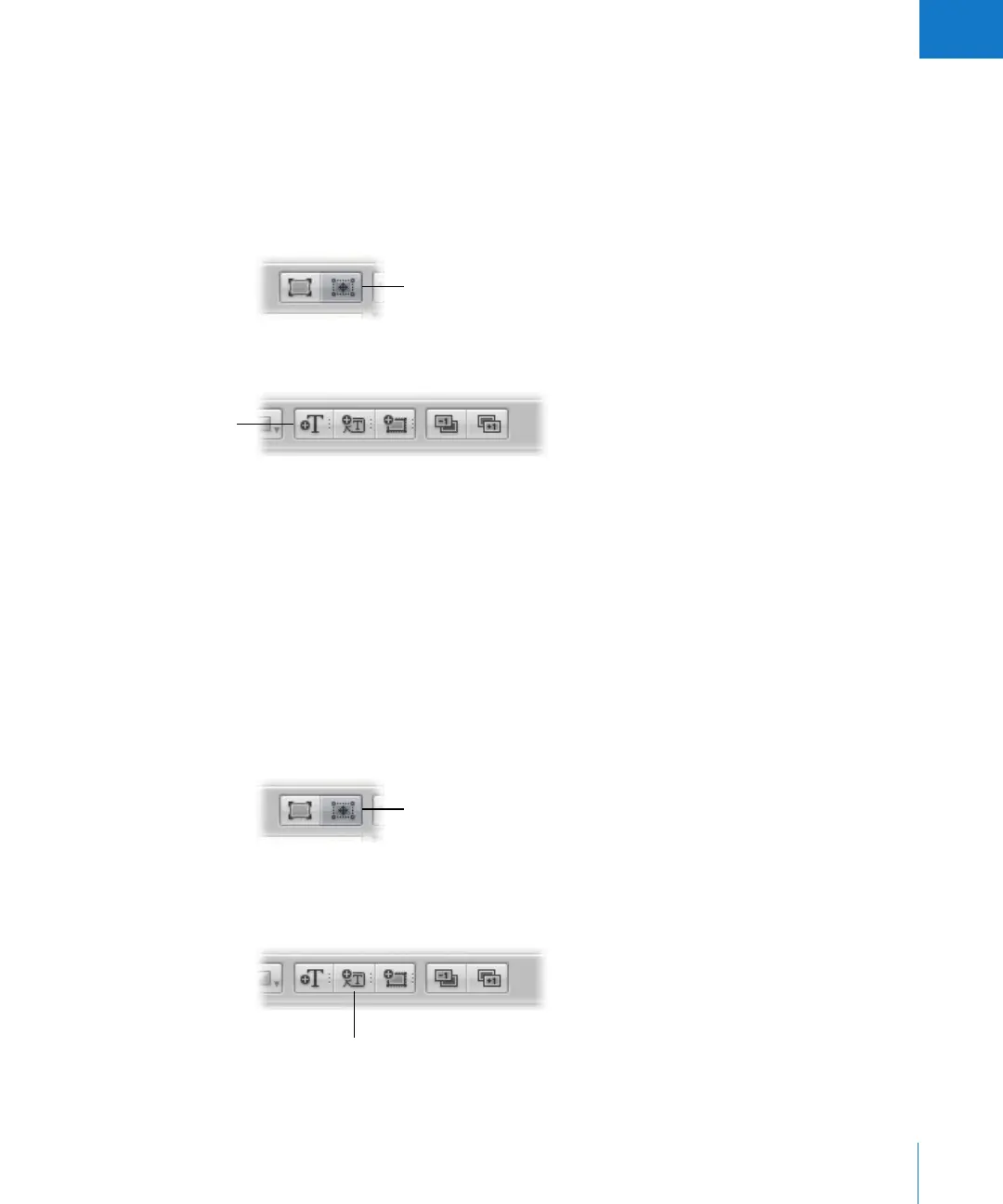
2 Click the Edit Layout button.
3 Click the Add Text Box button.
A new text box appears on the page.
4 Drag the new text box to the location you want.
You can resize a text box by dragging its resize handles.
Adding Metadata Boxes to a Page
You can display your images on the page with the metadata associated with them. To
display an image’s metadata, you add a metadata box to the page and link it to the image.
To add a metadata box to a page:
1 In the Pages panel, select the page to which you want to add the metadata box.
2 Click the Edit Layout button.
3 Select the photo box to which you want to add a metadata box.
4 Click the Add Metadata Box button.
A new metadata box appears on the page.
Click the Edit Layout
button to add or move a
text box on the page.
Add Text Box button
Click the Edit Layout button
to add or move a metadata
box on the page.
Add Metadata box button




 To Next Page