Chapter 7 Viewing Images in Full Screen Mode 171
II
Other Buttons
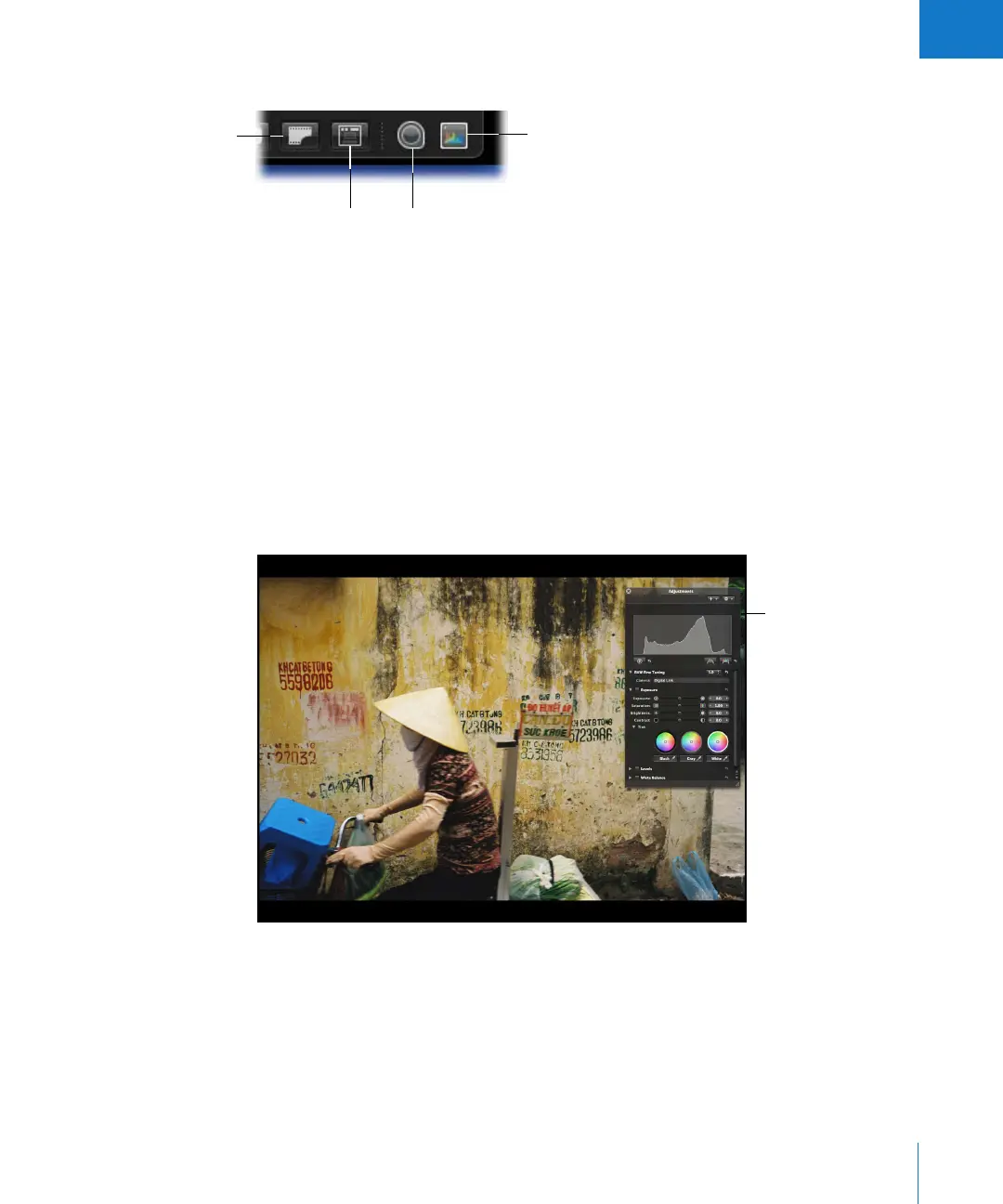
 Show Master Image: Click this button to view the original master file without any
applied adjustments. Click again to switch the view back to the current version.
 Always Show Toolbar: Click this button to keep the toolbar in view.
 Loupe: Click this button to open the Loupe, which you can use to minutely examine
parts of an image.
 Adjustments HUD: Click this button to show or hide the Adjustments HUD
.
Using HUDs in Full Screen Mode
You can use any of the Aperture HUDs in Full Screen mode. For example, you can open
a HUD when you want to add keywords or make adjustments to images.
Loupe
Show Master Image
Adjustments HUD
Always Show
Toolbar
HUDs are available for
use in Full Screen mode
and can make adjusting
images easier.





 To Next Page