Chapter 1 An Overview of Aperture 27
I
Comparing Photos
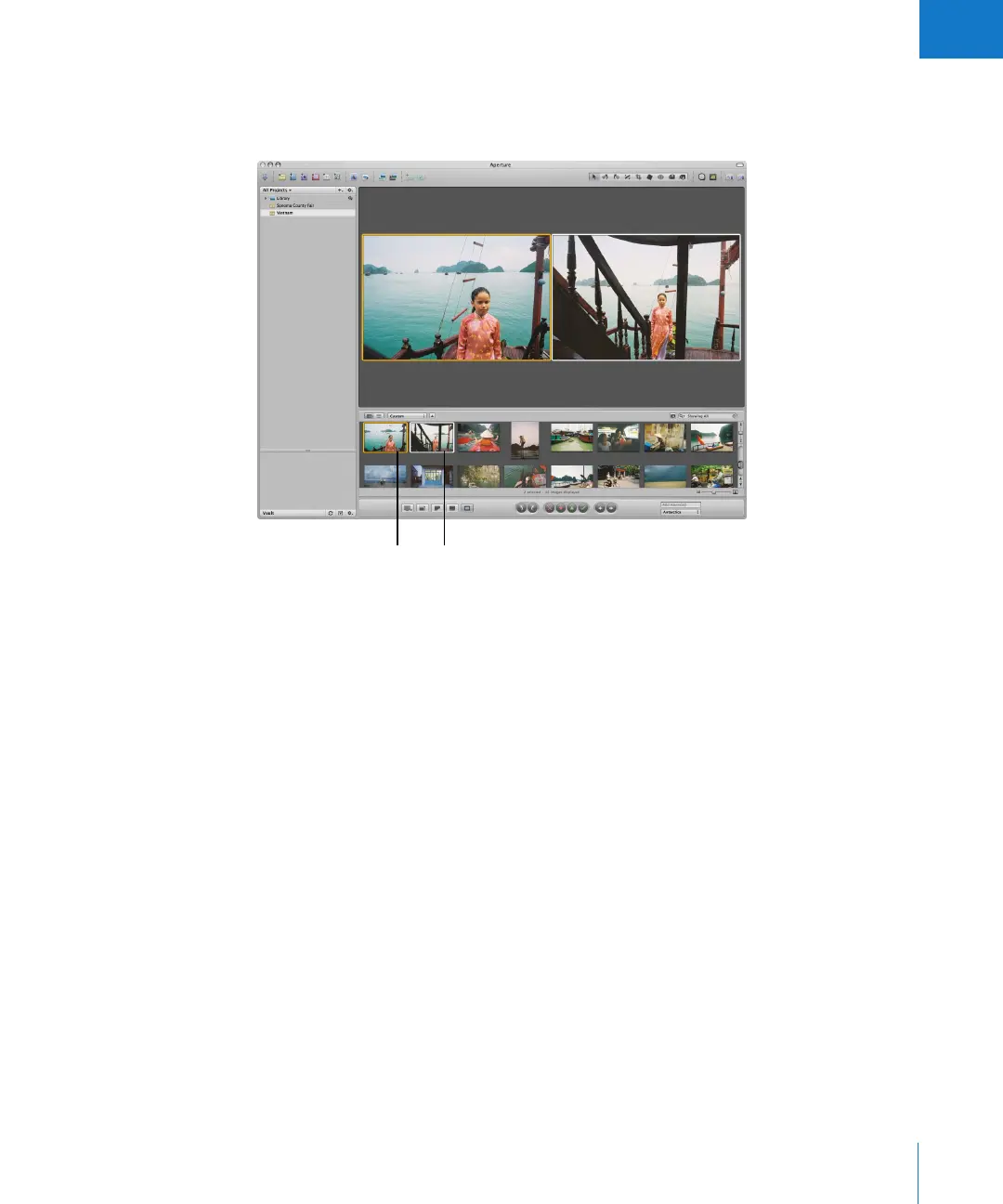
Aperture allows you to carefully compare images. You select an image and press Return
to have Aperture display it for comparison against other images in a selection.
While comparing images, you can rate the selected images or make adjustments to
them. For example, you might use the comparison method to make final selections
of the best images in a series. Or, you might compare two versions of an image and
make adjustments.
Select an image and
press Return to select it
as the “compare” image.
Select an image for
comparison by pressing
the arrow keys.





 To Next Page