222 Part II Photo Editing
Applying Keywords Using the Metadata Inspector
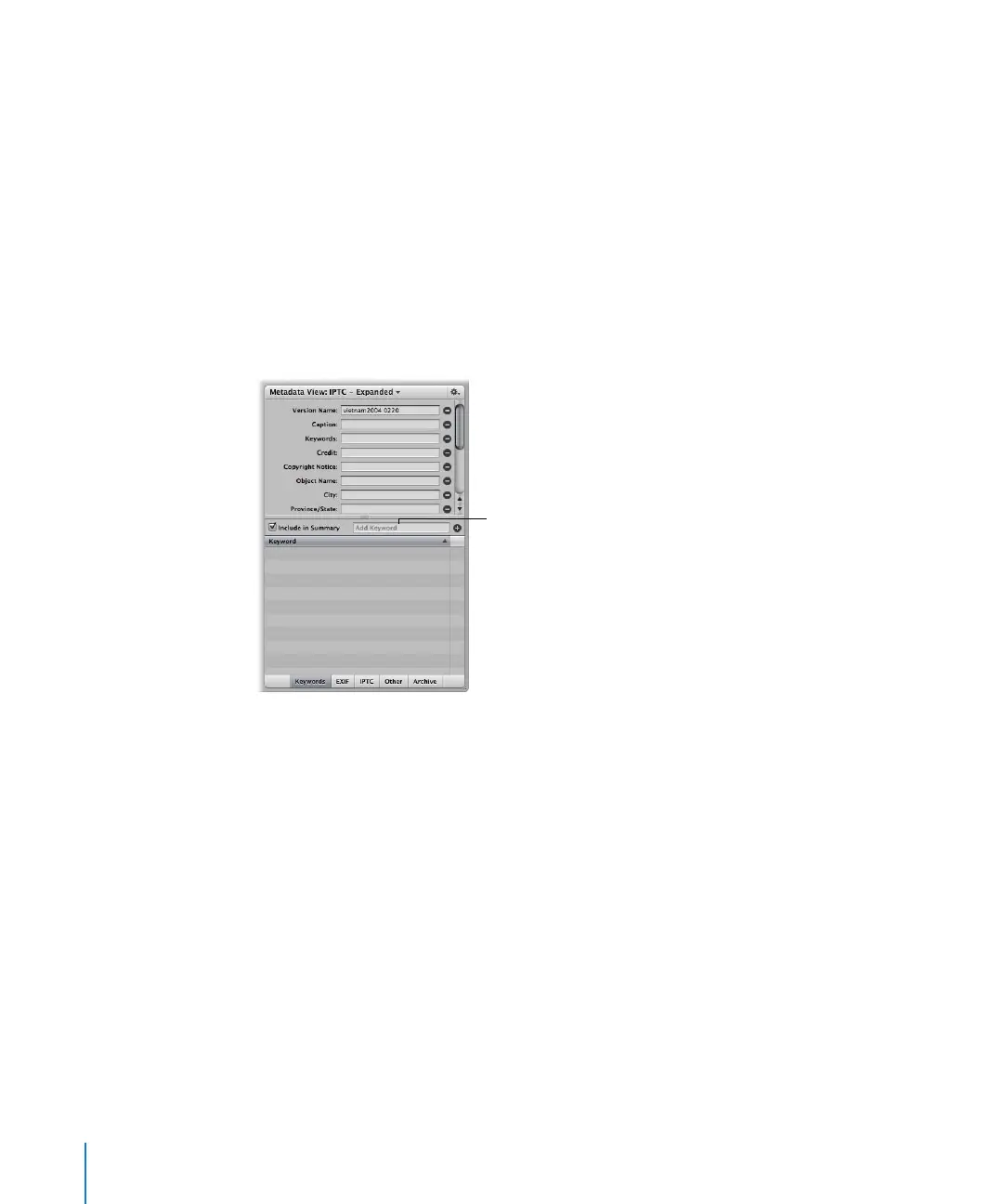
When you select an image, you can use the Metadata Inspector to see the image’s
keywords and add new keywords, if needed.
To apply keywords using the Metadata Inspector:
1 Do one of the following:
 Select an image, then choose Window > Show Inspectors (or press I).
 Select an image, then choose Window > Show Metadata (or press Control-D).
 Double-click an image in the Browser to show the Metadata Inspector.
2 Click the Keywords button at the bottom of the Metadata Inspector.
A list of the image’s keywords appears.
3 To add a keyword, type a keyword in the Add Keyword field and click the Add (+) button.
Type a keyword here and
click the Add button.





 To Next Page