318 Part III Distribution and Backup
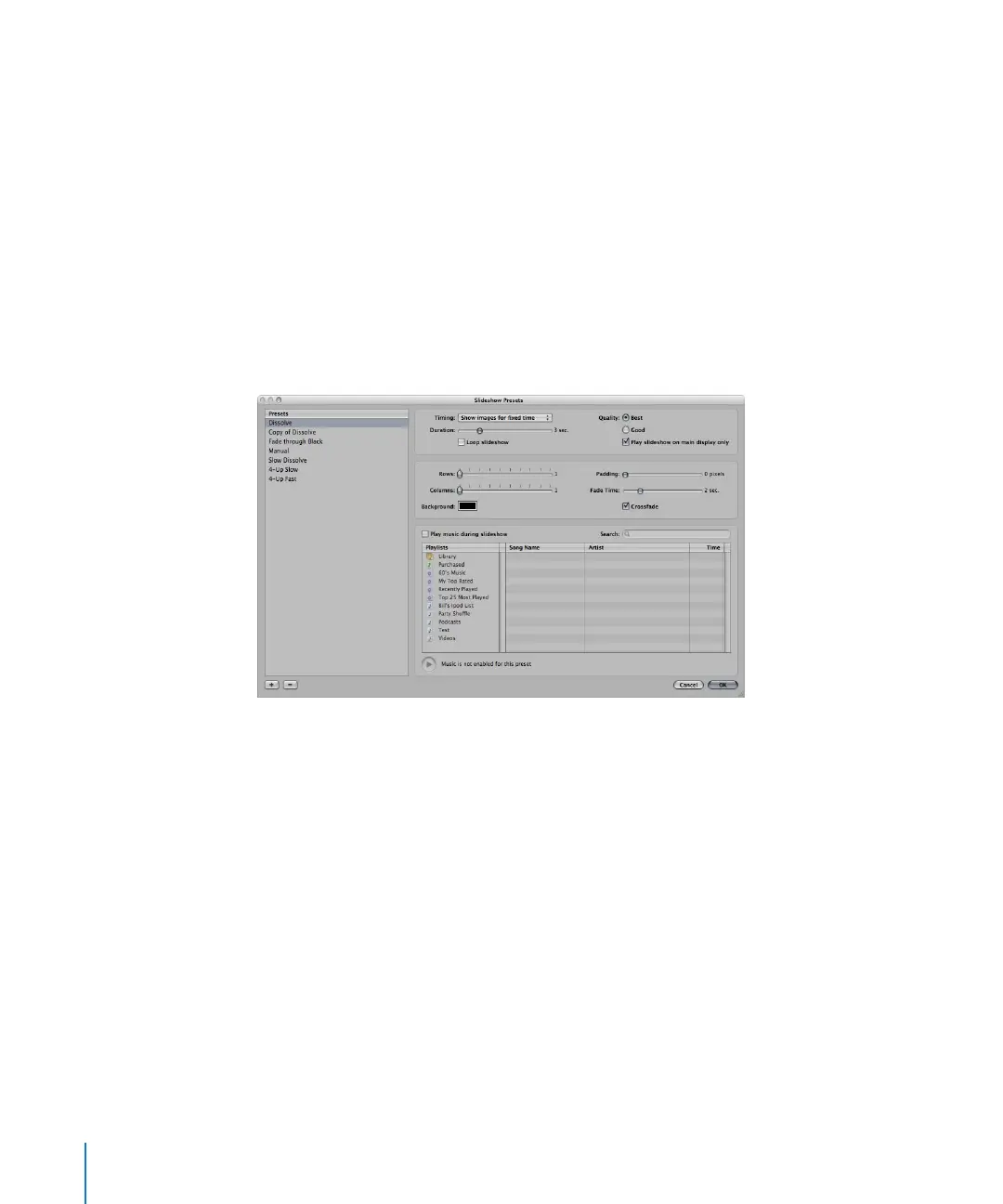
A copy of the slideshow preset appears highlighted in the Presets list.
4 Enter a name for the new slideshow preset, then press Return.
5 When you’ve finished specifying the slideshow options you want, click OK.
Modifying Slideshow Presets
You can modify slideshow presets to create custom slideshows for any presentation.
To modify an existing preset:
1 Choose Aperture > Presets > Slideshow.
The Slideshow Presets dialog appears.
2 Select the preset you want to modify in the Presets list.
3 Modify the slideshow preset’s settings as appropriate.
4 When you’ve finished modifying the slideshow preset, click OK.





 To Next Page