40 Part I Interface and Acquisition
The Aperture Main Window
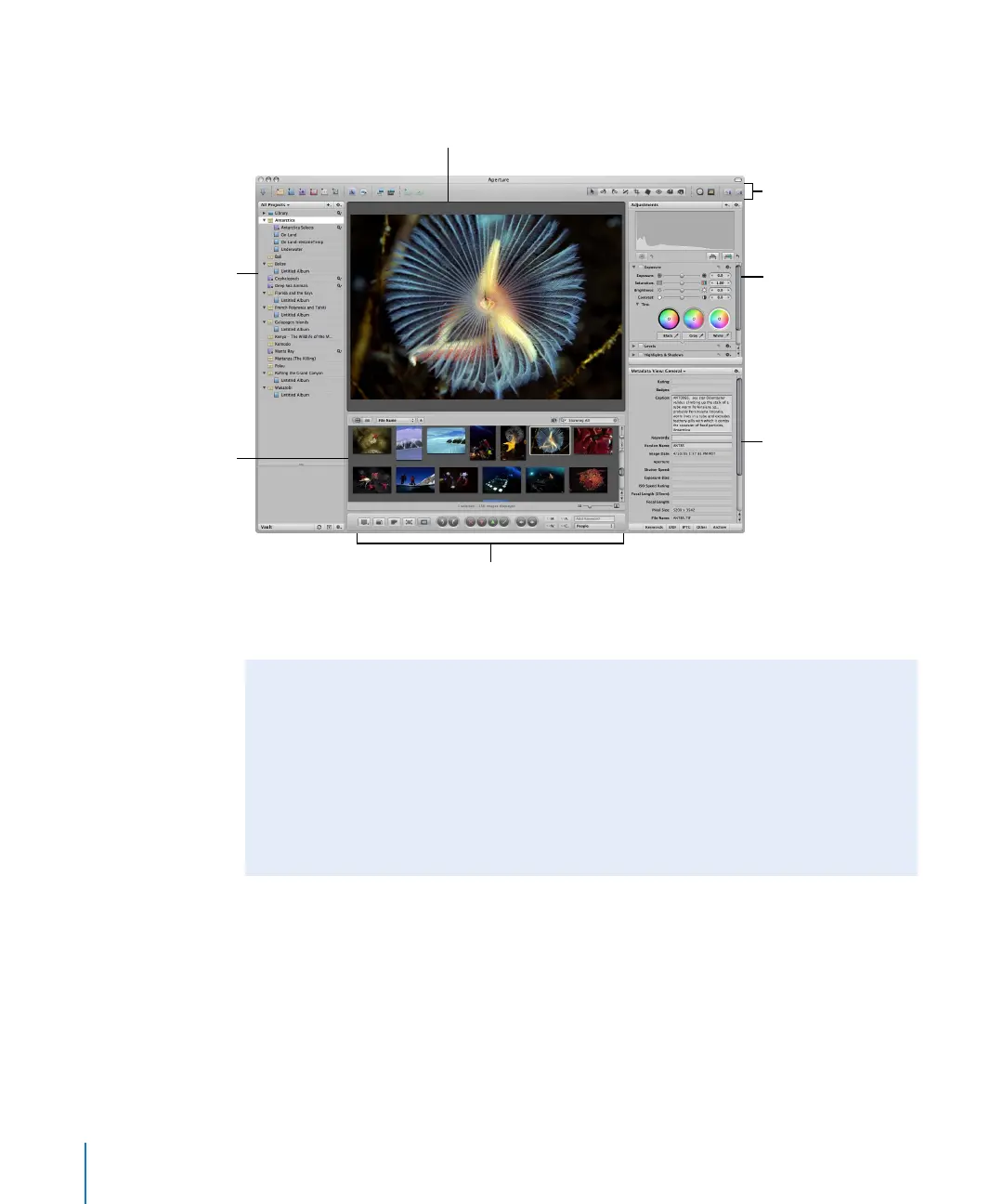
The Aperture main window contains the following areas.
Note: The inspectors are not shown by default. You can show or hide the Inspectors
panel by pressing I.
Projects panel
Browser
Toolbar
Adjustments Inspector
Metadata Inspector
Viewer
Control bar
Arranging the Interface
Aperture provides three preconfigured workspace layouts: Basic, Maximize Browser,
and Maximize Viewer. The areas in the Aperture interface are resizable, and you can
customize any of these workspaces to suit your workflow.
To view the workspace layout shown above, choose Window > Layouts > Basic, then
press I to show the Inspectors panel.
For more information about workspace layouts, see “Workspace Layouts” on page 64.





 To Next Page