146 Part II Photo Editing
An Overview of the Viewer
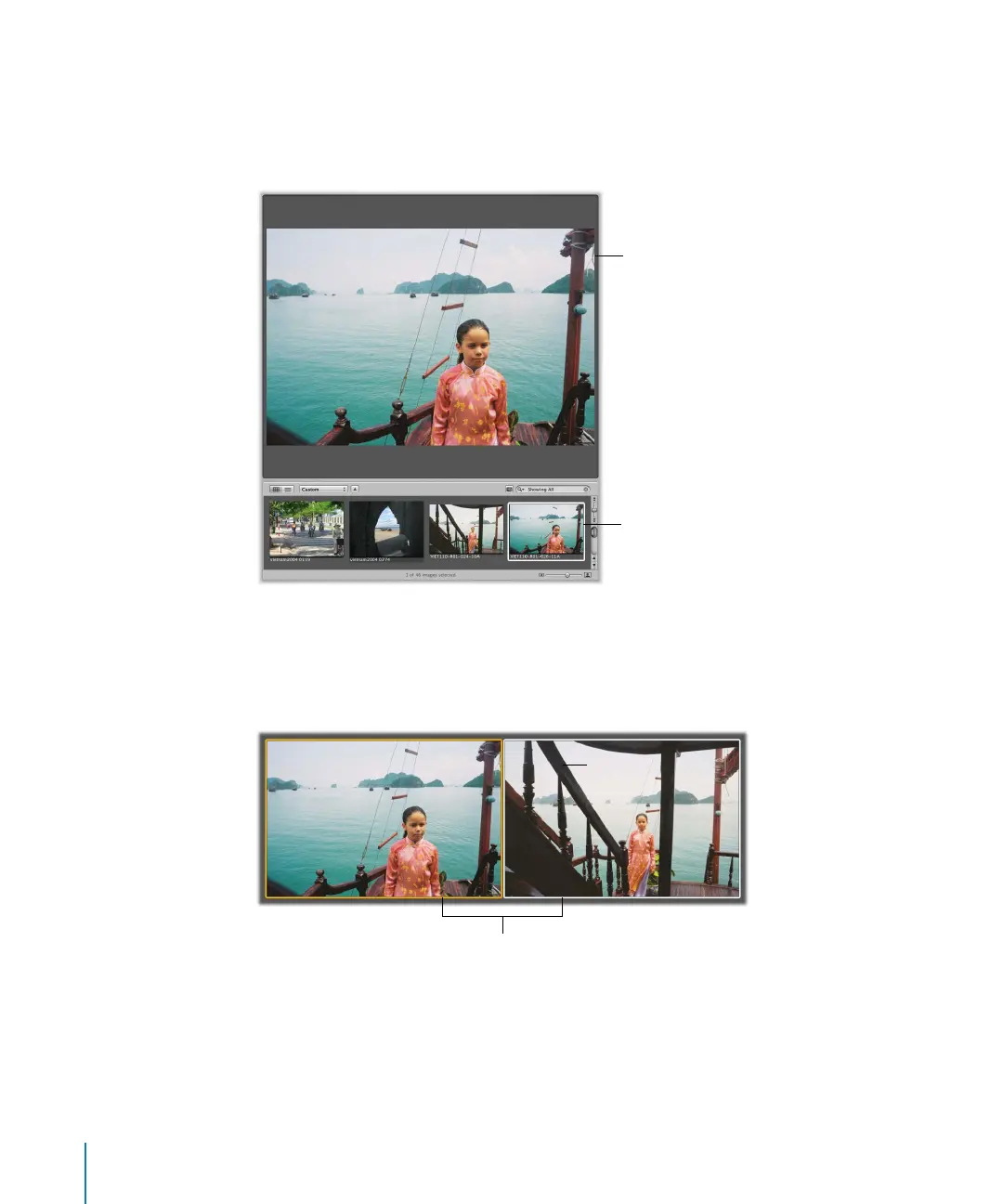
When you select images in the Browser, the Viewer immediately displays a detailed
view of your selection. You can display one image at a time, three images at a time, or
multiple images.
When rating or adjusting images, you can set the Viewer to compare two images at once.
You can select an image to compare against and then display other similar or related
images next to it for inspection. You might use the Aperture comparison feature to select
images from a series or compare versions of adjusted images to see which is the best.
A detailed view of the
selected image appears
in the Viewer.
The selected image in
the Browser
You can use the Viewer
to compare two images.





 To Next Page