Chapter 6 Displaying Images in the Viewer 147
II
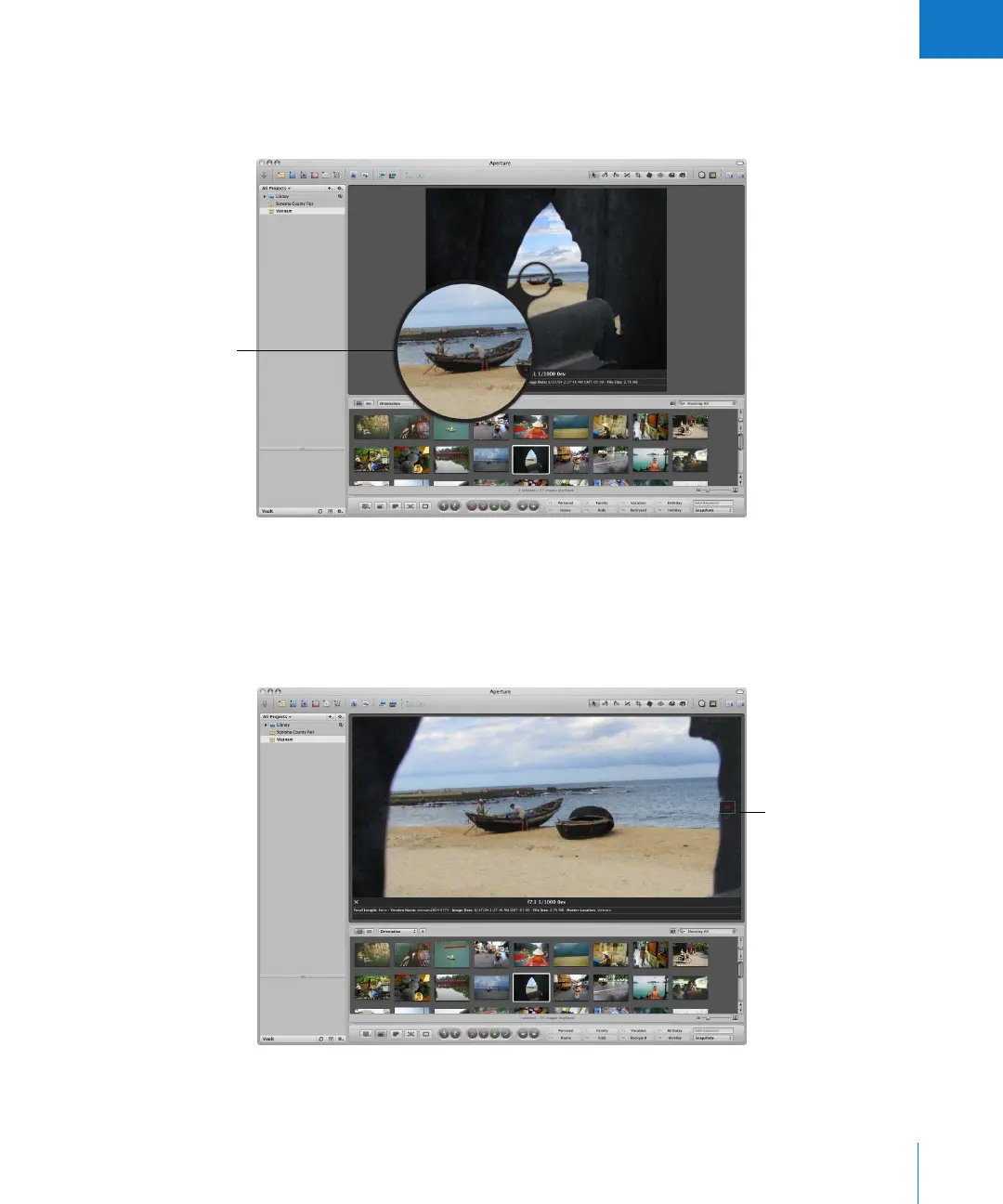
You can use a software loupe to magnify part of an image, perhaps to see the effect of
removing blemishes or sharpening an image. You can position the Loupe over different
portions of an image and see the magnified view.
Depending on the size of your display and Viewer, images may be displayed at a
reduced size to fit your Viewer. You can have Aperture display your images at full
resolution, pixel for pixel, which can create images larger than can fit on your display’s
screen. Displaying an image at full resolution allows you to examine the image exactly
as it was recorded and see the precise effects of your adjustments and changes.
The Loupe shows a
magnified view of
whatever is beneath it.
Full-resolution view of an
image that is larger than
the Viewer’s screen size





 To Next Page