Chapter 12 Searching for and Displaying Images 259
II
Searching by IPTC Information
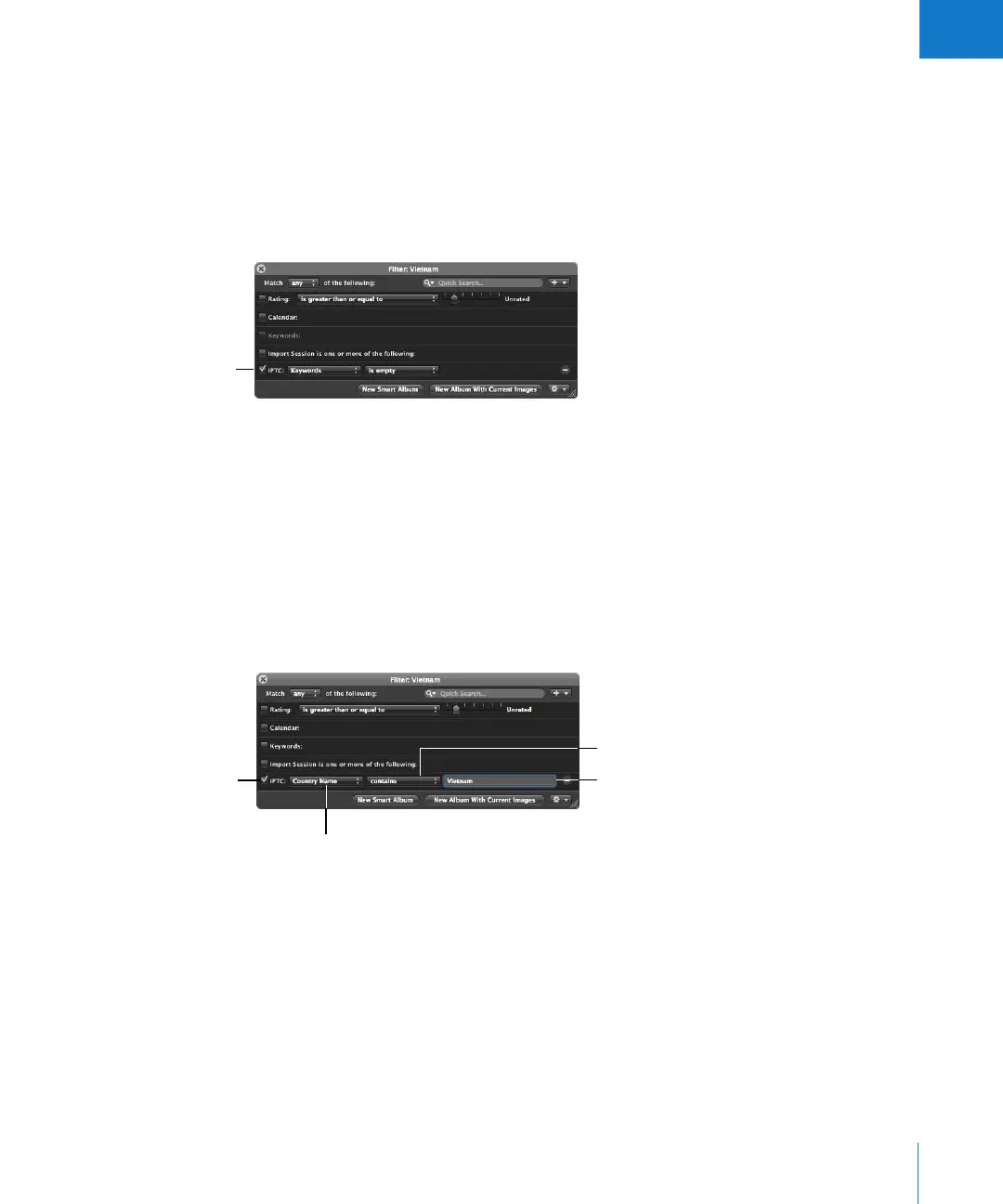
You can now search for and locate images using any IPTC information that you’ve
assigned using enhanced search qualifiers. For example, you might locate any images
that have IPTC keywords assigned to them. To search for images by IPTC information,
you use the IPTC search options. For example, you can search for any image that
doesn’t have keywords applied by specifying a search that uses the keywords criteria
and an “is empty” search qualifier.
To search for images by IPTC information:
1 In the Projects panel, select a project or an album you want to search.
2 Show the Query HUD by doing one of the following:
 Choose Edit > Find (or press Command-F).
 Click the Query HUD button beside the search field in the Browser.
3 In the Query HUD, choose IPTC from the Add Filter pop-up menu.
4 Select the IPTC checkbox, then choose the IPTC field you want to search by from the
IPTC pop-up menu.
Specify the search
criteria here.
Choose an IPTC field
to search by.
Select the IPTC checkbox.
Choose how you want to
qualify your search from
this pop-up menu.
Enter an IPTC value here.





 To Next Page