414 Part IV Appendixes and Glossary
Setting Up a Basic System
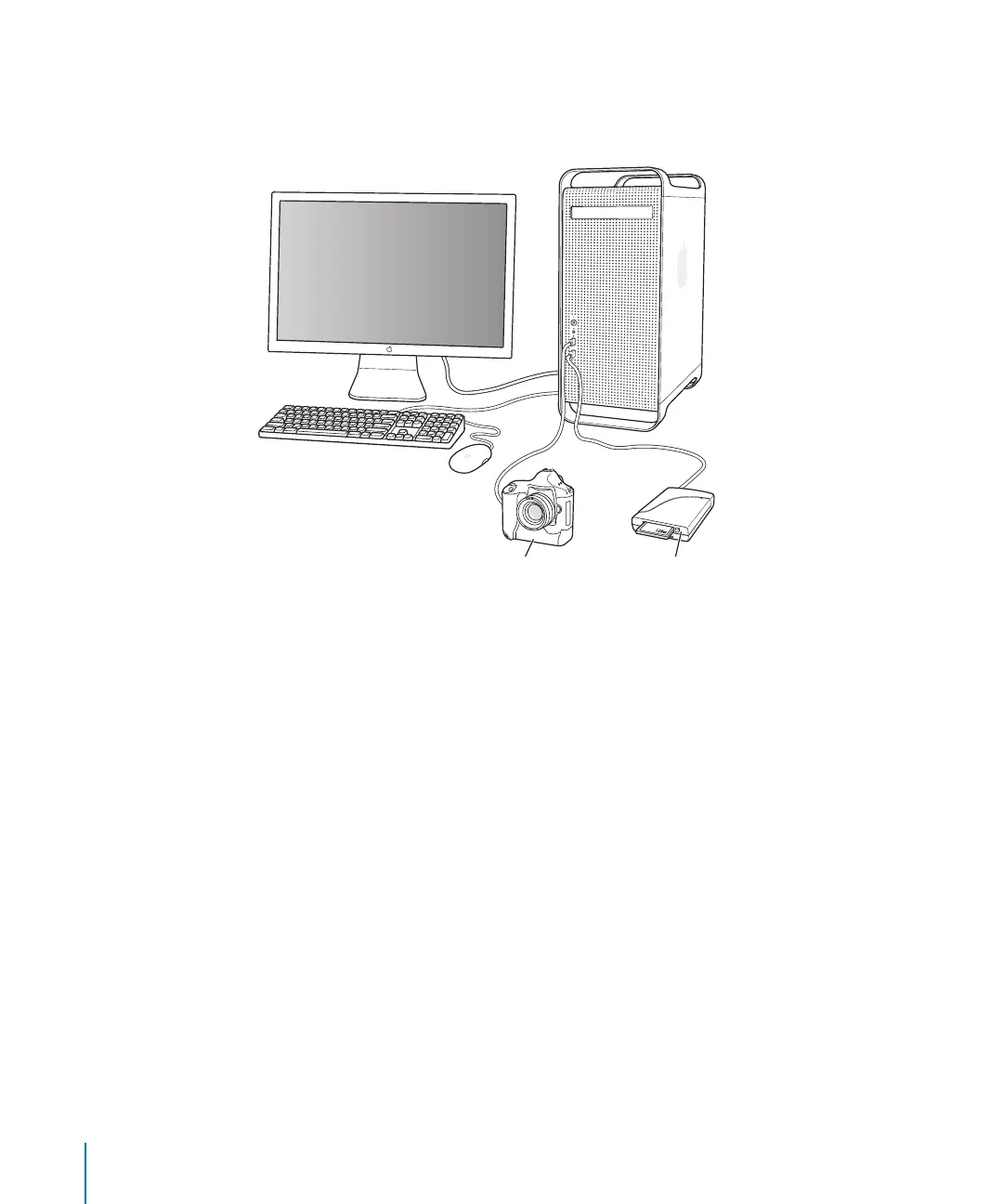
The following are basic instructions for connecting a digital camera or card reader to
your computer.
A basic Aperture system consists of the following equipment:
 A computer and display
 A digital camera or card reader (because of their speed, FireWire card readers are
strongly recommended)
 A cable to connect your camera or card reader to your computer (typically a USB 2.0
cable or a 4-pin-to-6-pin FireWire cable that came with your camera or card reader)
For information about setting up a computer and display, see the documentation that
came with the computer and display.
Card reader
Camera
Computer





 To Next Page