24 Part I Interface and Acquisition
Working with Inspectors
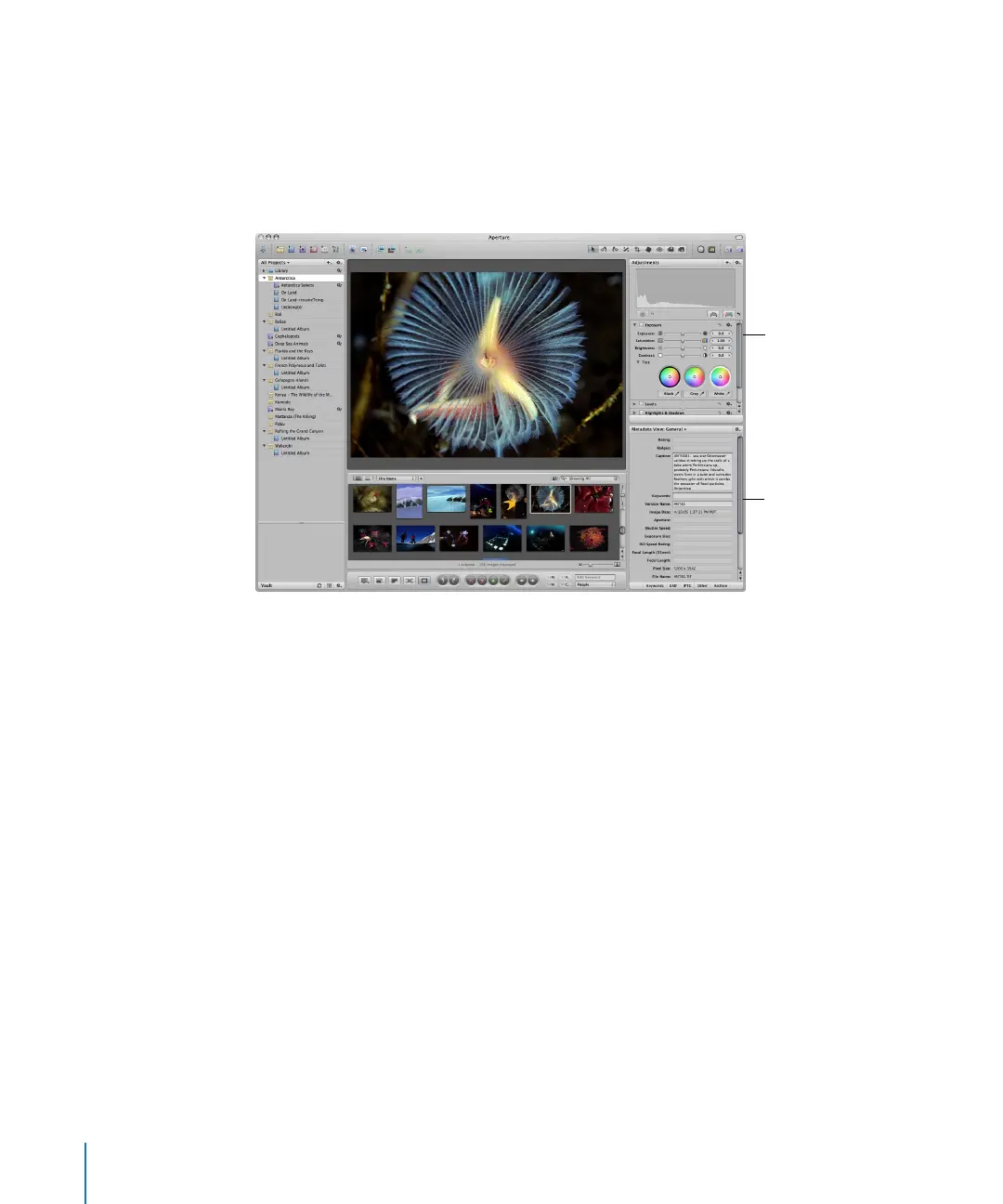
Aperture also provides an Adjustments Inspector for applying adjustments and a
Metadata Inspector that allows you to review and assign metadata to your images. You
can show or hide the Adjustments and Metadata Inspectors together or individually
whenever you want. Showing the Inspectors panel is as easy as double-clicking an
image in the Browser or pressing the I key.
For more information about making adjustments and retouching your images, see
Performing Image Adjustments in the Aperture Help menu.
Adjustments Inspector
Metadata Inspector





 To Next Page