Chapter 7 Viewing Images in Full Screen Mode 165
II
Entering and Exiting Full Screen Mode
You can quickly switch between Full Screen mode and your workspace layout in the
Aperture main window.
To enter Full Screen mode:
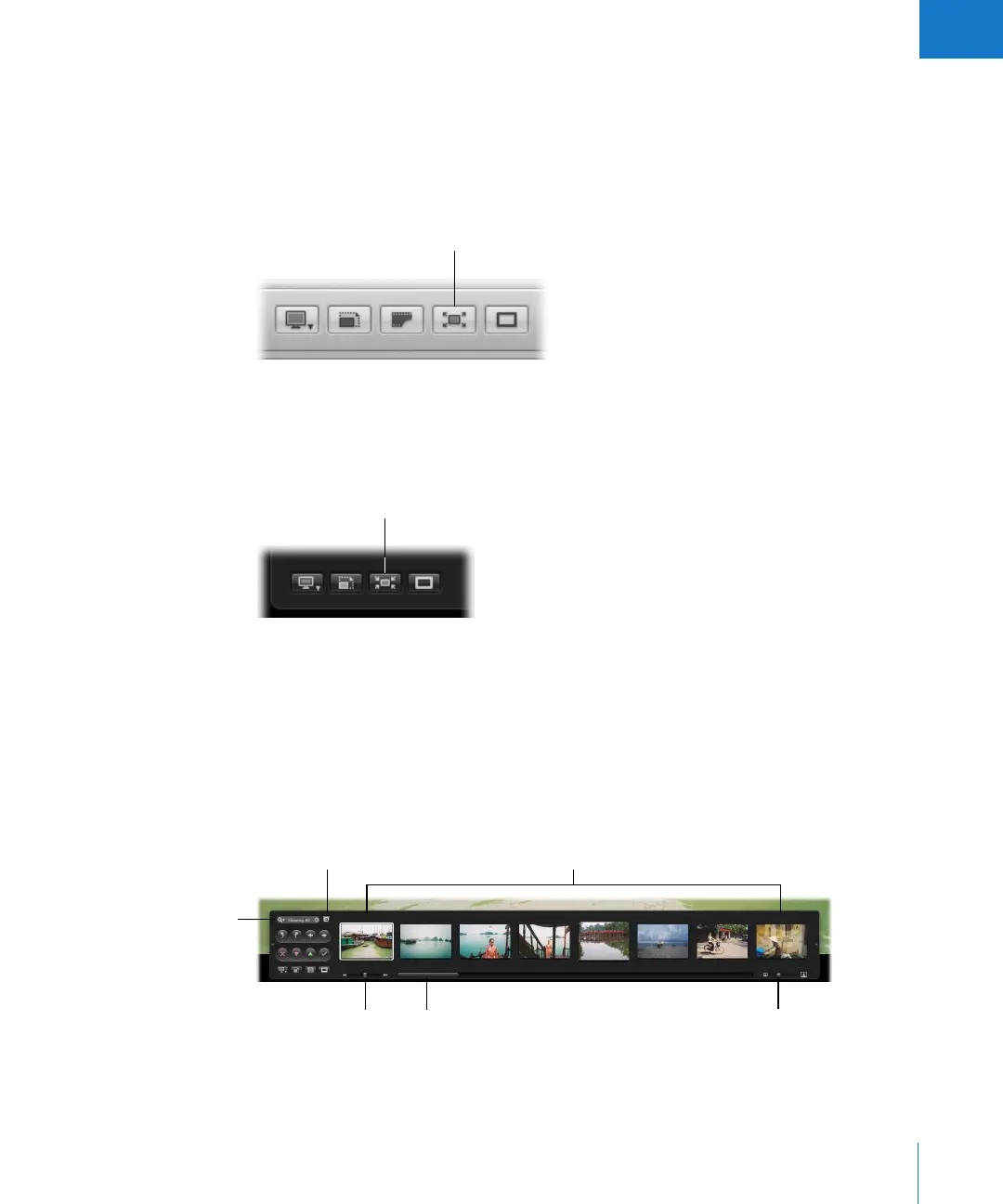
m Click the Full Screen button in the control bar (or press F).
The Aperture main window disappears and your images appear in Full Screen mode.
To exit Full Screen mode, do one of the following:
m Click the Exit Full Screen button in the filmstrip (or press F).
m Press Escape.
The workspace layout you were working in before entering Full Screen mode reappears.
Working with the Filmstrip in Full Screen Mode
The filmstrip in Full Screen mode is similar to the control bar in the Aperture main
window. You can use the filmstrip’s controls to move through, rotate, view, and rate
your images.
Full Screen button
in the control bar
Exit Full Screen button
in the filmstrip
Images shown in the filmstrip
Query HUD button
Scroll bar
Thumbnail Resize slider
Shuttle control
Search field




 To Next Page