Chapter 19 Creating Books 397
III
Printing Books
After you’ve created your book, you can purchase printed and bound copies from
Apple’s print vendor. You can also print your book using your own printer or create PDF
files that you can send to clients or your own print vendor.
If you plan to hand off your files to a print vendor, you can save your book either as a
PDF file or a PostScript document. You can then deliver this file to the printer or lab. For
more information about printing books on your printer, see Chapter 14, “Printing Your
Images,” on page 277. For information about purchasing printed books, see the
electronic document Ordering Books and Prints, available from the Aperture Help menu.
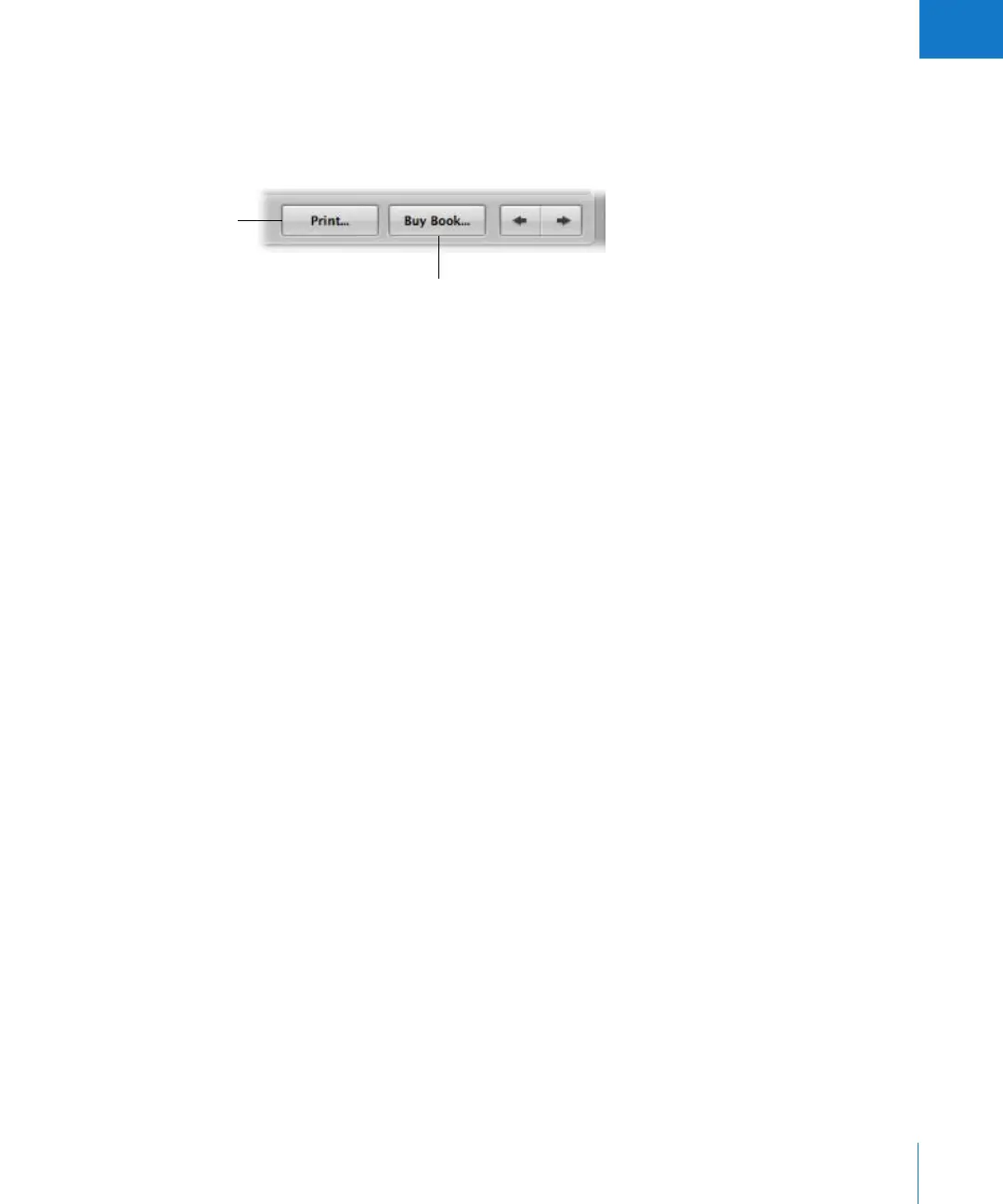
Click here to print your
book on your printer or
create a PDF file.
Click here to purchase a
printed book using your
.Mac account.





 To Next Page