Chapter 10 Applying Keywords to Images 209
II
Browsing and Searching for Keywords
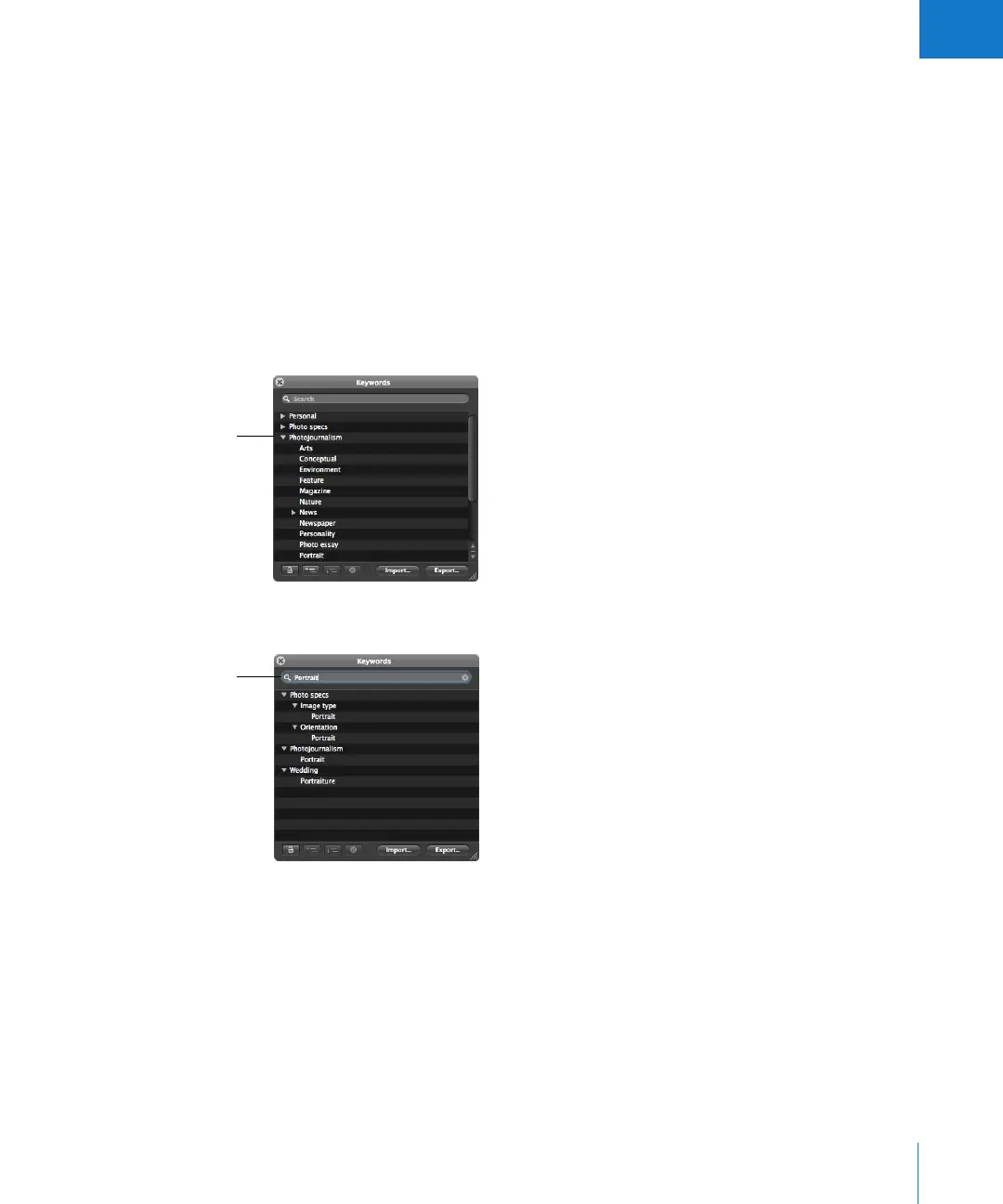
You can browse and search for specific keywords in the Keywords HUD.
To locate a keyword using the Keywords HUD:
1 To show the Keywords HUD, do one of the following:
 Choose Window > Show Keywords HUD (or press Shift-H).
 Click the Keywords HUD button in the toolbar.
The Keywords HUD appears.
2 Do one of the following:
 Scroll up and down to review the keywords, and click the disclosure triangles to
reveal the keywords in each keyword group.
 Type the keyword you’re looking for in the Keywords HUD search field.
The keyword list updates to reveal all instances of the keyword you entered.
Click the disclosure
triangle next to a
keyword group to
display all the
keywords in it.
Enter a keyword in
the search field.





 To Next Page