Chapter 13 Grouping Images with Smart Albums 273
II
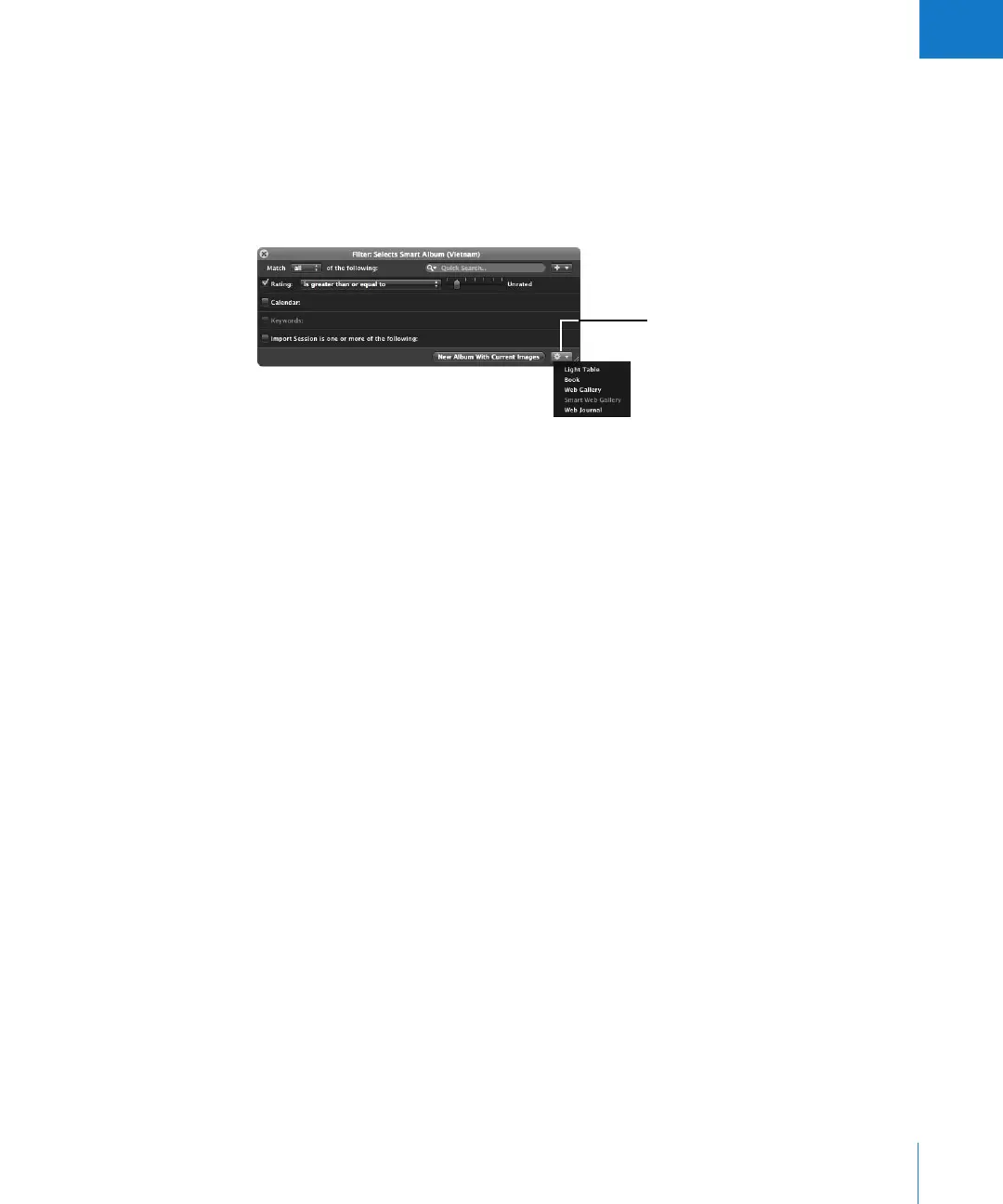
To transfer images from a Smart Album to a new album:
1 Select the images you want in the Smart Album.
2 Click the Query HUD button in the Browser.
3 Click the New Album With Current Images button to create an album, or choose the
type of album you want from the Query HUD Action pop-up menu in the bottom-right
corner of the Query HUD.
A new album is created, containing the images you selected.
Deleting a Smart Album
You can delete a Smart Album at any time, and none of the images gathered from the
Library are deleted. If you’ve transferred images from a Smart Album to another album,
the images in the other album are also not deleted when you delete the Smart Album.
To delete a Smart Album:
1 Select the Smart Album in the Projects panel.
2 Choose File > Delete Smart Album (or press Command-Delete).
Click the New Album with
Current Images button, or choose
a type of album from the Query
HUD Action pop-up menu.





 To Next Page