Chapter 1 An Overview of Aperture 25
I
Rating Images with Aperture
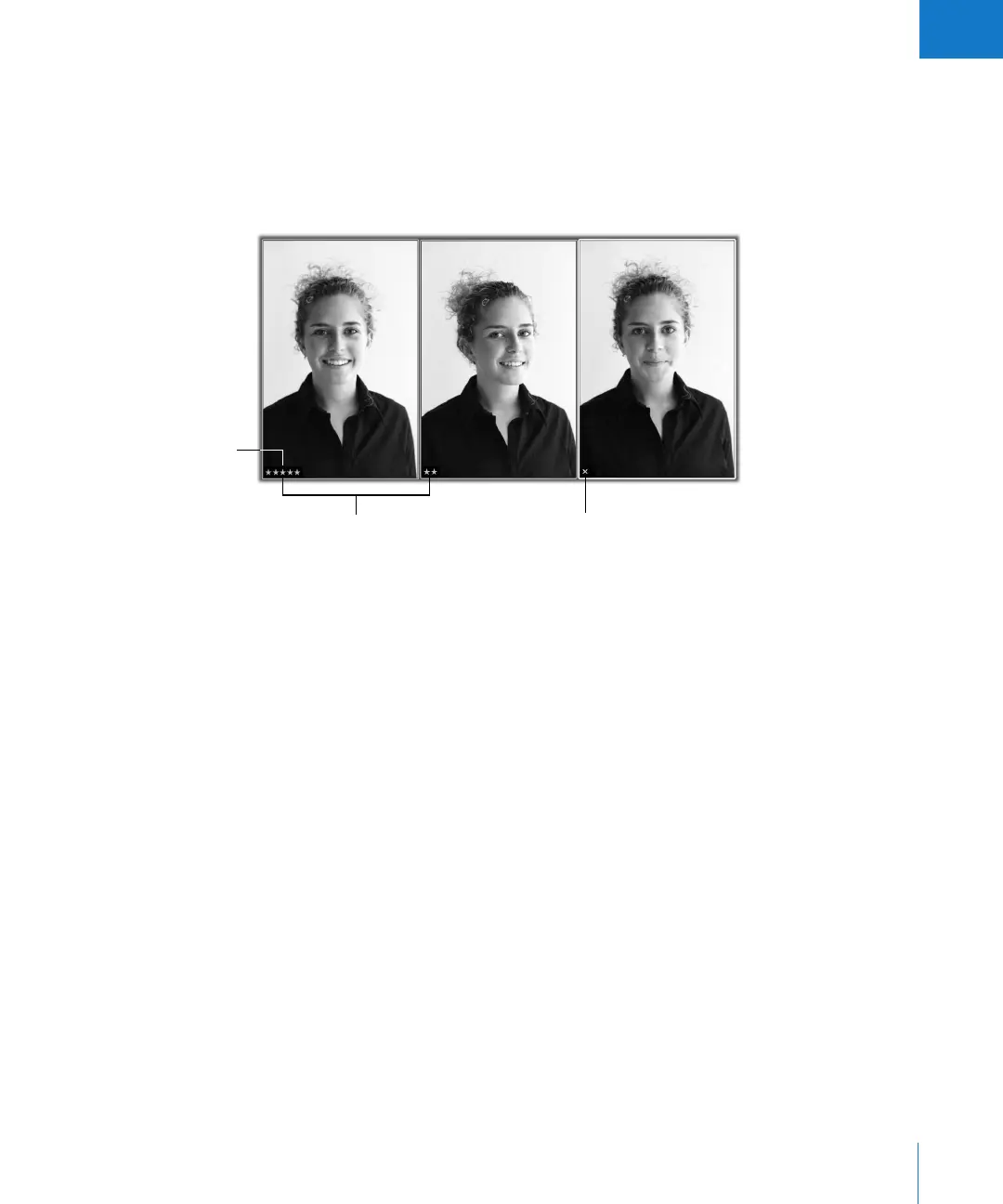
You can rate images as you review them in the Viewer or the Browser, or in Full Screen
mode. Rating controls appear below the Browser and in the filmstrip in Full Screen
mode. By selecting an image and clicking a rating button, you can quickly rate images
as rejected, or assign them from one to five stars (with five stars being the highest, or
Select, rating). Image ratings appear as easy-to-read overlays on the image.
Once images are rated, you can have Aperture display only images of a certain rating,
so you can focus on a particular group of images. For more information about rating
your images, see Chapter 9, “Rating Images,” on page 187.
Stars indicate a
positive rating.
Five stars indicate the
highest rating (Select).
An X indicates a negative
rating (Reject).





 To Next Page