204 Part II Photo Editing
To hide or show overlays in the Viewer or Browser, do one of the following:
m Press the Y key to hide or show overlays in the Viewer.
m Press the U key to hide or show overlays in the Browser.
Viewing Keywords Using the Metadata Inspector
The Metadata Inspector provides views of the metadata associated with a selected
image. When you show the Metadata Inspector and select an image, the Metadata
Inspector displays the keywords assigned to your image, including IPTC keywords.
To view keywords using the Metadata Inspector:
1 If necessary, show the Metadata Inspector by doing one of the following:
 Choose Window > Show Inspectors (or press I).
 Double-click an image in the Browser.
 Choose Window > Show Metadata (or press Control-D).
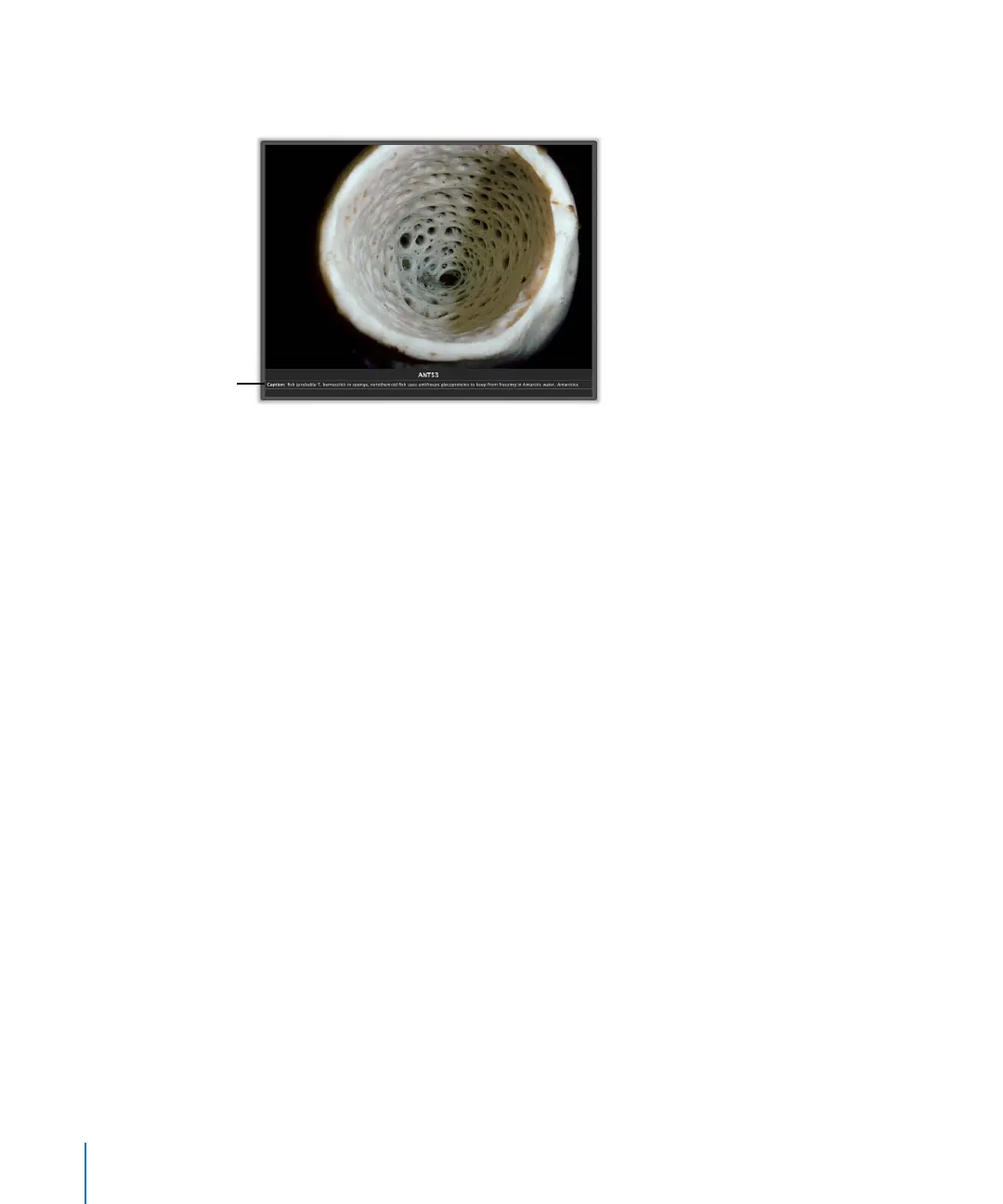
The captions and
keywords appear in the
area you specified.





 To Next Page