372 Part III Distribution and Backup
Placing Images in a Book
You can place images manually on your pages, or have Aperture automatically fill your
pages with the images in a book album.
Placing Images Manually
You can place images in a book manually by dragging them in one at a time.
To add images to the book manually:
m Drag an image from the Browser to a photo box on the page.
Viewing Images to be Placed in a Book
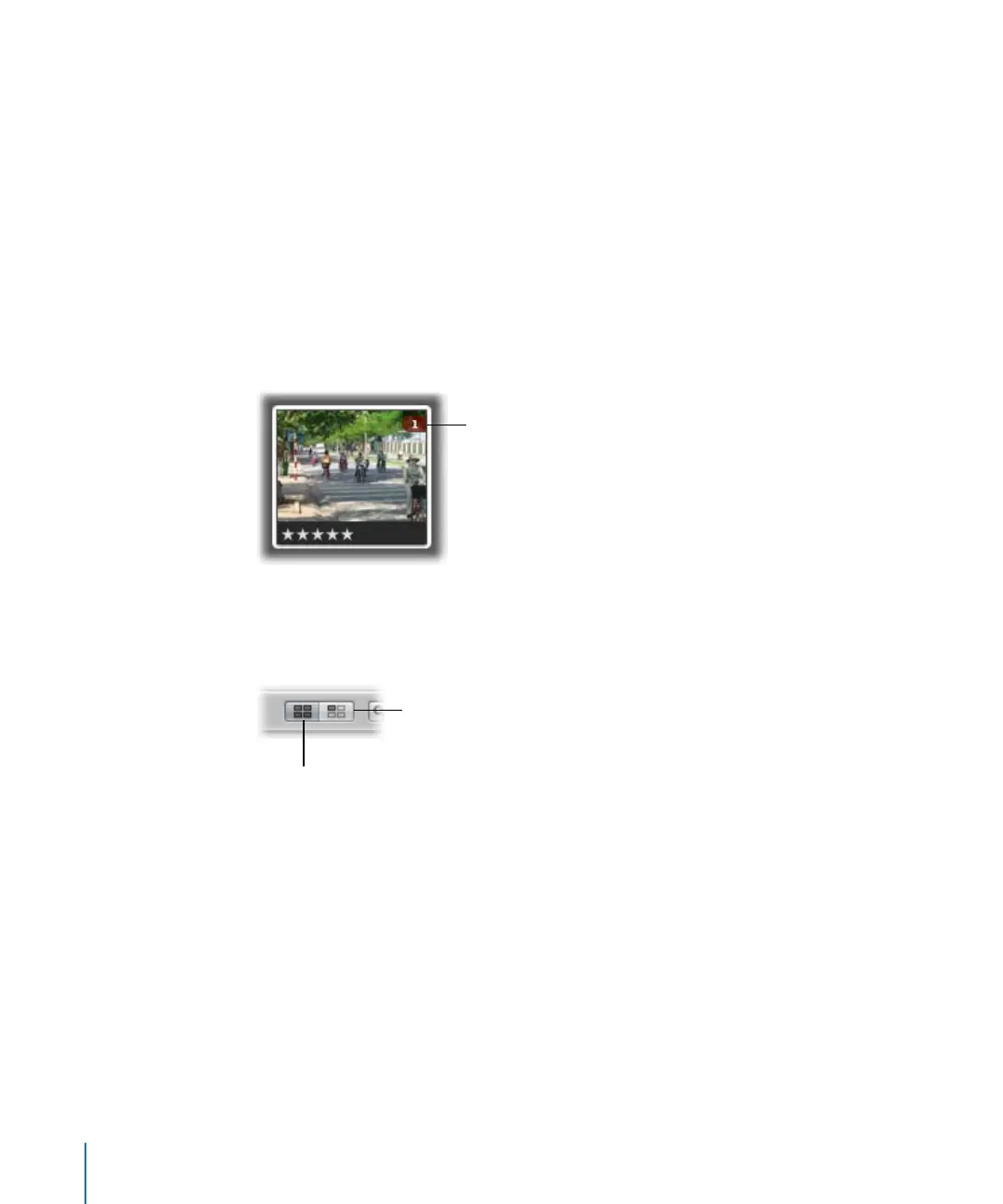
Once an image is placed in the book, its Browser thumbnail is marked with a number
to show how many times it appears on the pages of the book.
In a long book with many images, it can at times be difficult to know which images
have been placed in a book. To help you work efficiently, you can click the Show
Unplaced Images button to see only the images that remain unplaced.
To display only unplaced images in the Browser:
m Click the Show Unplaced Images button.
The number indicates
the number of times an
image has been placed
in a book.
Click here to see all the
images in the book album.
Click here to see only
unplaced images.





 To Next Page