190 Part II Photo Editing
Rating Images
Aperture provides a set of seven possible image ratings:
 Five stars, or Select
 Four stars
 Three stars
 Two stars
 One star
 Unrated, or neutral
 Reject
Rejected images appear with a white X overlay. Positive ratings appear with white star
overlays. If no overlays are displayed on the image, the image is considered neutral or is
not rated. You can rate a single image or apply a rating to several images at once.
Rating Individual Images
You can quickly rate a selected image with the rating buttons.
To rate an individual image:
1 Select an image in the Browser.
The image you selected appears in the Viewer.
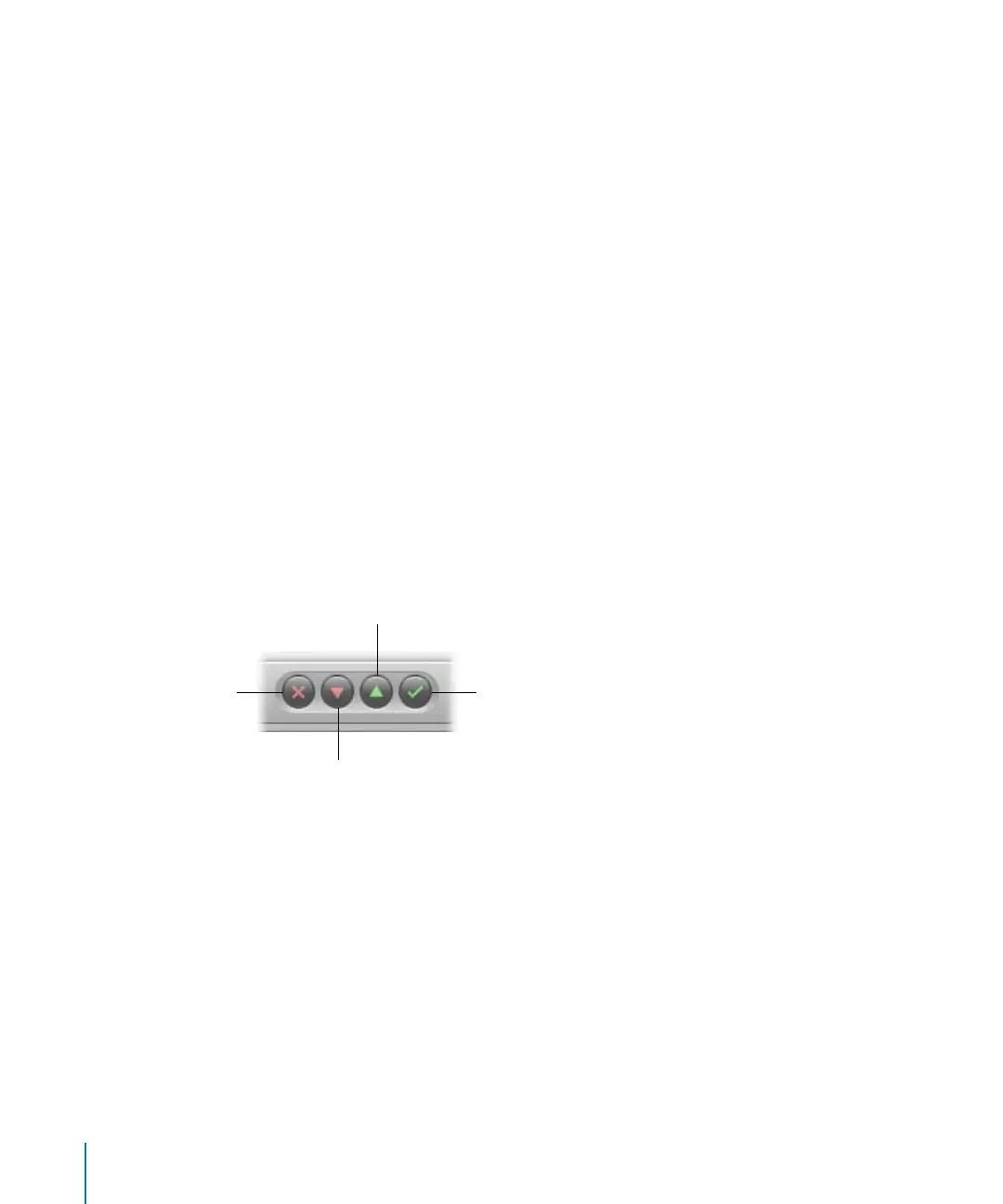
2 Click the rating buttons in the control bar to assign a rating.
 To assign the highest rating to the image: Click the Select button.
 To assign a rating of Reject: Click the Reject button.
 To increase or decrease the image rating: Click the Increase Rating or Decrease
Rating button.
Note: As long as the image is selected, you can change its rating.
3 To select the next image, press the Right or Left Arrow key or click the Previous Image
or Next Image button in the control bar.
Reject
Decrease Rating
Select
Increase Rating





 To Next Page