52 Part I Interface and Acquisition
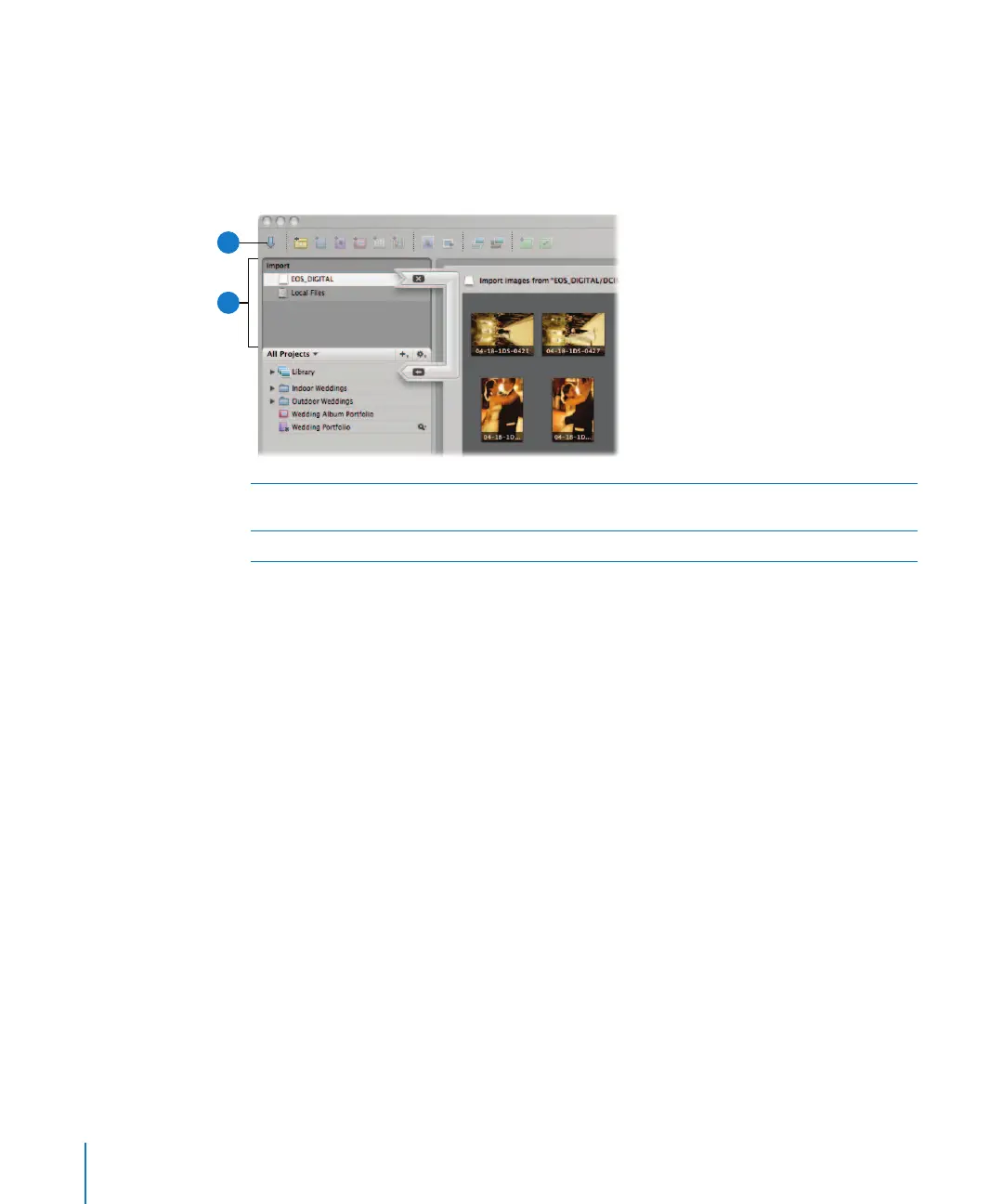
Import Panel
The Import panel displays a list of connected cameras, card readers, and external hard
disk drives, as well as local hard disks and mounted servers. To import images into
Aperture, you select a device in the panel or connect a camera or card reader, and the
Import dialog appears.
For more information, see Chapter 4, “Importing Images,” on page 87.
A
Import panel This list displays all locations from which you can currently import
images, including internal disks and connected drives.
B
Import Panel button Click this button to show or hide the Import panel.
B
A





 To Next Page