172 Part II Photo Editing
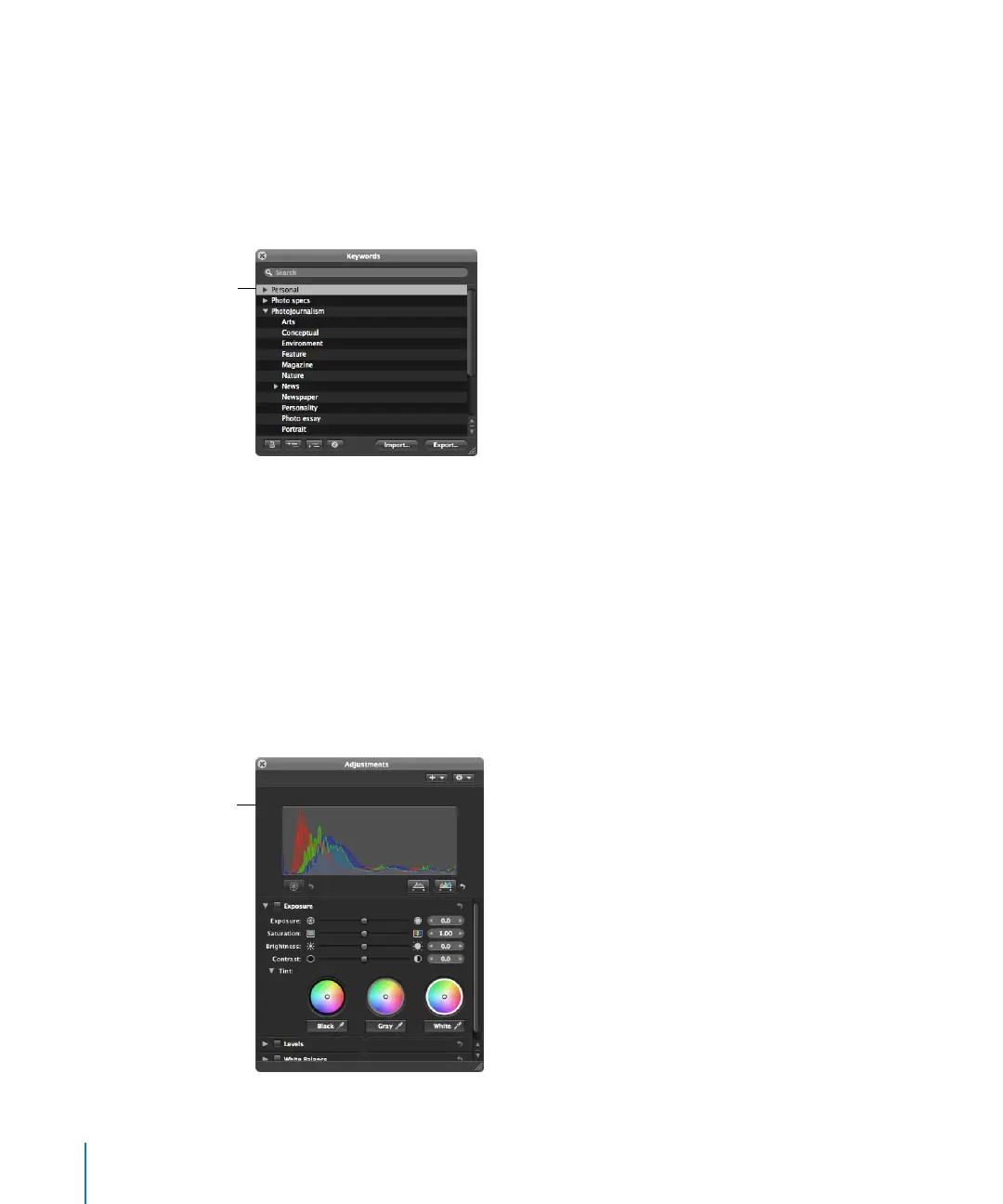
Keywords HUD
Use the Keywords HUD to create and organize keywords and to add keywords to your
images. For more information about applying keywords to images, see Chapter 10,
“Applying Keywords to Images,” on page 199.
To show the Keywords HUD:
m press Shift-H.
For more information about using the Keywords HUD, see Chapter 10, “Applying
Keywords to Images,” on page 199.
Adjustments HUD
Use the Adjustments HUD to remove image flaws like red-eye, noise, and dust; adjust
exposure, levels, and white balance; and straighten and crop your images. For more
information about adjusting images, see Performing Image Adjustments in the
Aperture Help menu.
To show the Adjustments HUD:
m Press H.
Use the Keywords HUD
in Full Screen mode to
quickly add keywords to
your images.
Use the Adjustments
HUD in Full Screen mode
to remove flaws and
make adjustments to
your images.





 To Next Page