234 Part II Photo Editing
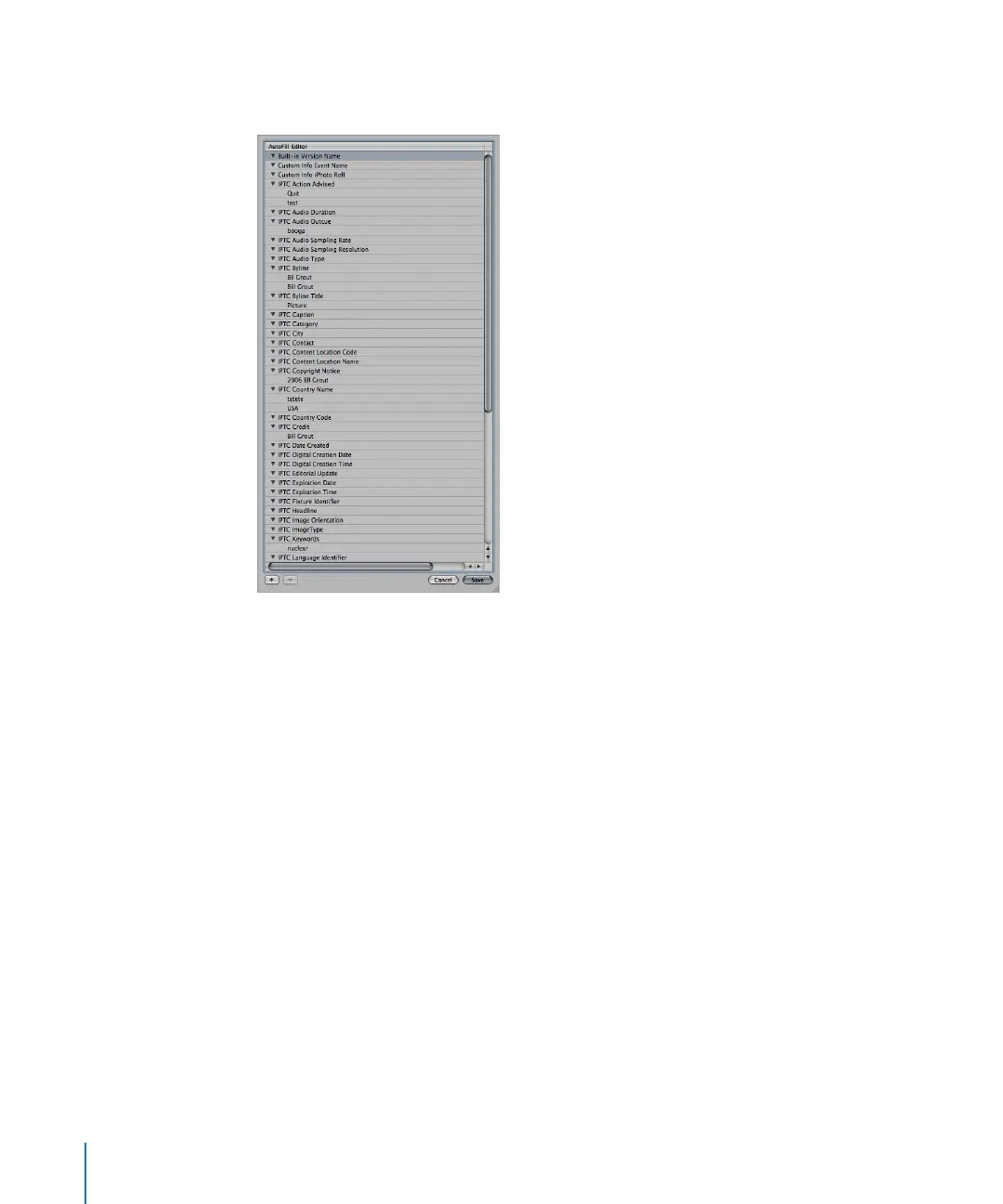
To set up autofill entries in the AutoFill List Editor:
1 Choose Metadata > Edit AutoFill List.
2 To edit the list, do one of the following:
 To add an entry: Select the metadata type you want to change, click the Add (+)
button, and enter the text you want.
 To change an entry: Click the disclosure triangle for the metadata type you want to
work with to display its entries, then double-click the entry you want to change. Type
the new text.
 To delete an entry: Click the disclosure triangle for the metadata type you want to
work with to display its entries. Select the entry you want to delete, then click the
Delete (–) button.
3 Click Save.





 To Next Page