18 Part I Interface and Acquisition
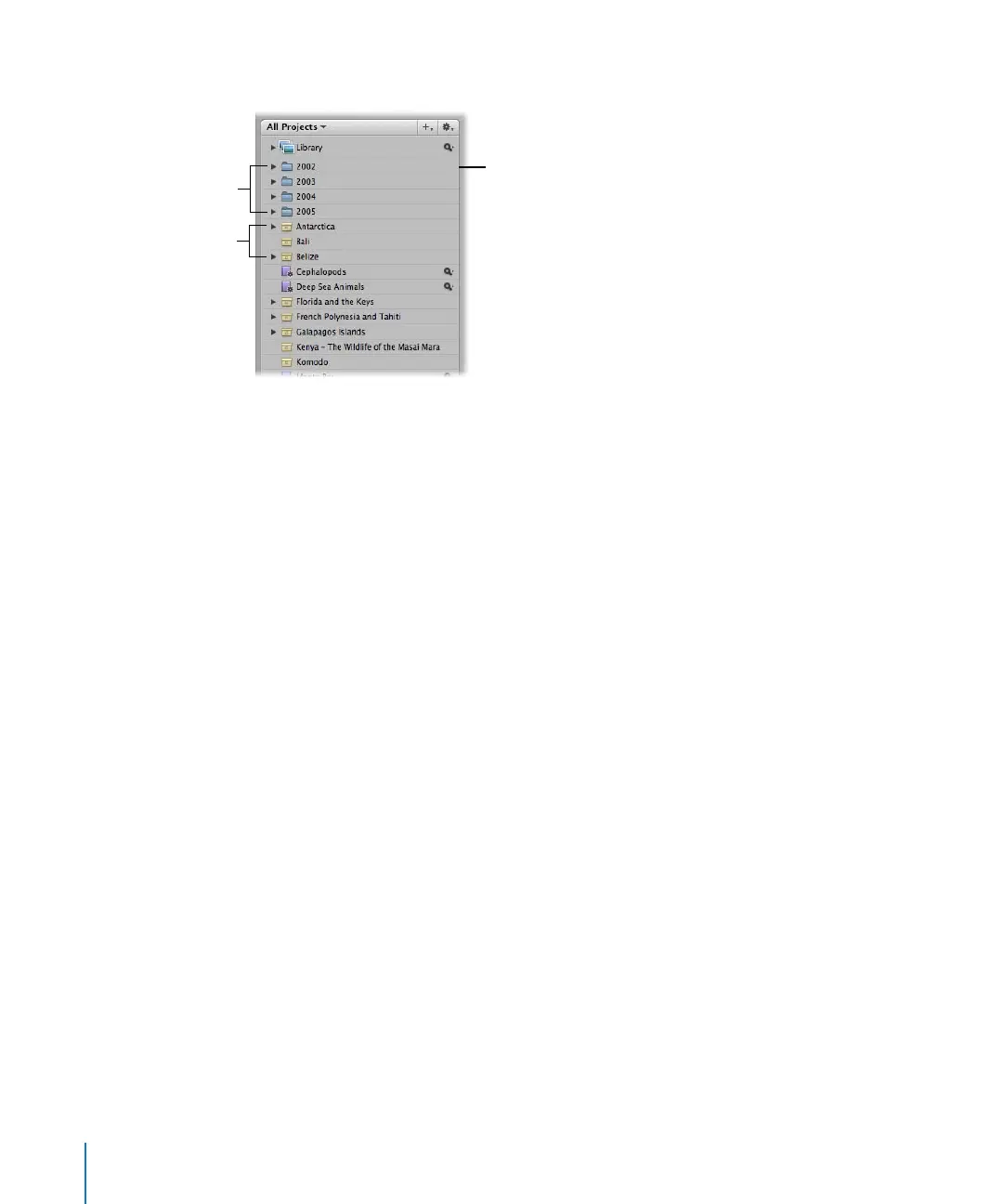
Your new project appears in a list in the Projects panel.
As your portfolio increases and you create more and more projects, you can organize
your work into hierarchies of folders, projects, and albums.
You can create as many projects as you need and name them according to any naming
scheme you prefer. It’s important to name projects so that they will be easy to identify
and access. When you need to further subdivide and organize images in a project, you
can create albums.
Over the long term you may be using Aperture to track years of projects, so you’ll want
to develop a naming system that is easy to use and understand. For more information
about organizing your images in projects and albums, see Chapter 3, “Working with
Aperture Projects,” on page 71.
Examples of items in
the Projects panel
Projects
Folders





 To Next Page