220 Part II Photo Editing
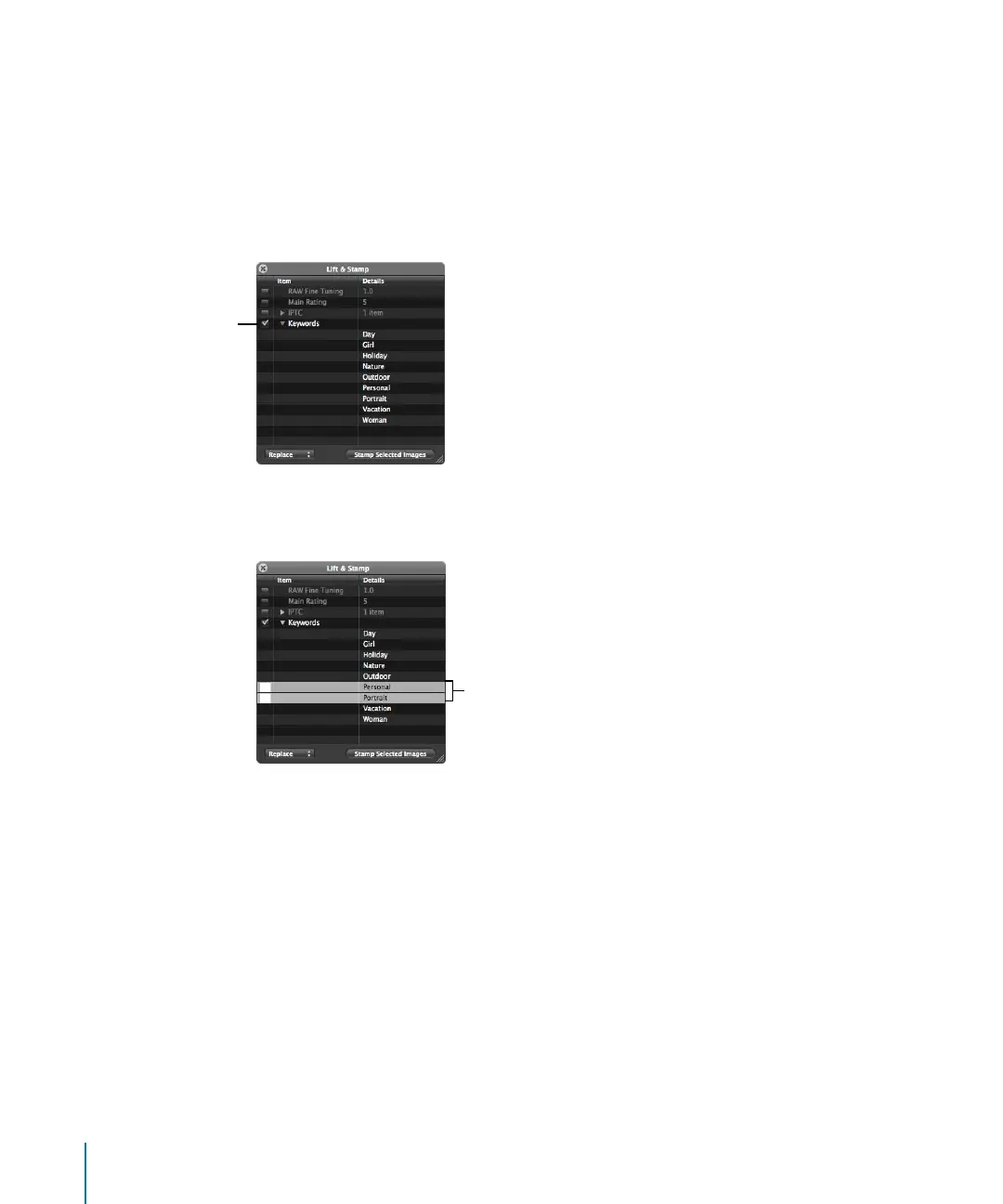
To stamp a reduced selection of keywords on an image or group of images:
1 Select the Lift tool (or press O).
The Lift & Stamp HUD appears.
2 Select an image.
3 In the Lift & Stamp HUD, deselect all image information checkboxes except for Keywords.
4 Click the Keywords disclosure triangle to reveal the keywords from the selected image.
5 Remove any keywords you don’t want to stamp on an image or group of images by
selecting each unwanted keyword in the list and pressing the Delete key.
6 Use the Stamp tool to select an image or group of images to which to apply the keywords.
The reduced selection of keywords is applied to the selected image or group of images.
You can quickly lift and stamp the keywords and all other metadata and adjustments
from one image to another using keyboard shortcuts.
Click the disclosure
triangle to reveal all
keywords applied to the
selected image.
Select the keywords you
don’t want to stamp,
then press Delete.





 To Next Page