Chapter 14 Printing Your Images 289
III
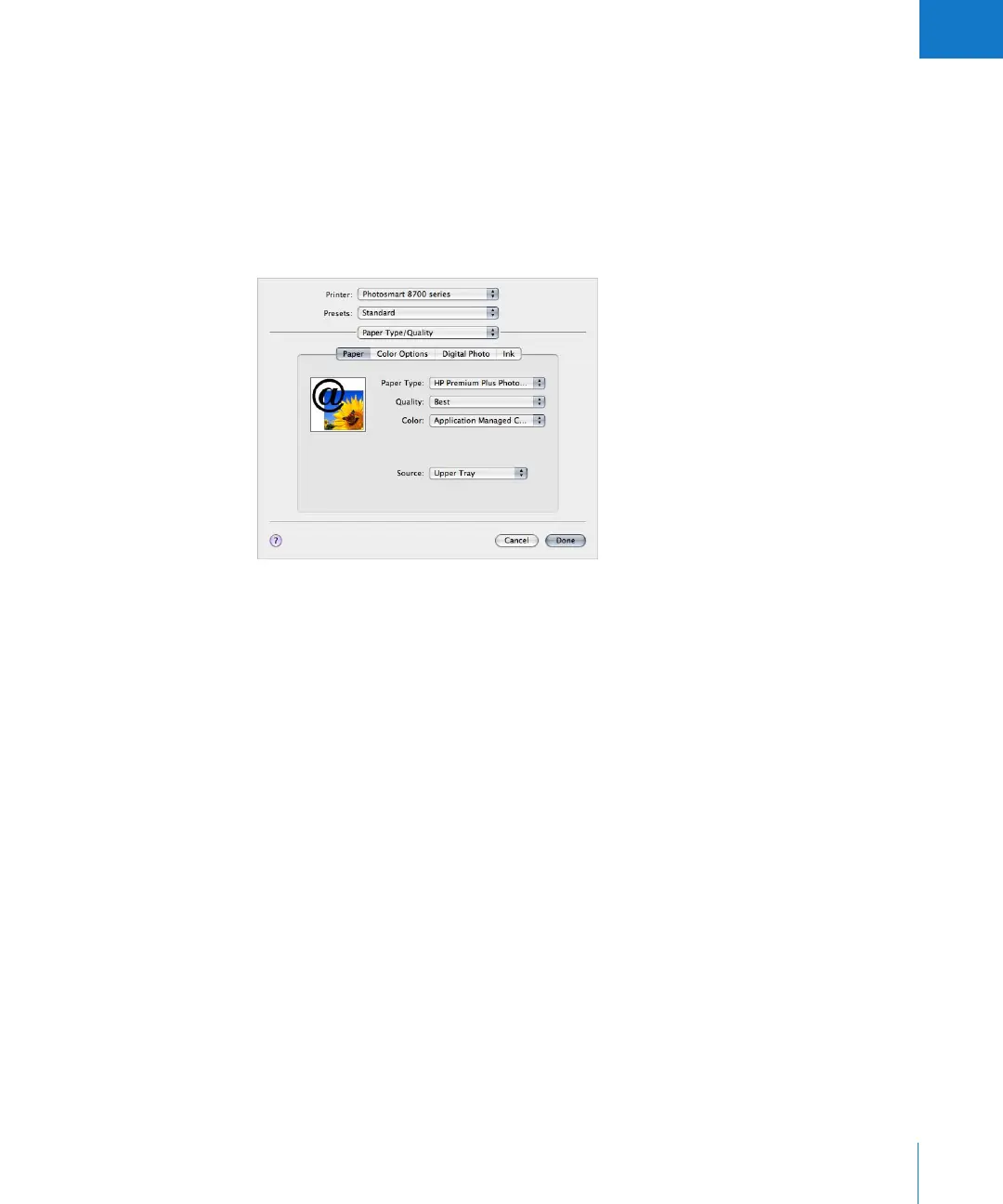
To turn off color management in an HP Photosmart 8700 series printer:
1 In Aperture, choose File > Print (or press Command-P).
The Print dialog appears.
2 Click the Printer Settings button.
3 In the dialog that appears, choose Paper Type/Quality from the third pop-up menu
from the top of the dialog, click the Paper button, then choose Application Managed
Color from the Color pop-up menu.
4 Make sure the other printer settings are correct, then click Done.





 To Next Page