Chapter 15 Exporting Your Images 299
III
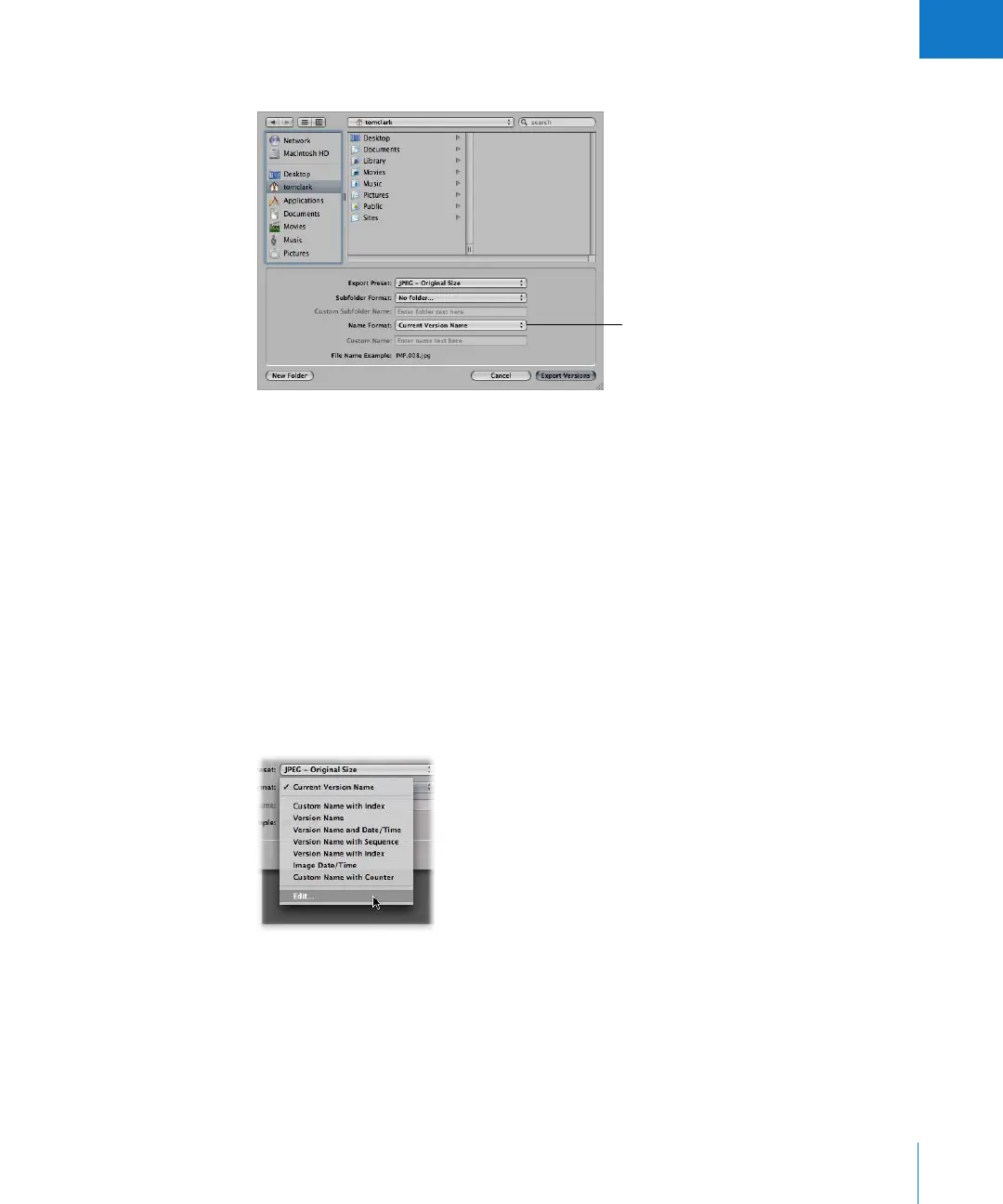
4 Choose a name format from the Export Name Format pop-up menu.
If you choose a Custom Name format, enter your custom name in the Custom Name field.
5 When you’re ready to export files, click Export.
The files are exported with the name format you specified.
If none of the preset name formats meet your needs, you can create a new name format.
For example, you could create a name format that uses a custom name, the index
number, and the date.
To create a new name format:
1 Select an image in the Browser.
2 Choose File > Export > Export Version (or press Command-Shift-E).
3 Choose Edit from the Export Name Format pop-up menu.
The Naming Presets dialog appears.
Choose a name format
here; if you choose a
Custom Name format,
enter the name in the
field below.





 To Next Page