322 Part III Distribution and Backup
7 If you want to preview your song choice, click the Play button.
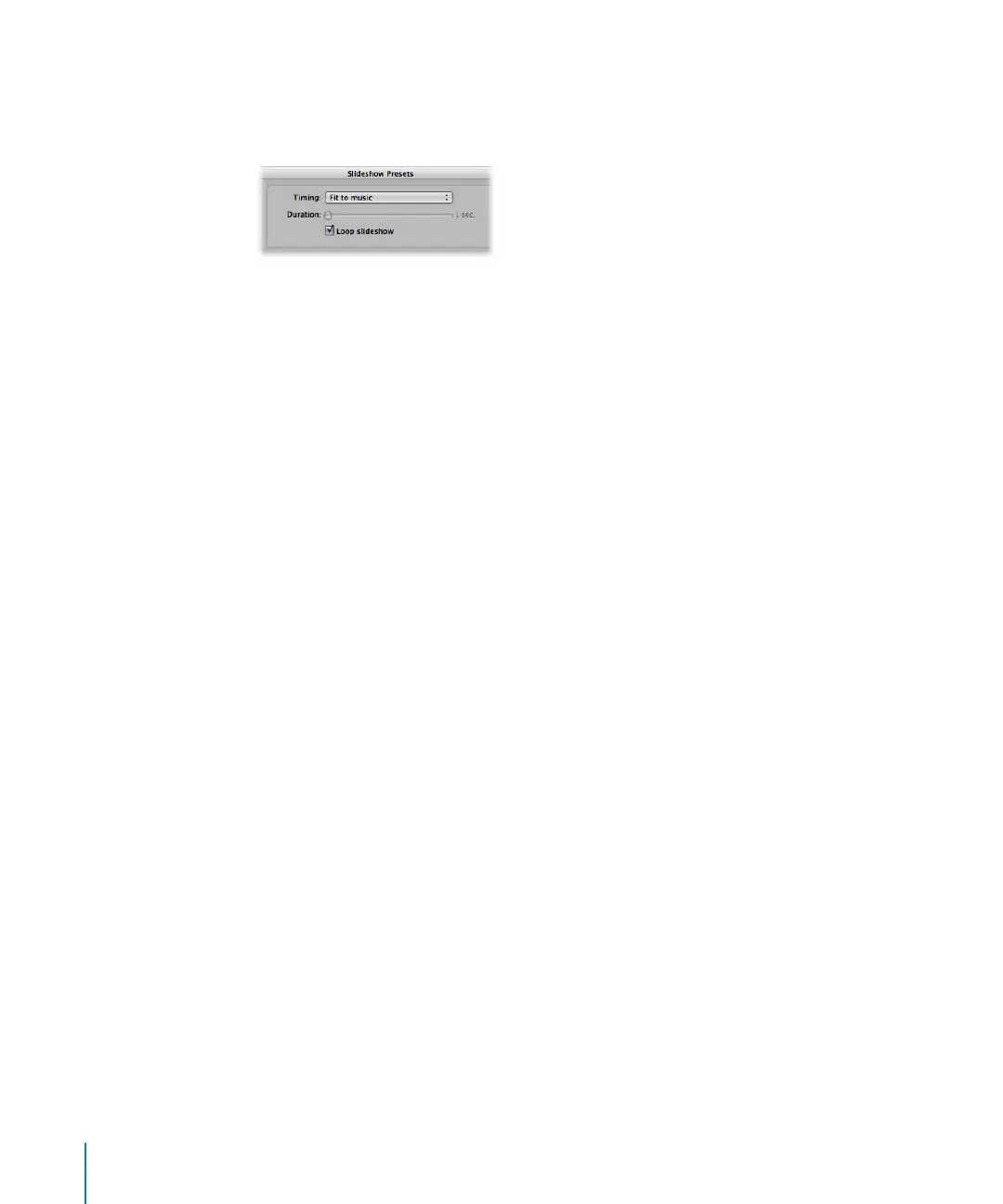
8 If you want the image display time to be adjusted so that your slideshow is the same
duration as the song, choose “Fit to music” from the Timing pop-up menu.
Aperture adjusts the amount of time each image is displayed to fit the duration of the
selected song.
9 If you are satisfied with your music selection, click OK.
The Run Slideshow dialog appears.
10 Click Start to begin playing the slideshow presentation.





 To Next Page