Chapter 17 Using the Light Table 329
III
To distribute selected images with an equal amount of space between them:
1 In the Light Table, select the images you want to distribute.
2 Control-click one of the images, choose Distribute from the shortcut menu, then
choose Horizontal or Vertical Distribution from the submenu.
The images are distributed horizontally or vertically in the Light Table.
You can also automatically group a selection of images. Aperture gathers the images
and places them together for easy arrangement. If some images in a group are hidden
behind other images, you can also reveal, or uncover, all images in the group.
To group images in the Light Table:
1 In the Light Table, select the images you want to group.
2 Control-click the selection, then choose Arrange from the shortcut menu.
To reveal images in the Light Table that are covered by other images:
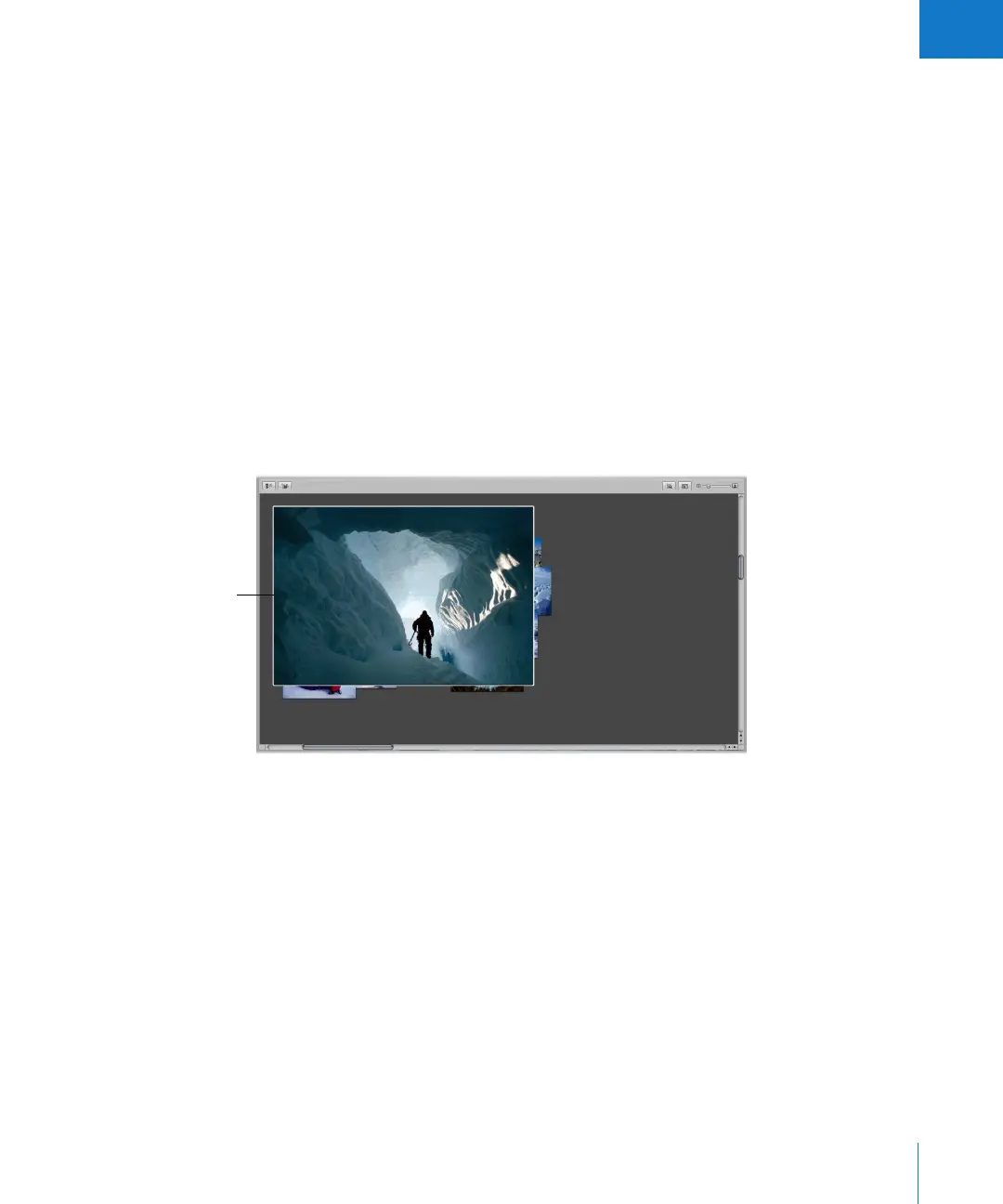
1 Select the top image in the group.
The top image is
selected.





 To Next Page