Appendix B Calibrating Your Aperture System 429
IV
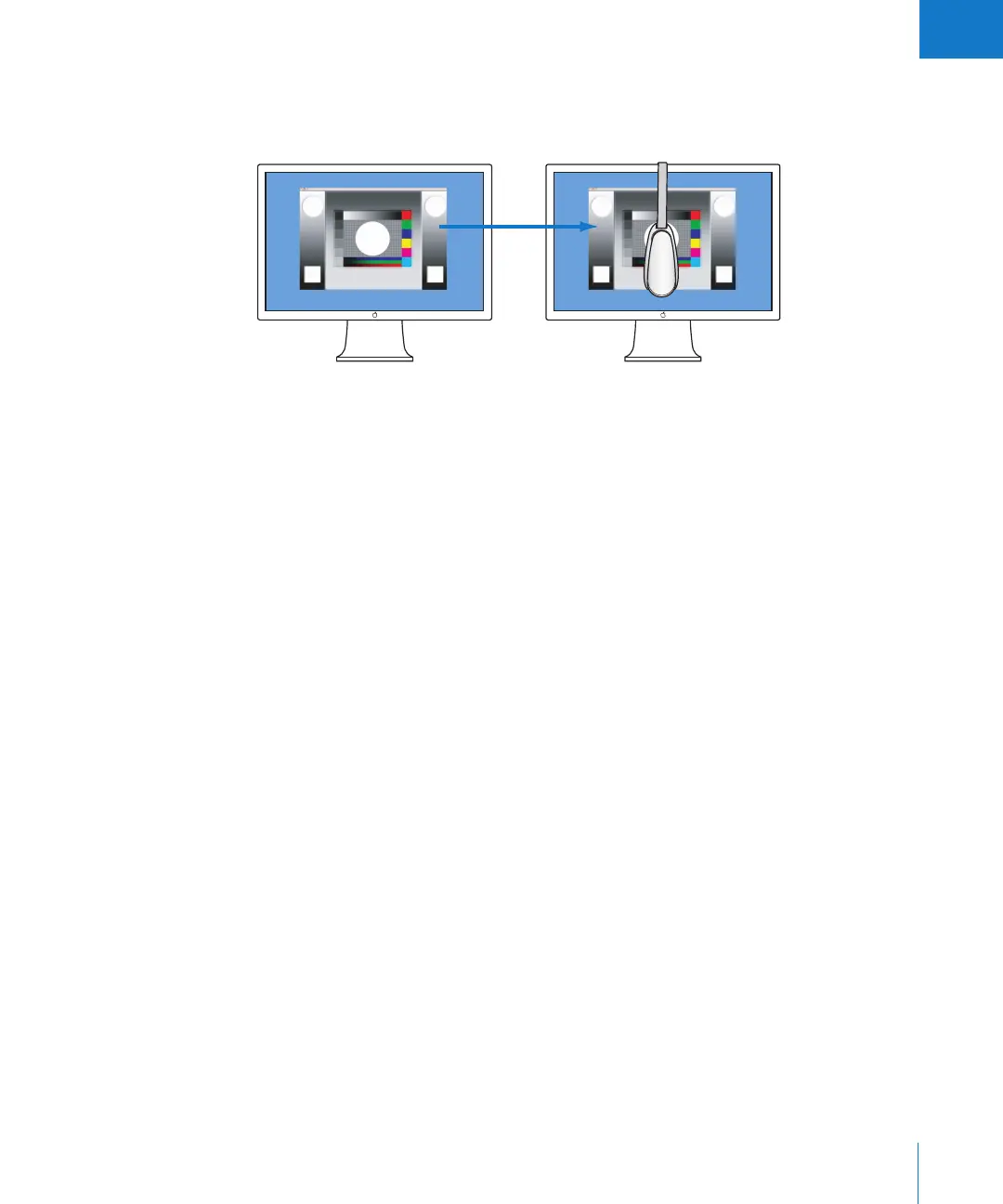
To calibrate and profile your second display:
1 Drag the application to the second display, then attach the optical device.
2 Follow the previous calibration steps.
Now your second display is calibrated.
Important: Your display’s profile is a snapshot of the device’s behavior. If the behavior
of the display changes, the profile is no longer valid. Therefore, it’s important to profile
your display as frequently as possible. Some color adjustment professionals profile their
displays daily.
Drag the color calibration window
to the second display.
Apple Cinema DisplayApple Cinema Display





 To Next Page