44 Part I Interface and Acquisition
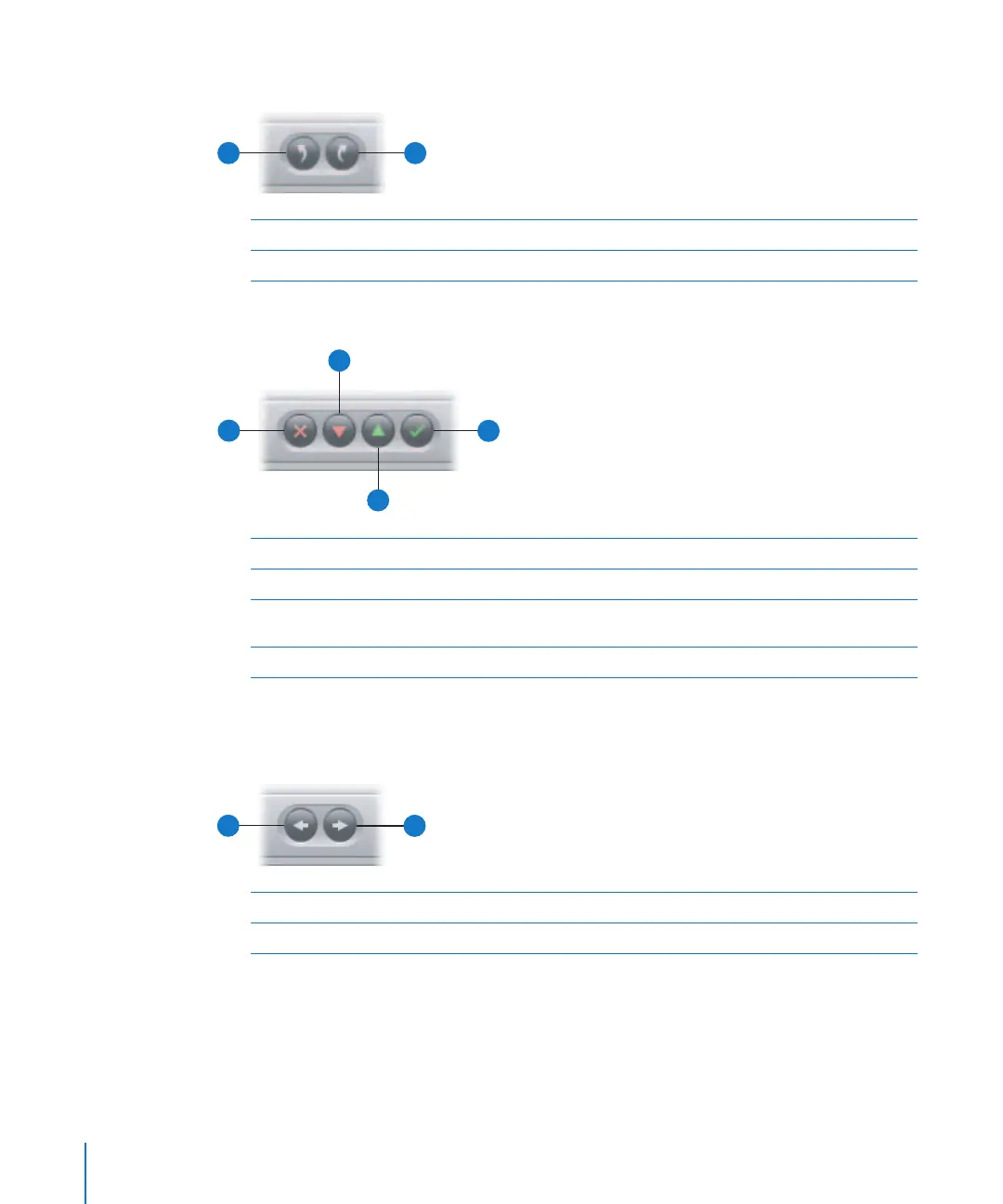
Rotate Buttons
Rating Buttons
To learn more about rating your images, see Chapter 9, “Rating Images,” on page 187.
Navigation Buttons
A
Rotate Left Click this button to rotate the selected image to the left.
B
Rotate Right Click this button to rotate the selected image to the right.
A
B
A
Reject Click this button to give the selected image a Reject rating.
B
Decrease Rating Click this button to decrease the rating of the selected image.
C
Select Click this button to give the selected image a Select rating
(five stars).
D
Increase Rating Click this button to increase the rating of the selected image.
A
B
C
D
A
Previous Image Click this button to go to the previous image.
B
Next Image Click this button to go to the next image.
A
B





 To Next Page