Chapter 3 Working with Aperture Projects 81
I
To open additional projects in the Browser:
m Command-click a project in the Projects panel.
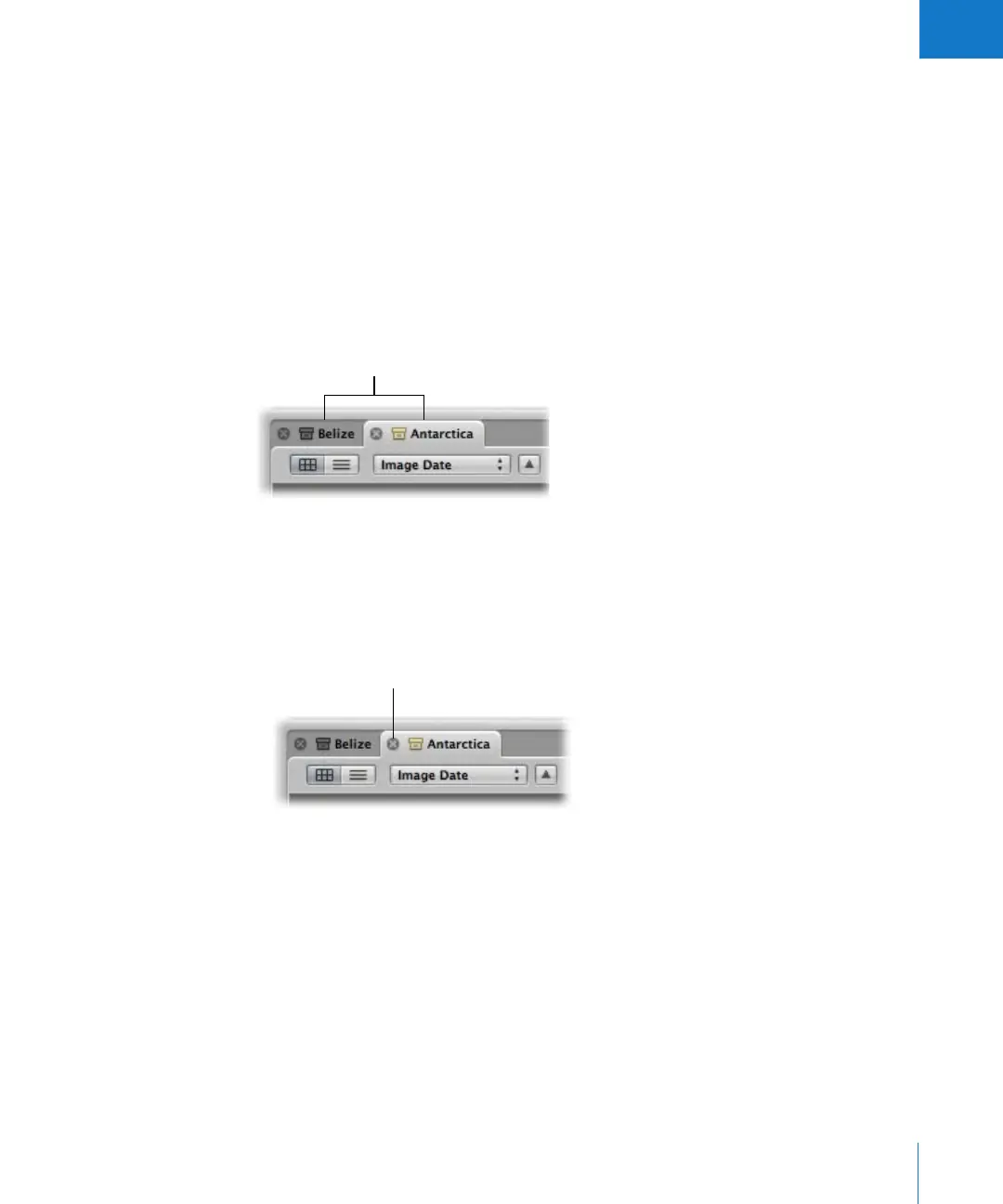
The newly opened project appears in the Browser with its own tab, in front of any
other open projects.
To open another project in its own pane:
m Option-click a project in the Projects panel.
The newly opened project appears in the Browser in its own pane.
To switch between several open projects:
m In the Browser, click a project’s tab.
To close a project:
1 Click the project’s tab to bring it to the front.
2 Do one of the following:
 Choose File > Close Tab (or press Command-W).
 Click the tab’s close button.
Projects are identified
by their tabs.
Close button in a tab





 To Next Page