5-94
Chapter 5. Functions
Mode display setup
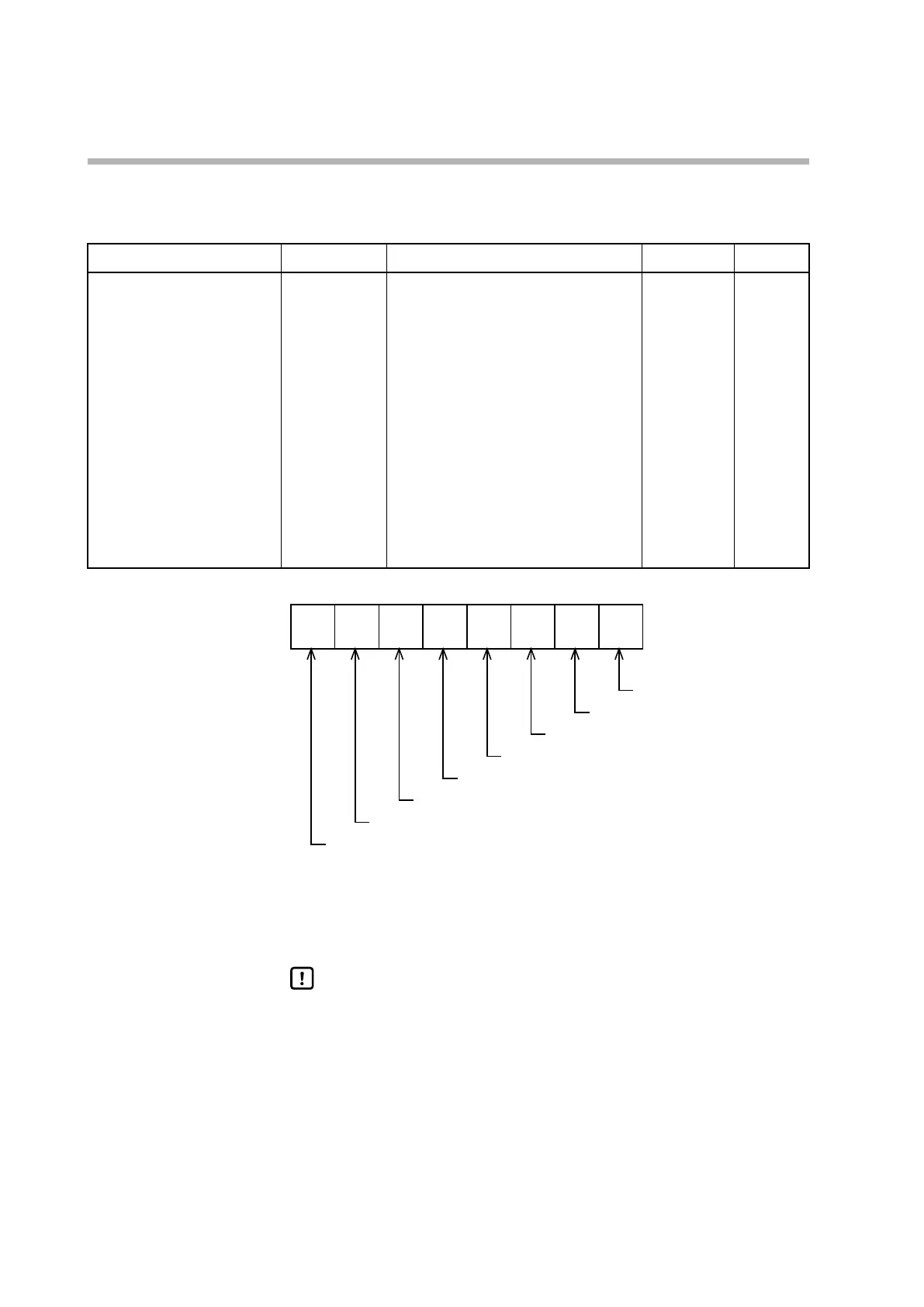
Whether to display the mode settings in the mode bank can be selected.
Item (bank) Display Description Initial value User level
Mode display setup
(setup bank)
C 73
Whether to display the settings in the
mode bank is determined by the sum of
the weights shown below.
Bit 0: AUTO/MANUAL display
No: 0, Yes: +1
Bit 1: RUN/READY display
No: 0, Yes: +2
Bit 3: AT stop/start display
No: 0, Yes: +8
Bit 4: DO latch release display
No: 0, Yes: +16
Bit 5: User-defined bit 1 ON/OFF display
No: 0, Yes: +32
Invalid settings: 0, +4, +64, +128
255 Standard,
advanced
2
7
2
6
2
5
2
4
2
3
2
2
2
1
2
0
• If Smart Loader Package model SLP-C1F is used, the setting for C73 (mode
display setting) can be specified not only by a numerical value but also by bit
input.
Handling Precautions
• Even if AUTO/MANUAL display is enabled, if CtrL (control method) is
set to 0 (ON/OFF control), the AUTO/MANUAL selection setting is not
displayed.
• Even if AT stop/start display is enabled, if CtrL (control method) is set to
0 (ON/OFF control), the AT stop/start setting is not displayed.
Undefined
Undefined
User-defined bit 1 ON/OFF display
Release DO latches display
AT stop/start display
Undefined
RUN/READY display
AUTO/MANUAL display



 To Next Page