6-19
Chapter 6. Displayed Items and Settings
Meaning of user level settings
0: Simple configuration, 1: Standard configuration, 2: Advanced configuration
Setup bank
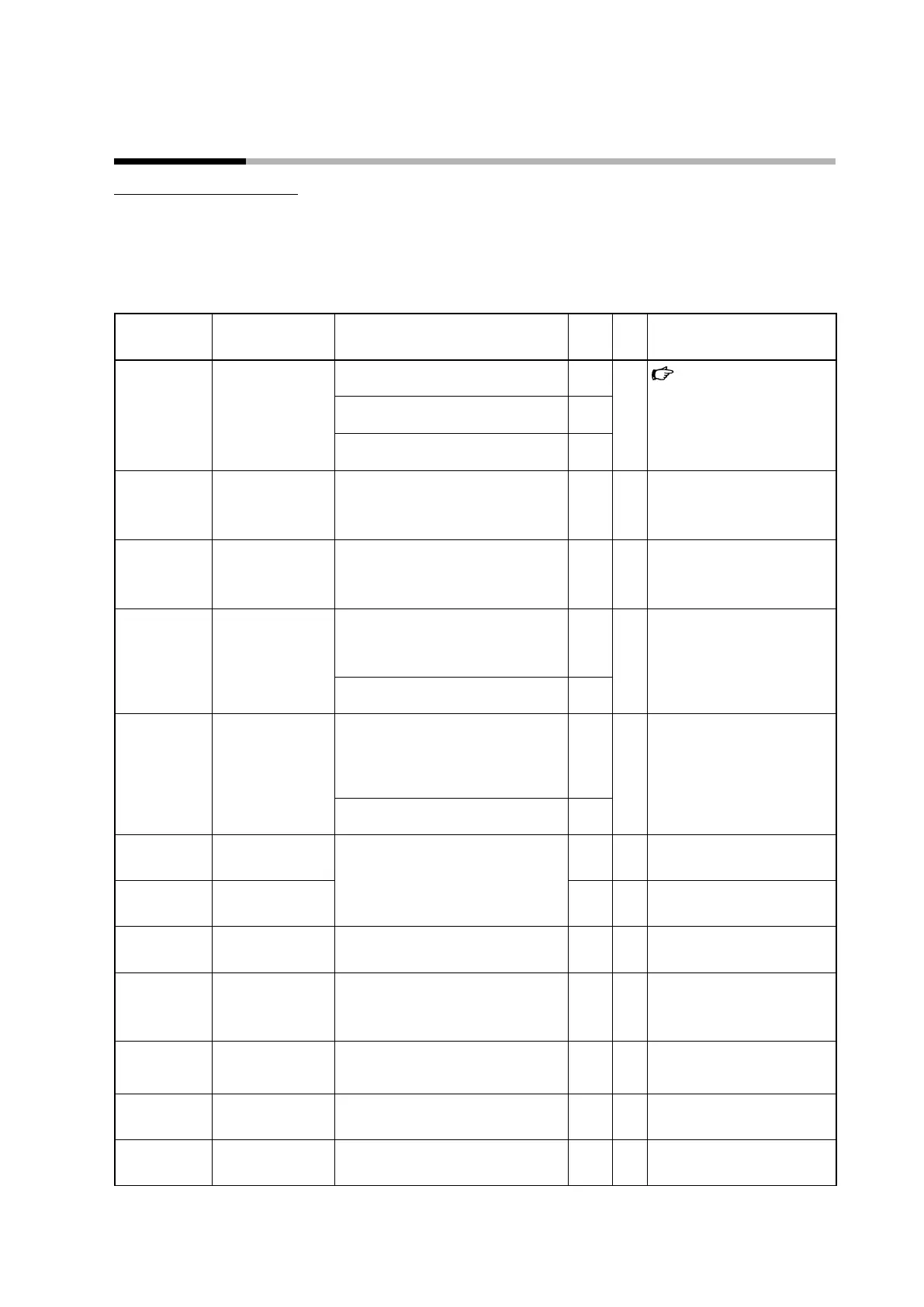
Bank selection: STUP
Display Item Description Initial
value
User
level
Notes
C 01
PV input range type For thermocouple:
1–6, 9–11, 13–21, 23–25
1 0
PV input range type
(p.5-2) (for details)
For RTD:
41–46, 51–54, 63, 64, 67, 68
41
For DC voltage/current:
84, 86–90
88
C 03
Reference junction
compensation
(cold junction
compensation)
0: Internal compensation (by this device)
1: External compensation (by another
device)
0 2 Displayed if a thermocouple
range is set for PV input range
type.
C 04
PV Decimal point
position
0: No decimal point
1: 1 digit after the decimal point
2: 2 digits after the decimal point
3: 3 digits after the decimal point
0 0 If a DC voltage/current range is
set for PV input range type or if a
thermocouple or RTD range with
a decimal point is selected.
C 05
PV range low limit If a thermocouple or RTD range is set for
PV input range type (C01),the low limit of
the specified PV input range is displayed
but the setting cannot be changed.
- 0
If the PV input type is DC voltage/
current: −1999 to +9999
0
C 06
PV range high limit If a thermocouple or RTD range is set
for PV input range type (C01),the high
limit of the specified PV input range
is displayed but the setting cannot be
changed.
- 0
If the PV input type is DC voltage/
current: −1999 to +9999
1000
C 07
SP low limit PV range low limit to PV range high limit - 1
C 08
SP high limit - 1
C 09
PV square root
extraction dropout
0.0 to 100.0 % (0.0 = no square root
extraction)
0.0 2 Displayed if the PV input type is
DC voltage/current.
C 14
Control action
(direct/reverse)
0: Heating control (reverse action)
1: Cooling control (direct action)
0 0 Displayed if the control method
is ON/OFF control (CtrL = 0) or
if heating/cooling control is not
used (C26 = 0).
C 15
Output operation at
PV alarm
0: Continue the control calculation
1: Output the value set for “Output at PV
alarm”
0 2
C 16
Output at PV alarm −10.0 to +110.0 % 0.0 2
C 17
Output at READY
(Heat)
−10.0 to +110.0 % 0.0 1
6 - 3 Setup Bank, etc., Settings



 To Next Page