5-22
Chapter 5. Functions
z
PID control operation initialization
PID control operation is initialized when:
• PID control starts after RUN + MANUAL modes are switched to RUN + AUTO
modes
• PID control starts after READY + AUTO modes are switched to RUN + AUTO
modes
• PID control starts after the value set for “Output at PV alarm” is output
• PID control starts after AT ends normally
• PID control starts after AT ends abnormally
• The settings below are changed in RUN + AUTO modes:
Control method
Heat/cool control
Control operation
Sampling cycle
Control algorithm
• PID control is initialized according to the setting for “Initial output type (mode)
of PID control” (C21) in RUN + AUTO modes
Heating/cooling control
The dead zone and cooling gain can be set for heating/cooling control.
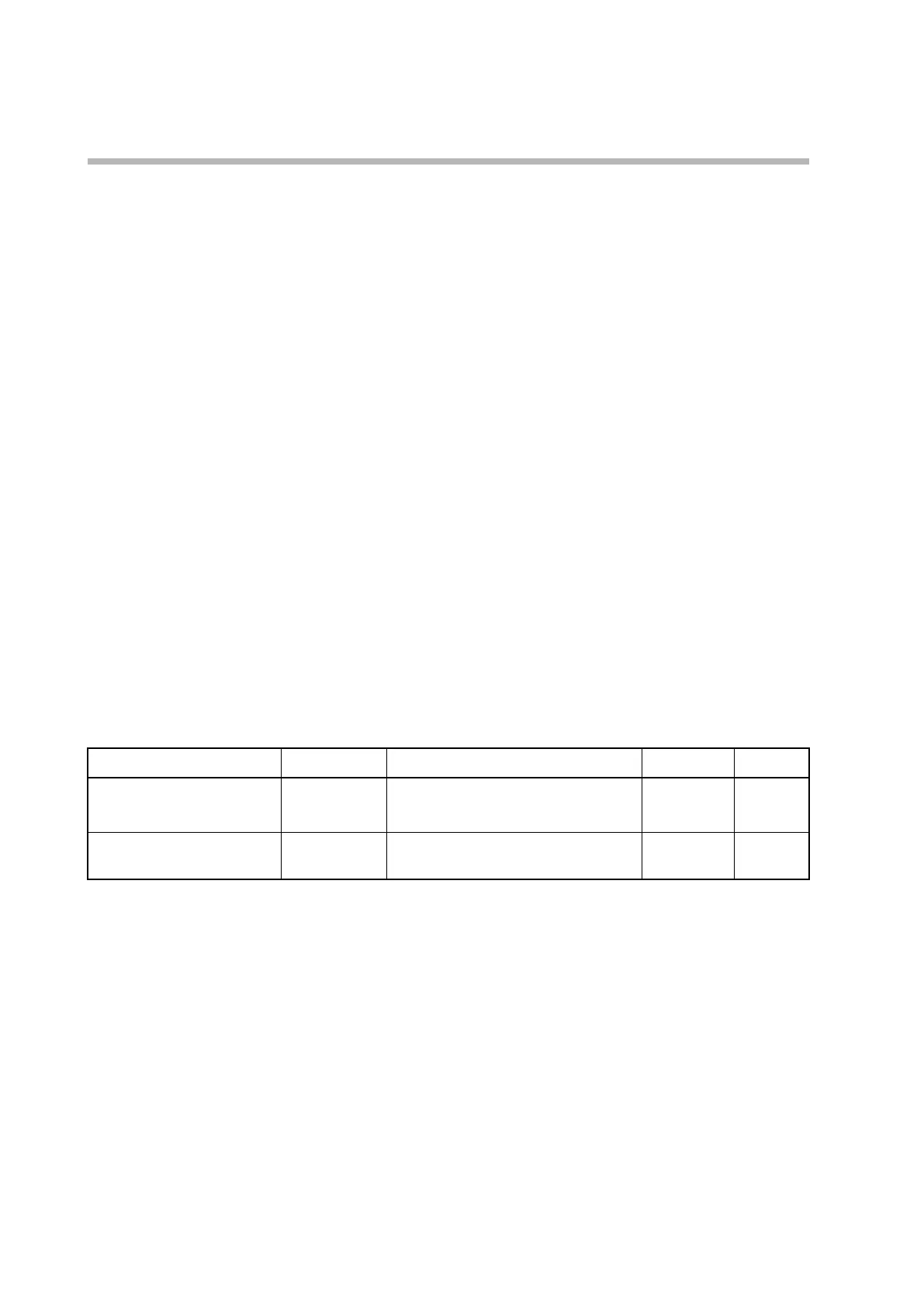
Item (bank) Display Description Initial value User level
Heat/Cool control dead zone
(setup bank)
C 28
−100.0 to +100.0 % 0.0 % Simple,
standard,
advanced
Cooling gain
CLg
−10.0 to +110.0 % 30.0 % Advanced
Heating/cooling control operations are as follows.
• C28 (heat/cool control dead zone) is displayed and the setting can be changed if
C26 (heat/cool control) is set to 1 or 2 (use).
• If C26 (heat/cool control ) is set to 1 (use (individual PID)), heating PID values
apply when the MV is 50 % or more, and cooling PID values apply when the MV
is less than 50 %.
• CLG (cooling gain) is displayed and the setting can be changed if C26 (heat/cool
control) is set to 2 (use (shared PID)).
• Set CLG (cooling gain) to a higher value to boost the cooling capability, and set it
to a lower value to decrease the cooling capability.



 To Next Page